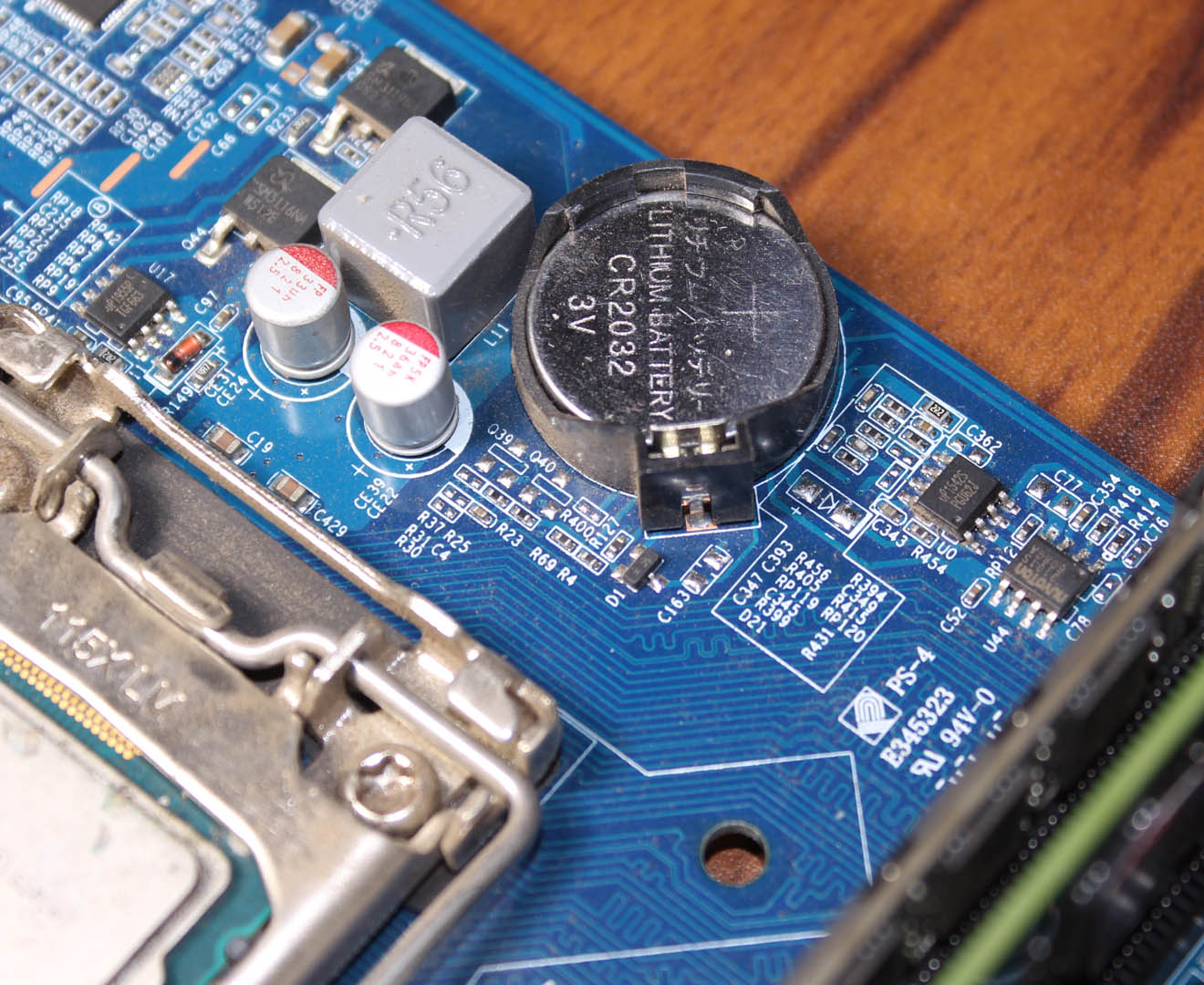
How to Replace CMOS Battery On Your Computer? Step-by-Step Guide!

CMOS (Complementary Metal Oxide Semiconductor) battery aka BIOS battery is a coin-sized lithium-ion battery responsible for powering the CMOS RAM located inside the chipset of the motherboard. CMOS RAM stores all the necessary information of BIOS such as Date and time, CPU type, speed, RAM size, type, frequency, and even the boot priority settings. Read … Read more

Why Do Laptops Overheat? Laptop Heating Issue Fixed!!

Laptop overheating is one of the most frustrating problems for users. As laptops are getting older and older, this problem certainly occurs from nowhere, and as time passes it is getting hot like hell. That’s definitely an irritating problem. So, we have to solve this problem otherwise the machine might not last long. Anyway, let’s see what … Read more

USB Type-C, DisplayPort, Thunderbolt 3.0 – Myths Busted!!

Nowadays Type-C ports are commonly used in so many devices. From Macs to Windows machines, smartphones and even some of the other devices are now featuring this connector but all the Type-C ports are not the same. It’s up to the manufacturer which protocol or interface this connector supports. Especially on laptops, a Type-C port’s … Read more

Why your laptop or Desktop gives you electric shock?!

You may have experienced a slight electric shock from your laptop’s or desktop’s metal body and sometimes from the exposed metal portion of the connected cables like HDMI, USB, etc. You have probably thought, why is this strange behavior happening? Is this a real problem? Should I have to fix this? Well, you will get … Read more

Pirated Windows Vs Original or Genuine Windows! What You Shouldn’t Consider & Why?

Pirated Windows operating systems are very commonly used all over the world and we’re doing this for decades but do you know, how much it could be potentially harmful to use pirated operating systems? Of course, you don’t know or you don’t care. Retail Windows isn’t so cheap. Everyone can’t afford it but there are … Read more

Windows Drive Letters Start With ‘C’! What about the A: and B: Drives?

You guys have probably seen that in Windows, the drive letter assigning process always starts from ‘C’ [Ex. Local Disk (C:)]. So, why does this strange thing always happen? Why are the alphabets like (A:) or (B:) never used at the beginning? Well, there is a reason and I can assure you, you will get … Read more

Adblock Detected!

Our website is made possible by displaying online advertisements to our visitors. Please consider supporting us by whitelisting our website.