USB Hubs: Things You Should Know Before Purchasing

USB hubs are commonly used nowadays. With the increasing popularity of laptops, people are preferring USB hubs instead of directly connecting devices to the laptop. The reasons here are quite obvious. With the constant plug-in and out, tear the USB ports over time, and also there’s a limited number of USB ports in the laptops. … Read more

8 Signs That Your RAM is Going to Fail

Mostly, with laptops people complain about battery issues, keyboard failure, hinge broken, and even display problems but there is another problem that can’t be ignored – RAM issues. When RAM is started creating problems you will be frustrated and can’t find what’s actually happening with your system. In this article, I will discuss those problems … Read more

Desktop Vs Laptop: Same Configuration Perform Differently: Why?

Don’t know guys have you ever noticed or not? Always, if you compare the performance of a desktop and a laptop with the same specifications let’s say both have Intel core i7 chip, 32GB RAM paired with an NVIDIA RTX 3070Ti GPU, their performance varies significantly. The desktop paired with i7 and RTX 3070Ti will … Read more

Wireless Mouse Not Working! How to Test?

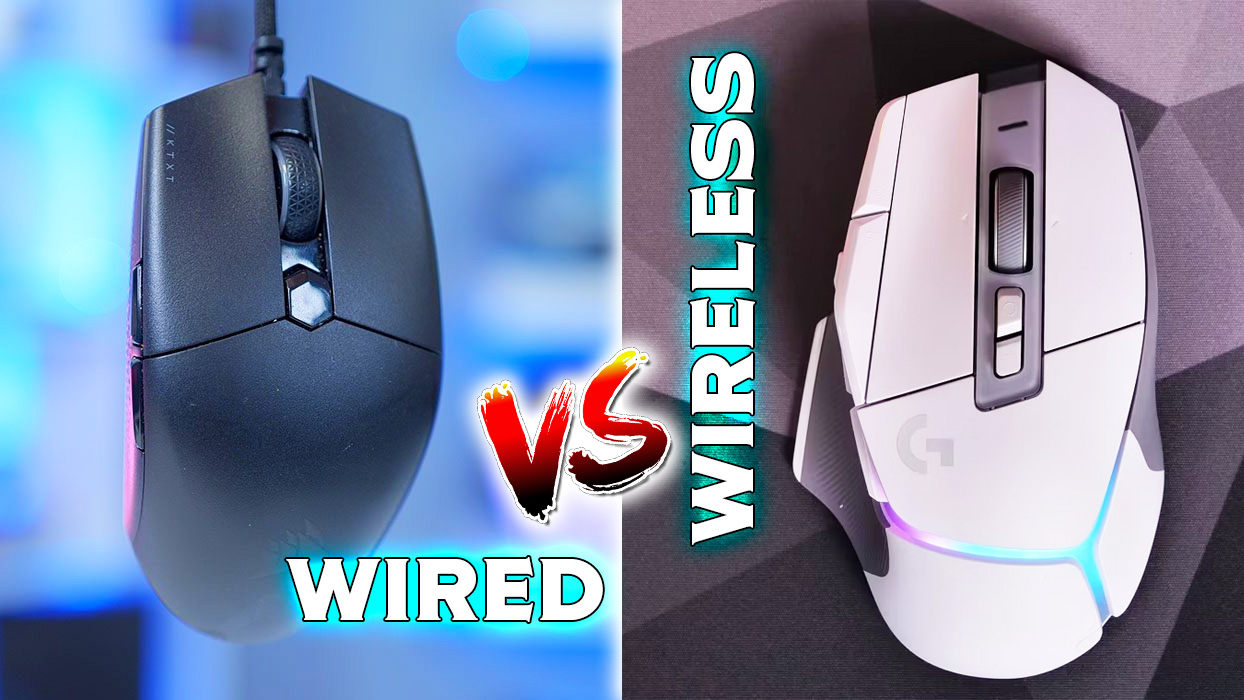
In a wide variety of options, it’s quite hard to determine which mouse would be suitable for you. Without understanding the technical specifications if you bought one, you may have thrown your money into the garbage. But if you still have hope then I would recommend some tests which should be performed on your wired … Read more

Some Laptop Keys Not Working: Simplest Way to Fix!

Owning a laptop is quite a headache when only the keyboard of the laptop doesn’t work or a few of its keys are just stopped working. To tackle the situation either you have to replace the keyboard which obviously doesn’t come cheap or have to use an external keyboard to do the job. If all … Read more

Wi-Fi Card For PC – Things You Should Know

If you are owning a desktop then probably you don’t have Wi-Fi integrated. To access Wi-Fi sometimes we purchase cheap Wi-Fi dongles which neither offer proper speed nor stability. Obviously, just to get Wi-Fi replacing the motherboard is not an option instead Wi-Fi cards could come in handy. So, let’s take a deep look, what … Read more

Power Supply & Chargers Can Hack Your PC & Laptop

Have you heard of Air-Gapped computers? If not, then let me tell you that those computers that aren’t connected to the internet, Wi-Fi, and even Bluetooth are called air-gapped computers. Mostly in industrial environments, these kinds of computer systems are used to protect the machinery or production system from unwanted access, and also often it’s … Read more

Computer Running Slow! How to Make Computer Faster

So, again your computer is running slow and you’re becoming frustrated. No don’t worry, you’re not the only one with the certain slow-down issue. This is a very common problem and you may have already tried so many tips from the internet like restarting your computer, closing browser tabs, opening up task manager, and checking … Read more

M.2 PCIE NVME Sizes Explained! 2280 2260 2242 etc.

When we’re dealing with SSDs, there are so many different things that come to confuse us. It starts from different types, sizes, form factors, connectors, and speeds – a single variation could result in a huge performance difference and cost. As with one of the previous articles we have talked about the different protocols of … Read more

Laptop Battery Not Charging: How to Fix?

Maybe right now your laptop’s battery isn’t charging that’s why you are in this article. It’s quite common when laptops completely refuse to take charge. Sometimes, it’s a serious hardware issue but not necessarily always. Often, quite a few settings and troubleshooting techniques fix laptop charging issues. I am not saying that these tips will … Read more

How to Disable ‘Let’s Finish Setting Up Your Device’ in Windows 10 & Windows 11?

One of the most annoying things I have faced in Windows while the OS constantly reminds you after Restart, Windows update, or every 3 days of intervals with a ‘Let’s Finish Setting Up Your Device’ screen if you haven’t set up Windows Hello, Office 365, One Drive, link your phone to your PC or synchronized … Read more

What is Windows 11 Fast Startup? How to Enable & Disable Fast Startup On Windows?

Windows 11 has lots of incredible features and over time more and more features are going to be summed up. Apart from some serious issues which we can expect to be fixed, if you still considering using Windows 11 you should know a feature called ‘Fast Startup’ that basically allows your PC to boot faster … Read more

Adblock Detected!

Our website is made possible by displaying online advertisements to our visitors. Please consider supporting us by whitelisting our website.