
The short answer is yes—but only if you understand the compromises. In 2026, an 8GB graphics card can still deliver excellent 1080p gaming performance, especially in esports, older AAA games, and competitive titles. However, it is no longer a comfortable choice for gamers who want maximum textures, ray tracing, 1440p gaming, or several years of future-proof performance.
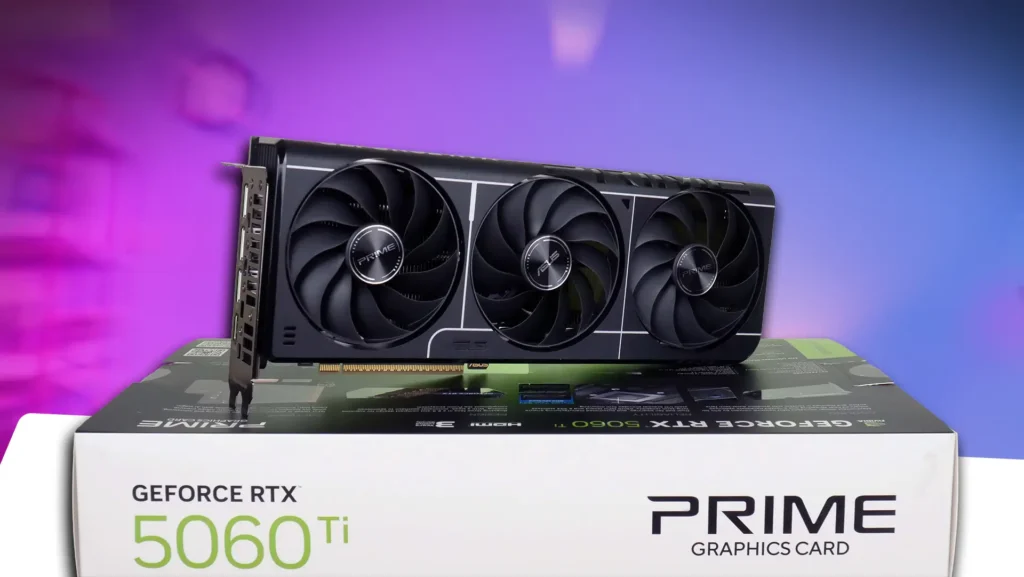
The real question is not whether 8GB VRAM works. It does. The question is whether it works for the games, resolution, and settings you actually use.
Also Read: Laptop Overheating? Fix It Before It’s Too Late!
Why VRAM Matters More Than Ever
VRAM, or video memory, stores textures, lighting data, shaders, frame buffers, and other information that your GPU needs to create each frame. Higher resolutions and advanced graphics settings require more VRAM.

When a game exceeds the available VRAM, performance does not always decrease gradually. You may experience texture pop-in, sudden stutters, longer loading pauses, blurry textures, and poor 1% lows. In some demanding games, reducing texture quality can improve smoothness more effectively than lowering general graphics settings.
This is why a faster 8GB GPU can sometimes perform worse than a slower 12GB or 16GB card in a demanding modern game.
8GB VRAM for 1080p Gaming
For 1080p gaming, 8GB VRAM remains usable in 2026. Esports games such as competitive shooters, multiplayer games, and many popular online titles generally run well with 8GB graphics cards.
It is also a sensible option for gamers who mostly play:
- Counter-Strike 2 and Valorant.
- Fortnite and Apex Legends.
- Older GTA, Tomb Raider, and Assassin’s Creed games.
- Indie games and well-optimized releases.
- AAA games at medium or high settings.
However, “8GB is enough for 1080p” does not mean you can always select Ultra textures and enable every ray-tracing feature. Several newer AAA games can push beyond 8GB, even at 1080p when high-resolution textures, ray tracing, or path tracing are enabled.
What About 1440p?
This is where the situation changes dramatically. For modern 1440p gaming, 8GB is increasingly a limitation rather than a strength.
You may still achieve a playable average frame rate, but average FPS does not tell the entire story. VRAM-heavy games can produce inconsistent frame delivery, texture streaming problems, and noticeable stutter. The issue becomes more visible in large open-world games where the GPU constantly loads new environments.
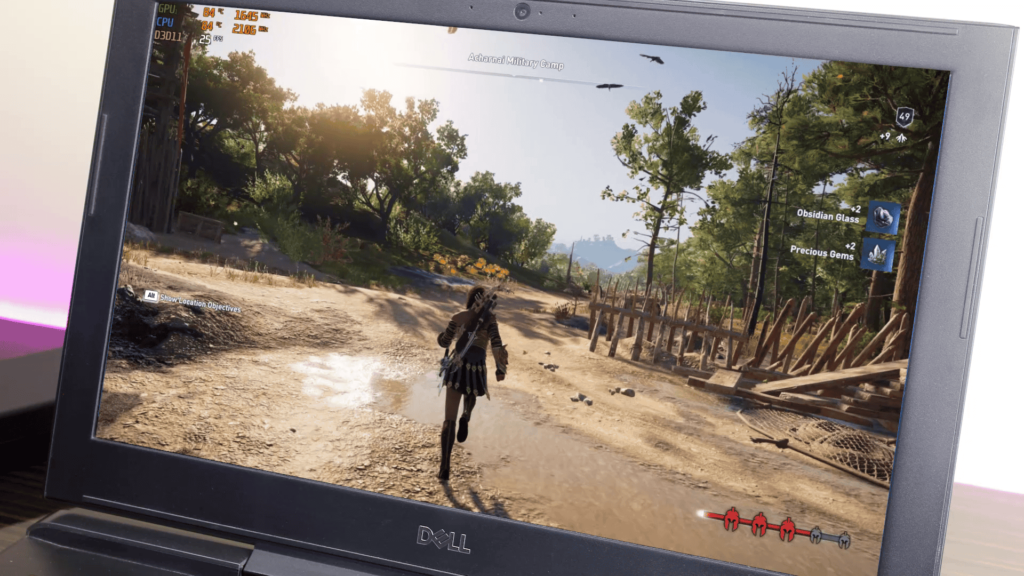
For 1440p gaming in 2026, 12GB is a more sensible minimum, while 16GB offers much better headroom. Current hardware guidance commonly places 8GB at the 1080p level, 12GB around the practical 1440p minimum, and 16GB as the more comfortable long-term choice.
Ray Tracing Changes Everything
Ray tracing can dramatically increase VRAM usage. Reflections, global illumination, high-quality shadows, and path-traced lighting all require additional memory.
Don’t Miss: Frame Generation Is Worst If You Don’t Know This
An 8GB card may handle ray tracing in selected games with upscaling enabled, but you should expect to adjust settings. DLSS, FSR, or XeSS can reduce rendering resolution and improve performance, but these technologies do not magically increase physical VRAM capacity.
If ray tracing is a major reason you are upgrading your GPU, 12GB should be your starting point. For high-end 1440p or 4K ray tracing, 16GB or more is the safer target.
Is 8GB Good for Future-Proofing?
For a new GPU purchase in 2026, 8GB is best viewed as an entry-level specification. It can be a smart buy if the card is heavily discounted and your target is 1080p gaming for the next one or two years.
It becomes a questionable investment if you want to keep the GPU for three or more years. New games are becoming more visually detailed, and developers increasingly expect players to use upscaling, modern rendering features, and higher-quality texture packs.
PC Gamer’s testing suggests that 8GB cards can still remain viable overall, but the results come with significant limitations and depend heavily on game settings.
8GB vs 12GB vs 16GB VRAM
| VRAM | Best suited for | 2026 verdict |
|---|---|---|
| 8GB | 1080p, esports, older games | Usable, but limited |
| 12GB | 1080p Ultra and most 1440p gaming | Best balanced choice |
| 16GB | 1440p Ultra, ray tracing, longer ownership | Recommended for longevity |
| 20GB or more | 4K, heavy ray tracing, creative workloads | Ideal for demanding users |
Should You Buy an 8GB GPU?
Buy an 8GB graphics card if you mainly play at 1080p, use medium-to-high settings, play competitive games, or find an excellent deal. It can still provide strong performance when paired with a capable CPU and sufficient system RAM.
Avoid buying 8GB if you want 1440p Ultra gaming, serious ray tracing, high-resolution texture packs, 4K gaming, or a graphics card that will remain comfortable for several years.
Final Verdict
So, is 8GB VRAM enough in 2026? Yes, for 1080p gaming and budget-focused builds—but it is no longer the ideal all-purpose capacity.
Think of 8GB as the minimum workable amount, not the comfortable standard. For most gamers, 12GB is now the safer choice, while 16GB is the better investment for 1440p gaming, ray tracing, and long-term use. As one current 2026 analysis puts it, 8GB is not “dead,” but it has become an entry floor rather than a comfortable middle ground.
SEO FAQ
Is 8GB VRAM enough for 1080p in 2026?
Yes, 8GB is enough for most 1080p games at medium-to-high settings.
Is 8GB VRAM enough for 1440p?
It can work, but 12GB or 16GB is strongly recommended for modern AAA games.
Is 16GB VRAM necessary for gaming?
No, but 16GB provides better headroom for 1440p, ray tracing, and future games.
Can more VRAM increase FPS?
Only when the game is limited by available VRAM. More VRAM does not automatically make a GPU faster.
This is a really helpful breakdown of the 8GB VRAM question for 2026. I like that the article goes beyond just comparing memory sizes and explains how resolution, texture quality, ray tracing, and future game requirements affect actual performance. The distinction between 1080p and 1440p is especially useful because an 8GB GPU can still make sense for budget-focused 1080p gaming, while 12GB or 16GB provides much more headroom for newer titles. The 8GB vs 12GB vs 16GB comparison also makes the buying decision much easier. Great and practical guide!