
Frame Generation has become one of the biggest talking points in the PC gaming industry. Whether it’s NVIDIA DLSS Frame Generation, AMD FSR Frame Generation, or Intel’s upcoming AI-powered technologies, the promise is always the same: significantly higher frame rates without needing a more powerful graphics card.
At first glance, it sounds incredible.
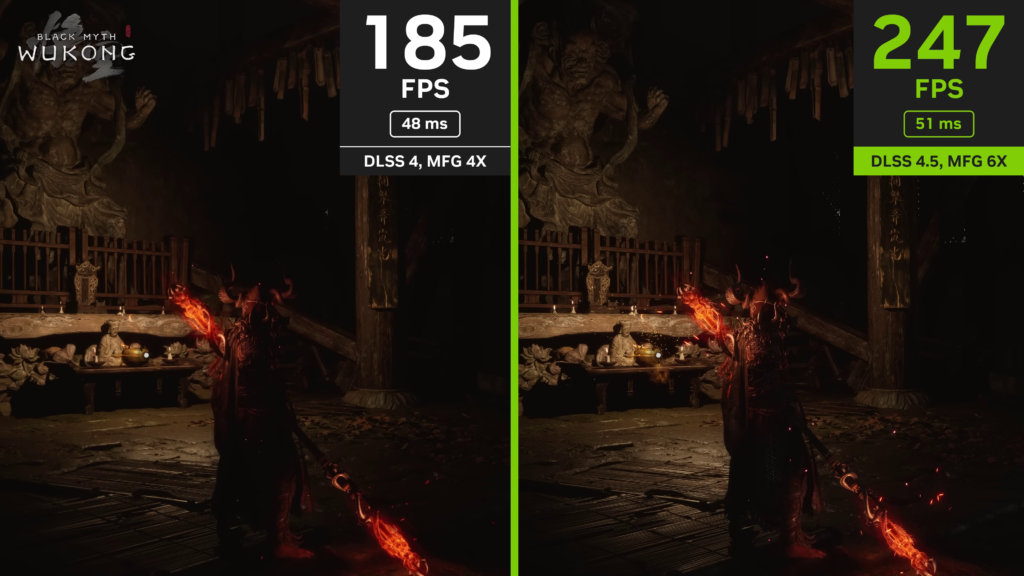
A game that was running at 30 FPS suddenly shows 60 FPS. A game running at 60 FPS can jump to over 100 FPS. It almost feels like free performance.
But here’s the problem: the FPS counter doesn’t tell the whole story.
Many gamers see a higher frame rate number and assume the game will automatically feel more responsive. Unfortunately, that’s not how Frame Generation works. In fact, if you don’t understand its limitations, you might end up with a worse gaming experience despite seeing a much higher FPS count.
Also Read: Don’t Buy Used PC Parts Until You Read This! (Complete Buying Guide)
What Does Frame Generation Actually Do?
To understand the issue, you first need to understand how Frame Generation works.
Normally, your GPU renders every frame that appears on your screen. If your graphics card is producing 60 frames per second, every one of those frames is being rendered by the GPU.
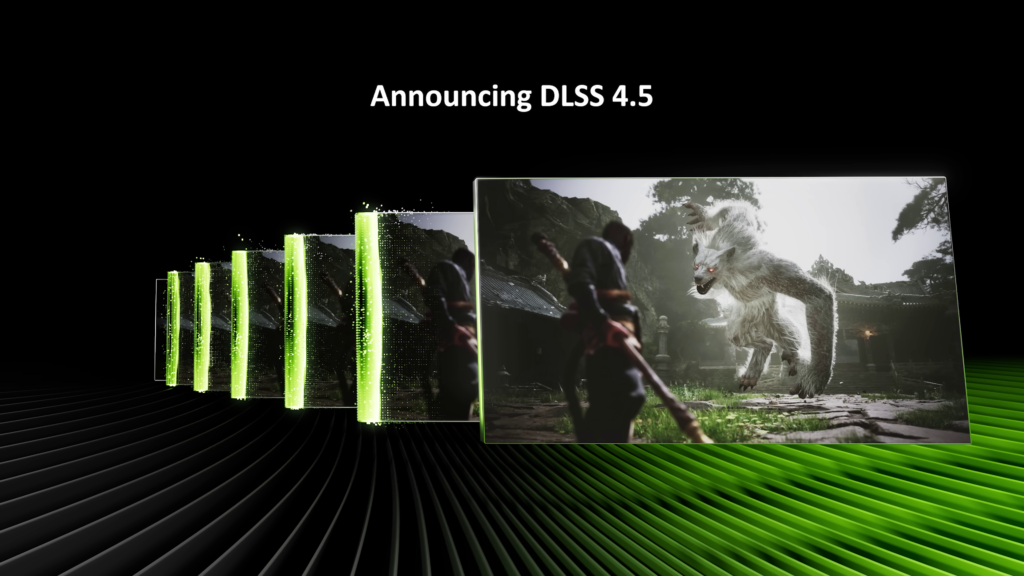
Frame Generation changes this process.
Instead of rendering every frame, the GPU renders a real frame and then uses AI to create an additional frame between two rendered frames.
For example:
Frame 1 → Frame 2 → Frame 3 → Frame 4
With Frame Generation enabled:
Frame 1 → AI Frame → Frame 2 → AI Frame → Frame 3 → AI Frame
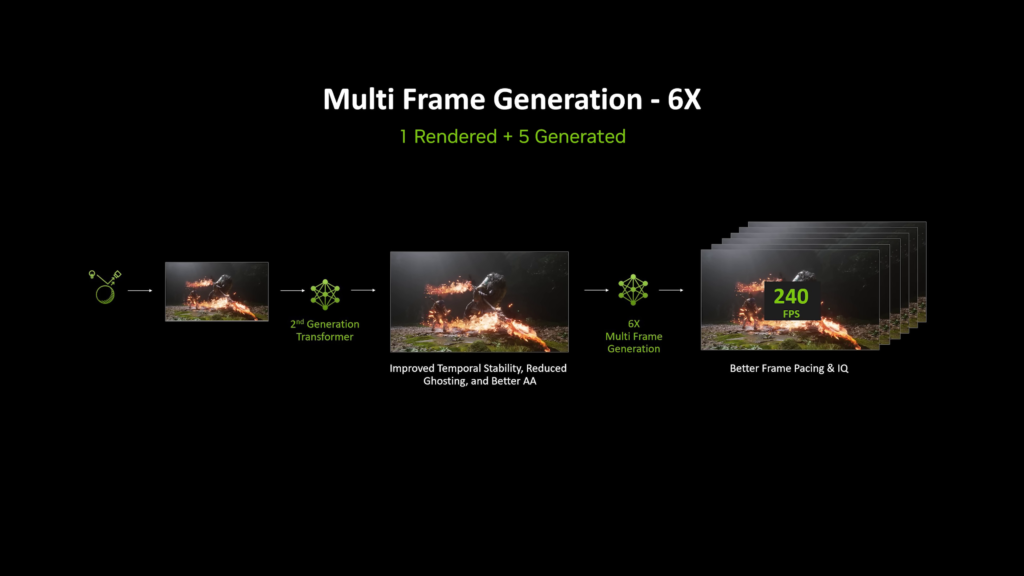
As a result, the FPS counter increases dramatically. A game running at 60 FPS can suddenly appear to be running at 120 FPS.
Sounds amazing, right? Well, not exactly.Smoothness and Responsiveness Are Not the Same Thing. This is the most important thing every gamer needs to understand.
There are two different aspects of gaming performance:
- Visual Smoothness
- Input Responsiveness
Frame Generation improves visual smoothness.It does not significantly improve responsiveness. Your mouse movements, keyboard inputs, and controller actions are still tied to the base frame rate that your GPU is actually rendering.
If your game is naturally running at 40 FPS and Frame Generation increases the displayed frame rate to 80 FPS, your inputs are still largely behaving like a 40 FPS experience. The game may look smoother, but it won’t necessarily feel smoother.
This is why many players describe Frame Generation as looking great while feeling slightly “off” at the same time. Why Competitive Gamers Don’t Like Frame Generation. Competitive gamers are obsessed with responsiveness and low latency.
Players in games such as Counter-Strike 2, Valorant, Rainbow Six Siege, Apex Legends, and Call of Duty often lower graphical settings to maximize performance.
Many professional players intentionally play at low settings because they care more about faster reactions than visual quality. Frame Generation does the exact opposite. It increases the FPS number but doesn’t improve the responsiveness that competitive players care about most.
In some cases, it can actually make the experience worse. When you’re trying to land a headshot, track a moving target, or react within milliseconds, input responsiveness matters far more than a higher FPS counter.
That’s why many esports players avoid Frame Generation entirely. Frame Generation Adds Latency. Another fact that often gets overlooked is that Frame Generation introduces additional latency.
Creating AI-generated frames isn’t free. The GPU needs extra time to analyze motion, predict what the next frame should look like, generate that frame, and insert it into the rendering pipeline.
This process takes time.
The added delay may only be a few milliseconds, but in competitive games, even a small increase in latency can impact performance.
You may notice:
- Slower aiming response
- Less accurate tracking
- Reduced precision during flick shots
- A slight disconnect between mouse movement and on-screen action
Personally, I avoid using Frame Generation in competitive FPS games because the additional latency often makes me perform worse. The smoother visuals simply aren’t worth sacrificing responsiveness.
There’s a Reason Many Competitive Games Don’t Support It.
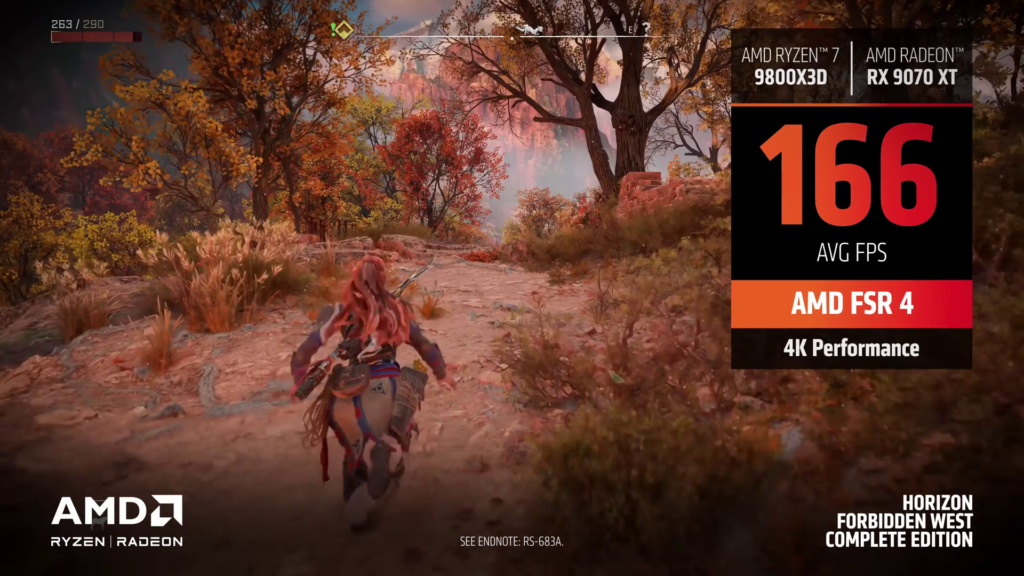
Have you ever noticed that many competitive shooters don’t even offer DLSS or FSR Frame Generation? That’s not an accident.
Developers understand that competitive players prioritize low latency above everything else.
The goal in competitive gaming is to perform better than your opponents. To achieve that, you need real performance improvements, not artificially generated frames.
A higher FPS counter doesn’t automatically make you a better player. Better responsiveness does. And that’s something Frame Generation cannot magically create.
So, Is Frame Generation Useless?
Absolutely not. Frame Generation can be an excellent technology when used in the right situations. The key is understanding where it works best. If you’re playing story-driven single-player games such as Cyberpunk 2077, Alan Wake 2, Hogwarts Legacy, Black Myth: Wukong, Starfield, or future titles like GTA 6, the experience is very different.
In these games, you’re focused on:
– Visual quality
– Smooth animations
– Immersion
– Storytelling
A few extra milliseconds of latency are usually not noticeable.
In those situations, Frame Generation can make a game feel significantly smoother and more enjoyable.
The Biggest Mistake Gamers Make
One of the most common mistakes is enabling Frame Generation when the base frame rate is already too low. For example, many gamers try to turn:
– 25 FPS into 50 FPS
– 30 FPS into 60 FPS
On paper, the numbers look impressive.
In reality, the game often still feels sluggish because the responsiveness remains tied to the original frame rate. Frame Generation works best when the GPU is already producing decent performance.
A much better scenario looks like this:
– 40 FPS → 70–80 FPS with Frame Generation
– 50 FPS → 90–100 FPS with Frame Generation
– 60 FPS → 120+ FPS with Frame Generation
At these frame rates, the game already feels responsive enough, and Frame Generation simply enhances smoothness. Think of it as a bonus rather than a solution.
The Reality of Entry-Level GPUs
Modern GPU marketing often makes Frame Generation seem like a miracle feature. Take a graphics card like the RTX 5060 Ti as an example. It may be capable of delivering impressive FPS numbers in benchmarks when combined with DLSS and Frame Generation. However, that doesn’t mean it’s suddenly performing like a high-end GPU.
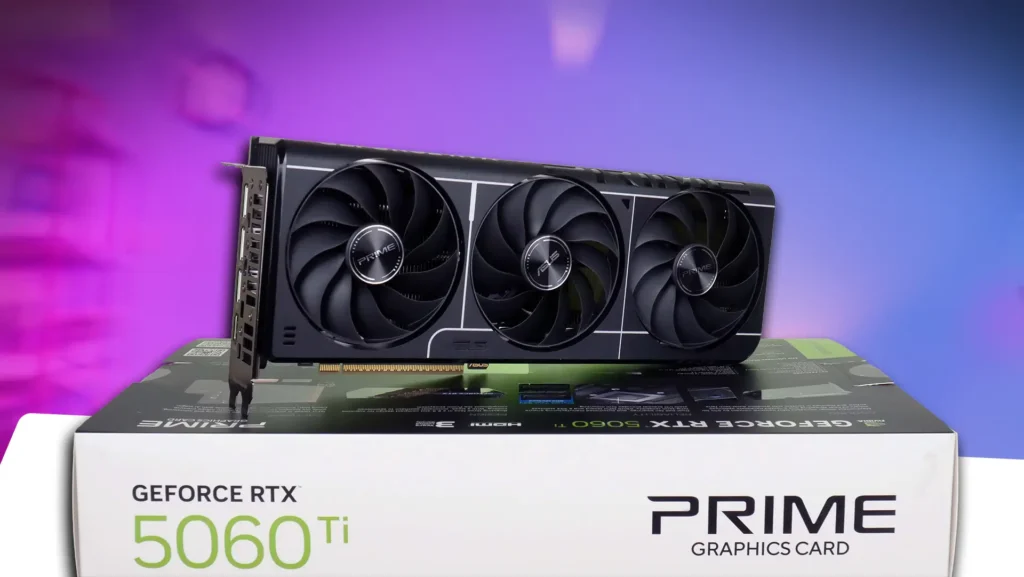
In demanding AAA games at 4K resolution, you’re usually already relying on DLSS upscaling before Frame Generation is even enabled. The final FPS number may look impressive, but the overall experience still won’t match what a genuinely powerful GPU can deliver.
No matter how advanced AI becomes, Frame Generation cannot turn a mid-range GPU into a flagship graphics card. The moment you move your mouse around, you’ll notice the difference.
Upscaling First, Frame Generation Second
If I were using a lower-end or mid-range graphics card, I would prioritize upscaling technologies such as DLSS, FSR, or XeSS before enabling Frame Generation. Upscaling reduces the rendering workload while maintaining image quality.
Frame Generation simply inserts artificial frames between rendered frames. That’s why upscaling generally provides a more meaningful performance improvement.
Only after optimizing settings and enabling upscaling would I consider turning on Frame Generation.
Final Verdict
Frame Generation is one of the most impressive gaming technologies introduced in recent years, but it is also one of the most misunderstood. The technology can make games look significantly smoother, but it cannot replace real GPU performance.
For competitive gaming, low latency and responsiveness will always be more important than a higher FPS counter. That’s why many esports players avoid Frame Generation entirely.
For story-driven and single-player games, however, Frame Generation can be an excellent tool that enhances smoothness and visual quality without requiring expensive hardware upgrades.
The most important thing to remember is this:
A smoother-looking game is not necessarily a more responsive game.
Frame Generation can improve visual smoothness, but when it comes to responsiveness, raw GPU performance is still king.