
Choosing the right RAM transforms your PC from sluggish to snappy, especially for gaming rigs and content creation workflows. This comprehensive guide covers everything from basics to advanced picks, tailored for tech enthusiasts in India tracking DDR5 trends and budget deals.
RAM Fundamentals
RAM, or Random Access Memory, acts as your computer’s short-term memory for running apps and games. Unlike storage drives, it holds data actively while powered on, enabling quick access that prevents lag during multitasking.
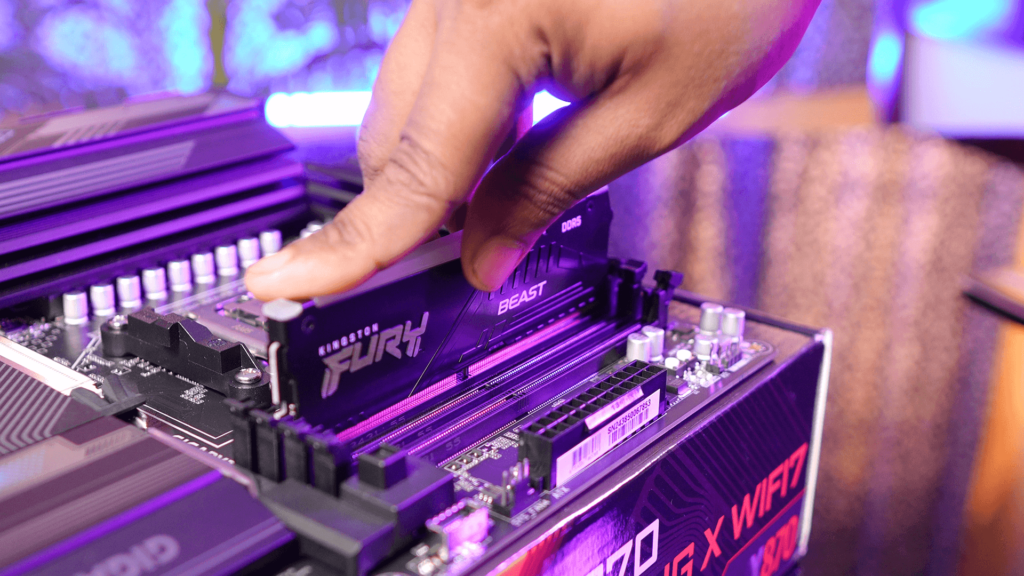
Modern RAM comes in DDR generations—DDR4 remains mainstream for upgrades, while DDR5 dominates new builds with higher bandwidth. Data travels in 64-bit chunks on desktops via DIMM modules or slimmer SODIMMs for laptops.
Key specs include capacity (GB), speed (MHz or MT/s), timings (CL numbers like 16-18-18), and voltage (1.2V for DDR4, 1.1V for DDR5). Dual-channel mode—using matched pairs—doubles bandwidth for 20-30% performance gains.
How Much RAM Do You Need?
Capacity depends on usage, not hype. Basic tasks like browsing or office work run fine on 8GB, but 2026 standards demand more for smooth operation.
| Usage | Minimum RAM | Recommended | Ideal for Gaming/Content |
| Web/Office | 8GB | 16GB | – |
| Multitasking/Photo Editing | 16GB | 32GB | 32GB |
| Gaming (1080p/1440p) | 16GB | 32GB | 64GB for 4K/Streaming |
| Video Editing/3D Rendering | 32GB | 64GB | 128GB Pro |
| Content Creation (YouTube/Streaming) | 32GB | 64GB | – box+1 |
Gamers targeting Cyberpunk or your daily editing sessions thrive on 32GB minimum. Windows 11 alone chews 4-6GB idle, leaving little headroom on smaller kits.
DDR4 vs DDR5: Which Generation?
DDR4 caps at 3200-3600MHz for most users, with timings like CL16. Affordable at ₹200-300 per GB, it suits upgrades on Ryzen 5000 or Intel 12th Gen boards.
DDR5 starts at 4800MT/s, hitting 6000-8000MT/s on high-end kits. It offers on-module power management for stability at extreme speeds, but demands AM5 or LGA1700+ motherboards. Prices hover at ₹400-500 per GB, dropping rapidly in India.
Performance Edge: DDR5 yields 10-20% FPS uplifts in games at 1080p, less noticeable at 1440p+. For your DDR5 research, prioritize 6000MHz CL30 kits matching AMD EXPO or Intel XMP profiles.
Speed and Timings Explained
Higher MHz equals faster data rates—DDR5-6000 moves 48GB/s in dual-channel versus DDR4-3200’s 25.6GB/s. Sweet spot for gaming: 3600MHz DDR4 or 6000MHz DDR5.
Timings (e.g., CL30-38-38-96) measure access delays in clock cycles; lower is better but costs more. Sub-timings like tRFC matter for heavy loads, while voltage tweaks enable overclocks.
Infinity Fabric on AMD syncs RAM speed to CPU for optimal latency. Test with AIDA64 or games post-install.
Capacity and Channel Configurations
Single-channel cripples performance; always buy kits (2x8GB, 2x16GB). Four sticks max out most boards but risk instability—stick to two for overclocking.
For 64GB+ creators, populate all slots with identical modules. ECC RAM adds error correction for servers, unnecessary for gaming.
Compatibility Checklist
- Check motherboard QVL (Qualified Vendor List) for tested kits.
- Match DDR type—mixing DDR4/DDR5 won’t boot.
- Verify slot count: 4x DIMM standard, 2x for mini-ITX.
- CPU limits apply—Ryzen 9000 loves DDR5-6000.pickpcparts+1
Use PCPartPicker or manufacturer tools for validation. Laptops need SODIMMs; confirm via Crucial Scanner.
Also Read: PCIE GEN5 SSDs Don’t Make any SENSE in 2026
Top Brands and Reliability
Trusted names deliver:
- Corsair Vengeance: RGB flair, tight timings for gaming.
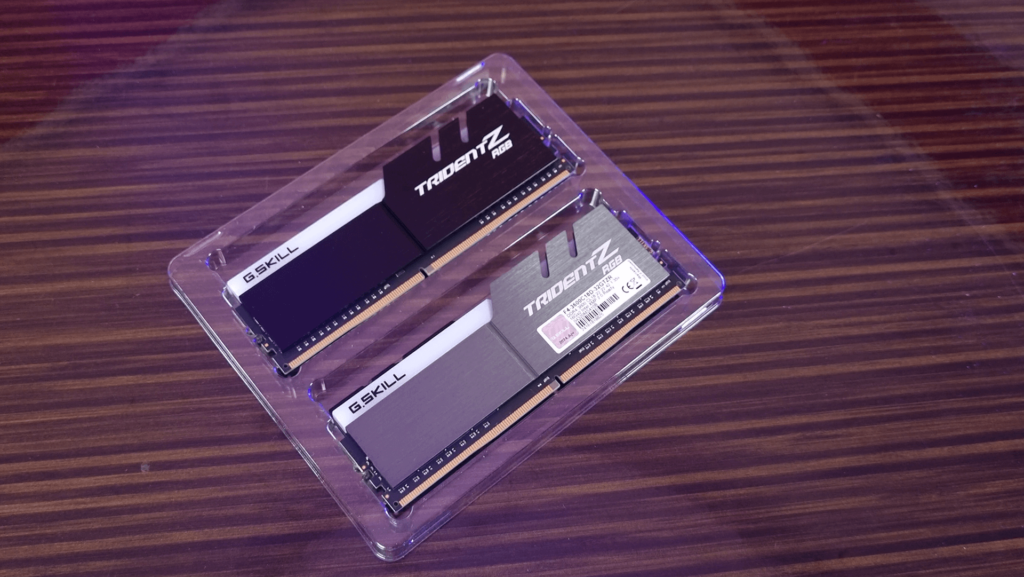
- G.Skill Trident Z5: AMD-optimized DDR5, value king.
- Kingston Fury Beast: Budget reliability, lifetime warranty.
- Crucial Pro: No-frills, Micron quality.
Avoid no-name brands; they fail XMP and overheat. All major ones hit 1,200+ hours MTBF with 15-20 year warranties.box
India Pricing and Deals (April 2026)
Expect ₹3,000-4,000 for 16GB DDR4-3200, ₹6,000-8,000 for 32GB DDR5-6000. Flipkart/Amazon sales drop 20% during festivals—track MD Computers or PrimeABGB for Siliguri shipping.
1TB kits (2x512GB? Wait, no—RAM maxes 128GB/stick typically). Bulk deals favor 32GB kits at ₹9,000-12,000.
Installation and Testing
Power off, ground yourself, slot into colored DIMMs (A2/B2 first). Enable XMP in BIOS for rated speeds—save/exit. Benchmark with MemTest86 20 to 25 minutes, then Cinebench or games. HWInfo monitors temps (under 50°C ideal).
Gaming and Content Creation Focus
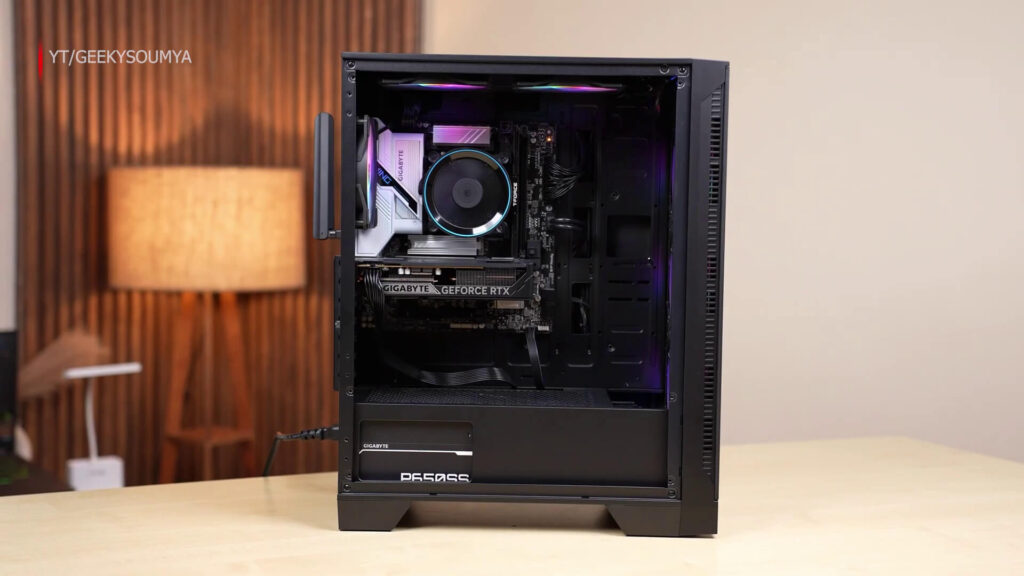
Pair 32GB DDR5-6000 with RTX 50-series for DirectStorage. Editing 4K timelines in Premiere flies; streaming eats less stutter. Overclock +200MHz for free gains, but cool with tower fans.
Budget Builds vs High-End
Budget (Under ₹5,000): 16GB DDR4-3200 (Kingston) for 1080p gaming. Check the current pricing click here.
Mid-Range (₹8,000-15,000): 32GB DDR5-6000 (G.Skill) for 1440p/editing. Check the current pricing click here.
High-End (₹20,000+): 64GB DDR5-6400 RGB (Corsair). Check the current pricing click here.
Future-proof with DDR5; DDR4 phases out by 2027 probably but there is a catch – NOW in 2026 DDR5 is super expensive! so if you’re in budget go for DDR4.
Common Mistakes to Avoid
- Buying single sticks—loses dual-channel.
- Ignoring QVL—boot loops ensue.
- Cheap RGB without heatsinks—throttles.
- Overcapacity—most boards cap 128GB.
Final Recommendations
For your gaming/content setup: 32GB DDR5-6000 kit (₹10,000). Upgrade path: Add another 32GB later. Test rigorously, enjoy stutter-free 4K renders.
FAQ
Q1. Is 8GB RAM enough?
A: Yes for basic use, but 16GB is better for gaming and multitasking.
Q2. 16GB vs 32GB RAM – which is better?
A: 16GB is enough for most users; 32GB is useful for heavy tasks like editing.
Q3. Does RAM increase FPS?
A: Yes, more RAM can improve FPS in some games, especially if you are running low RAM.
Q4. Best RAM for gaming?
A: 16GB DDR4 or DDR5 with good speed is ideal for gaming.