Wi-Fi Card For PC – Things You Should Know

If you are owning a desktop then probably you don’t have Wi-Fi integrated. To access Wi-Fi sometimes we purchase cheap Wi-Fi dongles which neither offer proper speed nor stability. Obviously, just to get Wi-Fi replacing the motherboard is not an option instead Wi-Fi cards could come in handy. So, let’s take a deep look, what … Read more

How to Add Extra USB, HDMI, and Ethernet ports On laptop?

It is no need to say that IO ports on laptop computers are pretty limited. In full-sized laptops, there are generally 3 USB type A ports, 1 Ethernet, and 1 HDMI port but in compact notebooks or laptops, these port counts are getting more and more limited. Mostly, there are no type A ports only … Read more

Laptop Battery Not Charging: How to Fix?

Maybe right now your laptop’s battery isn’t charging that’s why you are in this article. It’s quite common when laptops completely refuse to take charge. Sometimes, it’s a serious hardware issue but not necessarily always. Often, quite a few settings and troubleshooting techniques fix laptop charging issues. I am not saying that these tips will … Read more

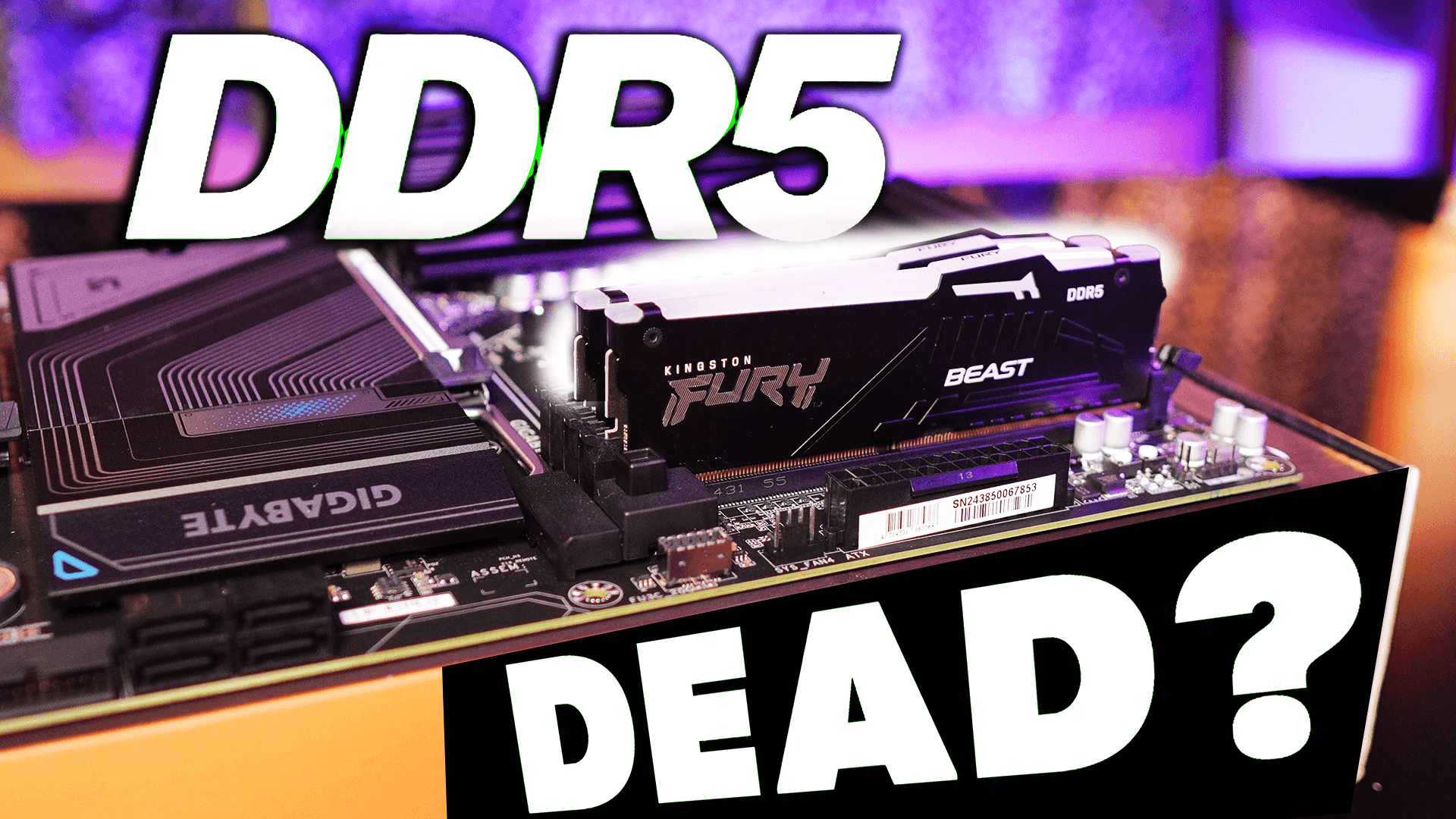
How to Check Available RAM Slots in Windows?

When purchasing a new PC or laptop it’s quite crucial to understand what kind of upgradation is possible on that machine. With minor upgrades, if that machine becomes future-proof for 5 to 7 years then it’s definitely a bonus. In this article, we will specifically talk about upgrading RAM. If you bought your machine a … Read more

Things You Should Know Before Purchasing a UPS

In one of our previous articles, I talked about how a UPS could potentially save your computer from all the different power problems – voltage fluctuations, power surge, blackout, and power burnout. However, all the UPS are not the same. Not all of them offer all the protections and even not all of them handle … Read more

What is Pass Through Charging? Can It Charge Faster?

Pass Through Charging – heard about it? Well maybe not. Nowadays, this technology is commonly found in power banks, battery packs, hubs, and docking stations. It’s also very convenient when it comes to charging multiple devices simultaneously. So, without further ado, let’s understand how does pass through charging work, what are its advantages and what … Read more

NVME SSD vs SATA SSD Vs PCIE SSD: Which SSD Type You Should Choose?

If you’re expecting performance from your PC then SSD is a must-buy component. Doesn’t matter how fast your CPU is, how much RAM you have installed on your PC and what graphics card you are using – if you are still relying on a slow mechanical hard drive to install the OS then the performance … Read more

What is TDP or Thermal Design Power? Explained!

Thermal Design Power aka TDP, when you’re choosing a processor, you could find this term on its specification. Not only on Processors, but TDP is also mentioned everywhere from CPU, GPU, RAM Chips, and NAND Flash of the SSDs to all those ICs who are generating a lot of heat during their operation. So, what … Read more

Mini PC: These Things You Should Know Before Purchasing a Mini PC!

As people’s living space is becoming smaller, users nowadays are becoming more aggressive to buy either laptops or mini PCs, aka mini computers. They both are small, compact, and almost offer desktop-level performance. The reason I said ‘almost’ is because they really can’t compete with desktop computers. Desktop computers are designed to keep performance in … Read more

Can You Use 4GB And 8GB RAM Together?!

RAM aka Random Access Memory is commonly found in almost every device nowadays. From smartphones to supercomputers, it is everywhere. We can’t change or modify RAM in our smartphones, so it’s completely out of the scene but in those devices where upgrading RAM is easily possible such as Laptops or Desktop computers, people commonly ask … Read more

Which SATA Port Is Best to Connect SSD in Your Desktop PC?

Serial ATA in short SATA. Since 2003, this is pretty common to connect our internal storage drives with our computer’s motherboard. But in the modern era, we are living with SSDs and modern SATA ports are definitely capable enough to handle these SSDs but do you really know which is the best SATA port to … Read more

All In One Computer Vs Desktop Computer Vs Laptop – Choose Wisely!

All-in-one PCs are getting popular over the years but do they really able to replace conventional desktop PCs? Let’s compare them side by side; All-In-One Computer Vs Desktop PC – which is better? & why is one is better than another? Let’s jumpstart this article now! Read Now: How to Connect a Keyboard & Mouse … Read more