
You’ve finally saved up for that new GPU. The cart is ready. But wait—before you hit “Buy Now” on that 650W power supply unit (PSU), stop. In 2026, buying a PSU isn’t just about matching a number on a box to your graphics card’s specs. A wrong choice here can lead to system instability, component damage, or wasted money on features you’ll never use.
This guide breaks down everything you need to know before purchasing a 650W PSU, especially if you’re building a mid-range gaming rig in India.
Also Read: Can Your Old Laptop Run GTA 6? (Minimum Specs Explained)
Why 650W is the New Sweet Spot (But Not for Everyone)
For years, 550W was the go-to for budget builds. Today, with GPUs like the NVIDIA RTX 5060 and RTX 5070, 650W has become the new baseline for mid-tier gaming PCs.
According to NVIDIA’s own recommendations, the RTX 5070 requires a minimum 650W PSU. Similarly, AMD’s Radeon RX 9060 XT also fits comfortably within this wattage envelope.
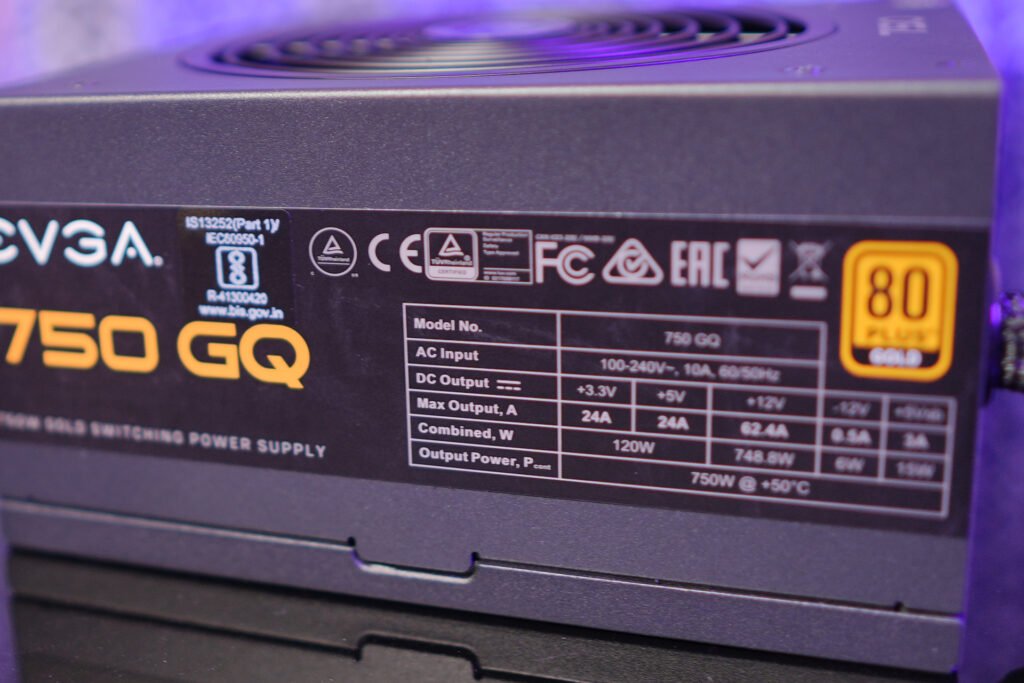
However, “minimum” doesn’t mean “ideal for every situation.” If you’re pairing that GPU with a power-hungry CPU like an Intel Core i7 or i9, or planning to overclock, you might need to step up to 750W for headroom.
Quick Wattage Reference for 2026 Builds:
- RTX 5050 / RX 9060: 550W–650W
- RTX 5060 / 5060 Ti: 650W
- RTX 5070: 650W (750W recommended for high-end CPUs)
- RTX 5070 Ti and above: 750W–850W+
The Biggest Mistake: Choosing Wattage Over Quality
Here’s the hard truth: a cheap 650W PSU is worse than a quality 550W unit.
Many buyers in India fall into the trap of picking the lowest-priced 650W option on Amazon or Flipkart. These “generic” or unbranded PSUs often can’t sustain their rated wattage, have poor voltage regulation, and lack essential safety protections.
What to Look For Instead:
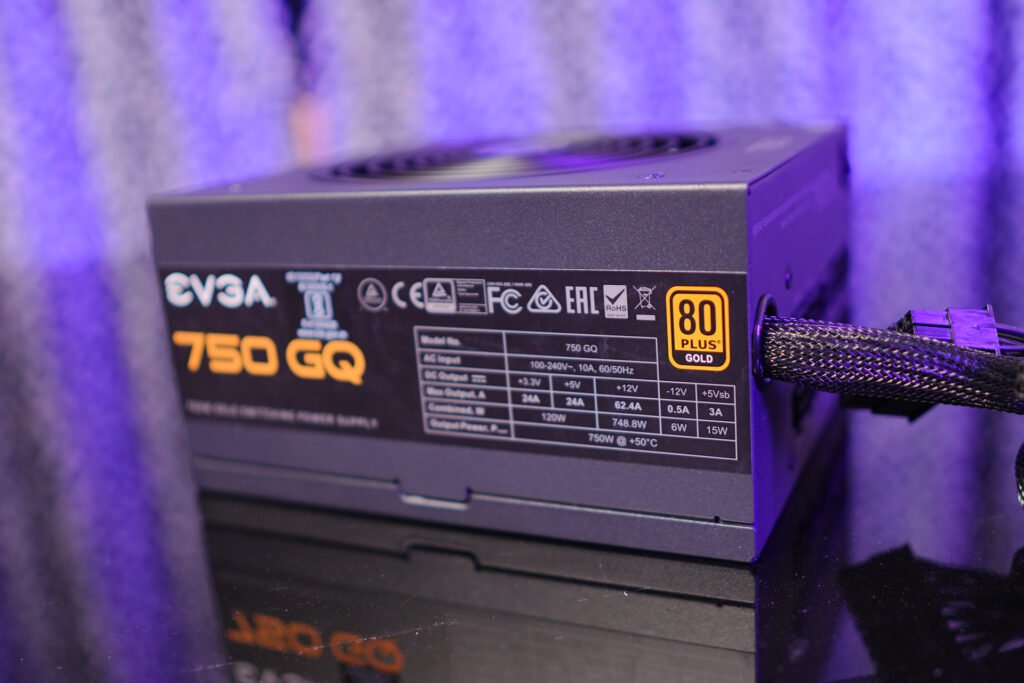
- 80 Plus Certification: At minimum, go for 80 Plus Bronze. Gold is better for efficiency and longevity.
- Reputable Brands: Stick with Corsair, MSI, Cooler Master, Deepcool, or be quiet! Avoid no-name brands.
- Warranty: A good PSU should come with at least a 5-year warranty.
Don’t Miss: RTX 5060 Ti vs RX 9060 XT for GTA 6: Which GPU Should You Buy in 2026?
ATX 3.1 and the 12V-2×6 Connector Trap
If you’re buying a PSU for an RTX 40-series or RTX 50-series GPU, connector compatibility is critical. These cards use the new 12V-2×6 (or 12VHPWR) power connector.
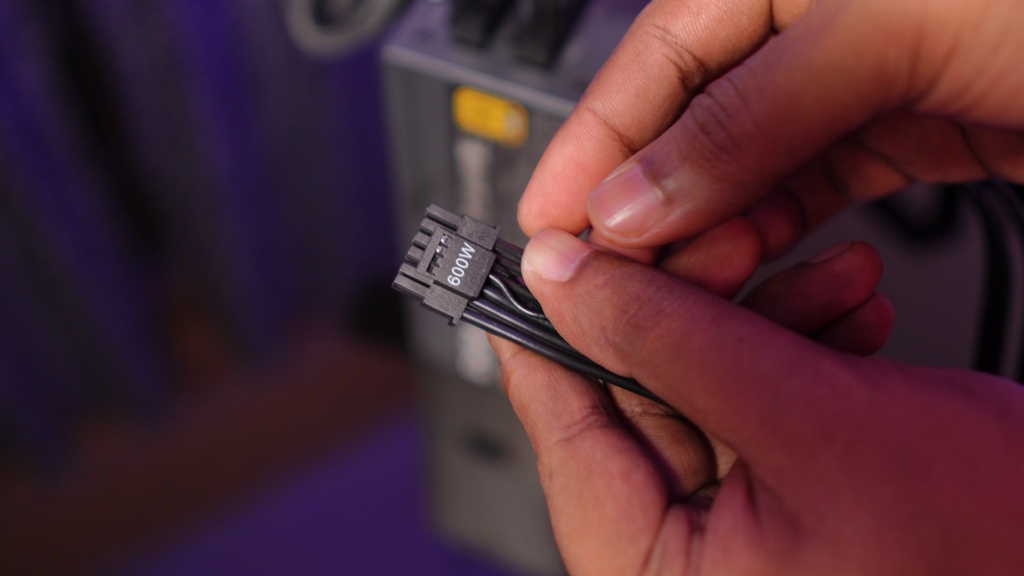
Older PSUs require clumsy adapters, which can be unreliable and have been linked to melting issues. A modern ATX 3.1 PSU comes with a native 12V-2×6 cable, ensuring safer and cleaner power delivery.
Pro Tip: Even if your current GPU uses traditional 8-pin connectors, buying an ATX 3.1 PSU now future-proofs your build for the next upgrade.
Real-World Power Draw vs. Marketing Numbers
Manufacturers often inflate “recommended PSU” numbers to cover all possible configurations. In reality, your actual power draw is usually lower.
For example:
- RTX 5070 TGP: ~250W
- Mid-range CPU (e.g., Ryzen 5 7600): ~65–88W
- Rest of the system (motherboard, RAM, SSD, fans): ~150W
Total estimated draw: ~470–500W under load.
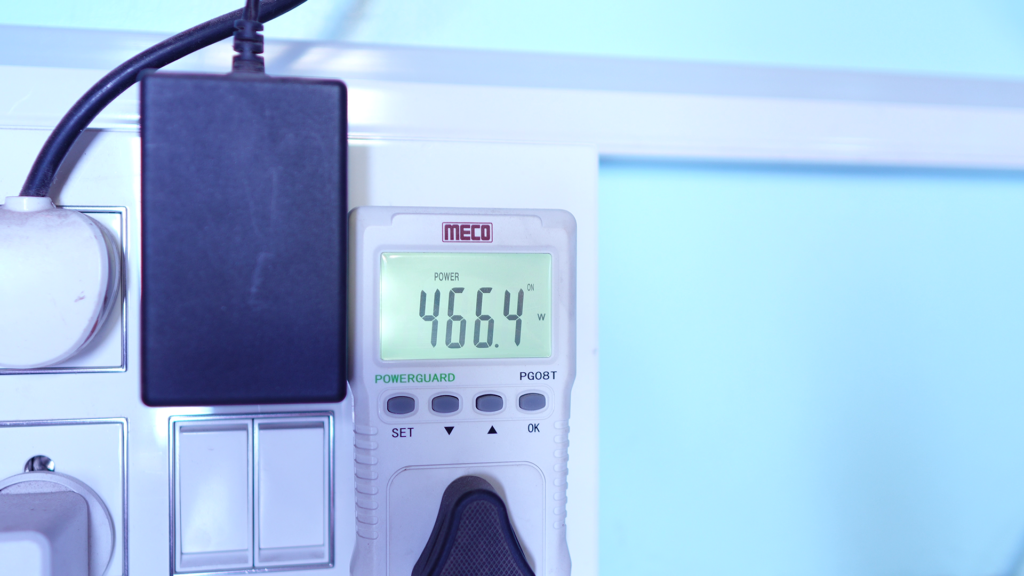
This means a quality 650W PSU gives you roughly 30% headroom, which is ideal for handling transient power spikes—those brief moments when your GPU suddenly draws more power than its rated TDP.
Common 650W PSU Buying Mistakes in India
- Ignoring PSU Dimensions: Some 650W PSUs are longer (160mm+) and won’t fit in compact cases. Always check your case’s PSU clearance.
- Daisy-Chaining Cables: Never use a single PCIe power cable to feed two 8-pin connectors on your GPU. Use separate cables from the PSU.
- Fan Orientation: If your case has a bottom dust filter, mount the PSU fan-down. If not, fan-up is safer to avoid sucking in dust.
- Overpaying for Unused Wattage: A 1000W PSU won’t make your RTX 5060 run faster. Stick to what your build actually needs.
Top 650W PSU Picks for Indian Buyers (2026)
Based on current availability and reviews, here are some reliable options:
- Budget Pick: MSI MAG A650BN (80 Plus Bronze) – Great value for entry-level builds.
- Best Value: MSI MAG A650GL (80 Plus Gold, ATX 3.1) – Ideal for RTX 5060/5070 builds.
- Premium Choice: Corsair RM650e (80 Plus Gold, Fully Modular) – Excellent efficiency and quiet operation.
Prices typically range from ₹4,500 to ₹7,500 depending on features and brand.
Final Checklist Before You Buy
GPU Compatibility: Does your GPU need 12V-2×6?
CPU Power: Is your CPU power-hungry (i7/i9 or Ryzen 7/9)?
80 Plus Rating: Bronze minimum, Gold preferred.
Brand Reputation: Avoid unknown brands.
Warranty: 5+ years is a good sign.
Case Fit: Check PSU length vs. case clearance.
The Bottom Line
A 650W PSU is a smart choice for most mid-range gaming PCs in 2026, especially with GPUs like the RTX 5060 and RTX 5070. But don’t let wattage alone dictate your decision. Prioritize quality, efficiency, and connector compatibility to ensure your system runs safely and smoothly for years to come.
Investing in a good PSU now saves you from costly repairs—or worse, a fried GPU—later. So before you click “Buy,” ask yourself: Am I buying wattage, or am I buying reliability?