
NVMe and SATA SSDs represent the pinnacle of modern storage technology, each excelling in different scenarios. Understanding their differences helps PC builders, gamers, and content creators like you make informed upgrade decisions for gaming rigs.
What Are SATA SSDs?
SATA SSDs use the Serial ATA interface originally designed for hard drives. They connect via the same cables as traditional HDDs, capping speeds at around 550-600 MB/s due to SATA III’s 6 Gb/s limit.

These drives deliver massive improvements over HDDs with no moving parts, resulting in silent operation and shock resistance. Typical latency sits at 100-120 microseconds, making them reliable for everyday tasks.
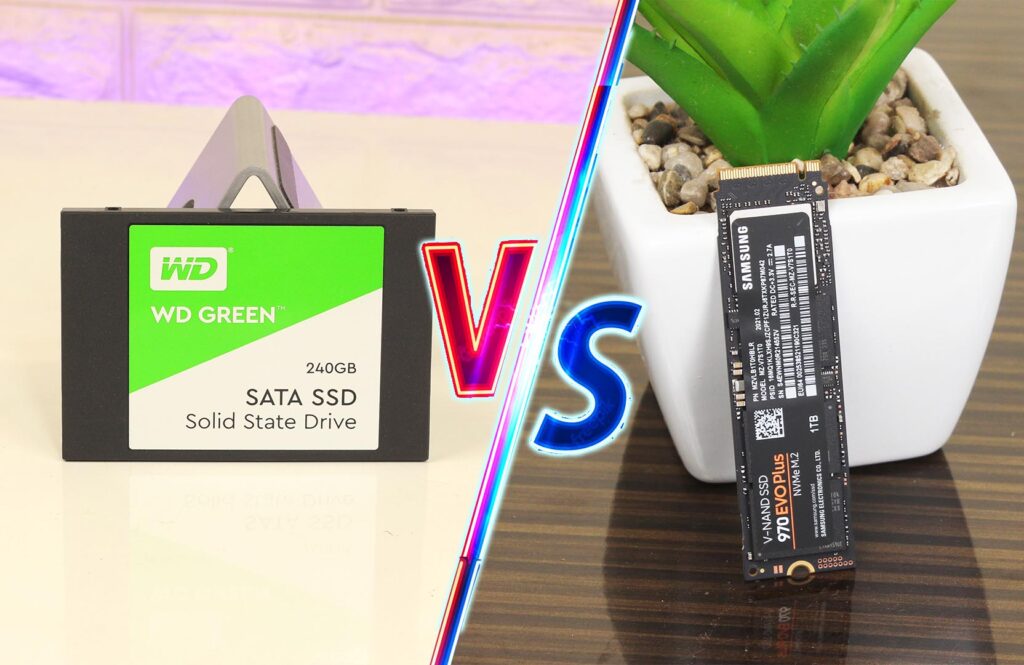
Budget-friendly and widely compatible, SATA SSDs fit 2.5-inch bays or M.2 slots with B+M keys. They’re ideal for secondary storage or systems without PCIe support.

Understanding NVMe SSDs
NVMe SSDs leverage PCIe lanes directly to the CPU, bypassing SATA bottlenecks. They use the NVMe protocol optimized for flash storage, supporting up to 65,536 queues with 65,536 commands each versus SATA’s single queue of 32.
Speeds soar to 3,500 MB/s on PCIe Gen3, 7,000 MB/s on Gen4, and 14,000 MB/s on Gen5 for sequential reads. Latency drops to 10-20 microseconds, enabling rapid random access crucial for gaming and video editing.
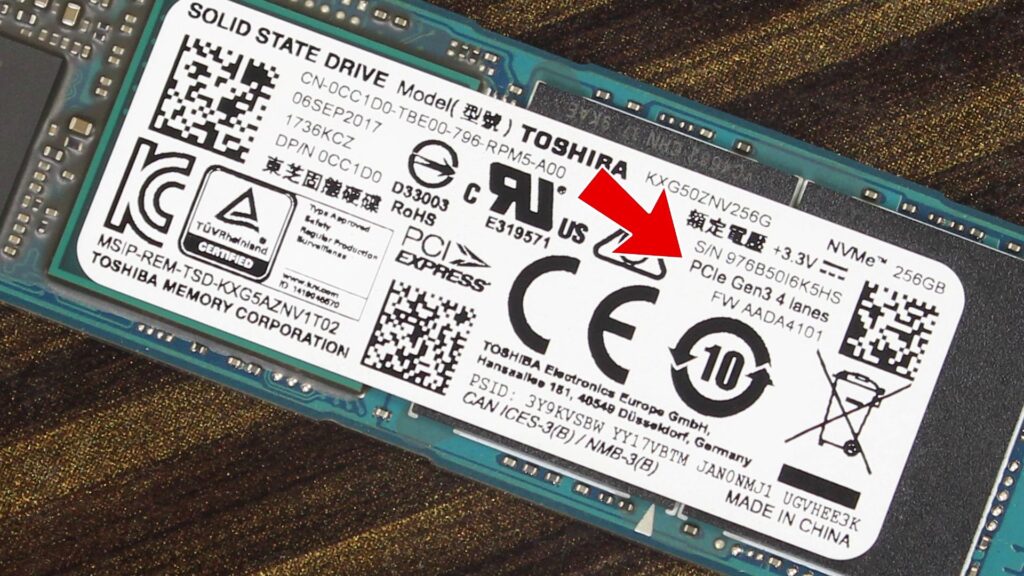
Formed as compact M.2 drives (M key), NVMe SSDs suit modern motherboards. They generate more heat and consume slightly higher power, requiring good airflow in gaming PCs.
Also Read: M.2 PCIE NVME Sizes Explained! 2280 2260 2242 etc.

Performance Comparison
NVMe crushes SATA in benchmarks, with 6-20x faster sequential speeds and 10x higher IOPS. Real-world boot times drop from 15-20 seconds on SATA to 8-12 seconds on NVMe.
For gaming, NVMe reduces game load times by 30-50% in titles like Cyberpunk 2077. Video editors transfer 4K footage in seconds instead of minutes.
Real-World Use Cases
Gaming and Content Creation
NVMe SSDs truly shine in modern PC gaming setups, especially with technologies like DirectStorage, which allow game assets to be streamed directly to the GPU for near-instant loading times. They also handle heavy tasks like 4K video editing and large file transfers smoothly, making them ideal for content creators.
On the other hand, SATA SSDs are still perfectly suitable for lighter games or as secondary storage. While both NVMe and SATA SSDs offer a massive performance boost over traditional HDDs, NVMe stands out as a more future-proof option—especially if you’re building or upgrading to a DDR5-based system.
Everyday Computing
Office work, browsing, and streaming see minimal NVMe gains over SATA. Both boot Windows 11 quickly compared to HDDs’ 30+ seconds.
For budget PCs or laptops, SATA offers 90% of SSD benefits at half the cost. NVMe overkill here wastes money.
Professional Workloads
Servers and data centers favor NVMe for 2-3x IOPS per watt efficiency. Content creators editing raw footage or running VMs benefit most.
Cost and Value Analysis
NVMe SSDs cost 20-50% more per GB than SATA. A 1TB SATA might run ₹4,000-5,000 in India, while NVMe hits ₹6,000-8,000.
Prices drop yearly; Gen4 NVMe now rivals SATA value for performance seekers. Check Amazon/Flipkart for deals.
Power draw favors SATA slightly (2-3W idle vs NVMe’s 5W), but both sip power versus HDDs. Longevity hits 1,000-3,000 TBW across both.
Compatibility Considerations
Most post-2015 motherboards support M.2 NVMe slots. Verify PCIe version—Gen3 slots limit Gen4 drives to 3,500 MB/s. same goes to Gen5 SSDs.
SATA SSDs work universally via cables or M.2 adapters. Laptops often mix both; upgrade NVMe slot first for biggest gains.
Thermal throttling hits NVMe harder; add heatsinks for gaming PCs. Tools like CrystalDiskMark benchmark your current setup.
Pros and Cons Breakdown
SATA SSD Advantages
- Cheaper entry point for SSD upgrades.
- Mature, reliable tech with lower heat.
- Perfect for mass storage or legacy systems.
SATA SSD Drawbacks
- Speed ceiling throttles modern workloads.
- Single queue limits multitasking.
NVMe SSD Advantages
- Blazing speeds for gaming/editing.
- Lower latency transforms responsiveness.
- Scalable with PCIe generations.
NVMe SSD Drawbacks
- Higher cost and power use.
- Requires compatible hardware.
Future-Proofing Your Build
With PCIe 5.0 mainstream by 2026, NVMe positions you for 14GB/s+ drives. Pair with your DDR5 interests for ultimate gaming rigs. Hybrid setups work best: NVMe for OS/games (500GB-1TB), SATA for files (2TB+). This balances cost and speed for tech bloggers.
Monitor endurance ratings (TBW) and warranties—both offer 5 years typically.
Buying Guide for India
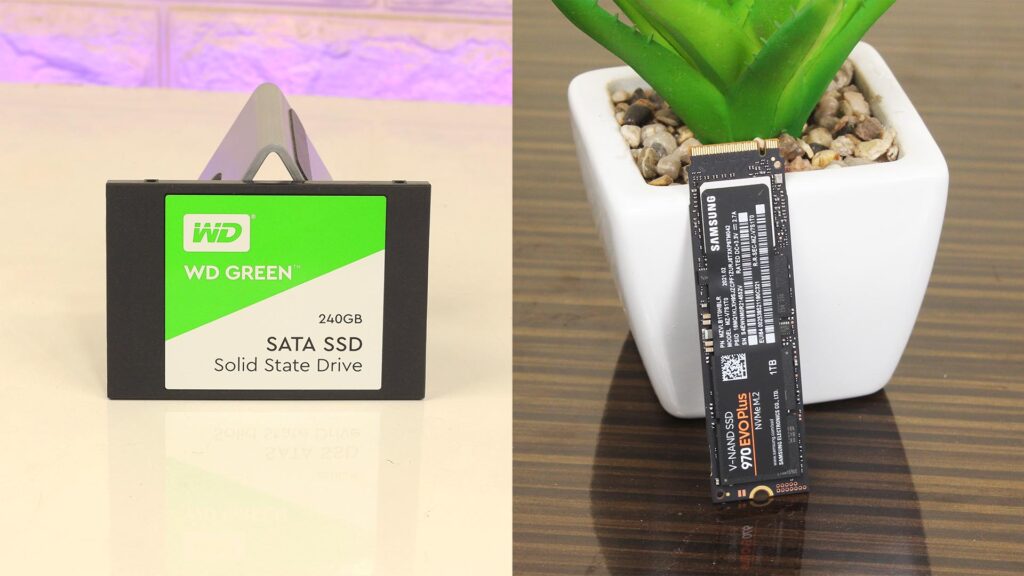
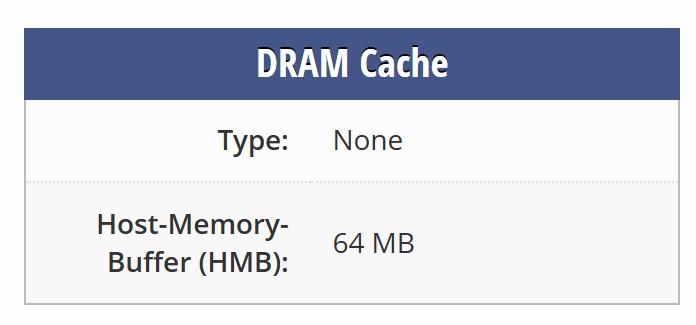
Target brands like Samsung 990 Pro (NVMe), Crucial MX500 (SATA). Local prices: NVMe 1TB ~₹5,500, SATA ~₹3,500 as of March 2026. Most importantly, Always Prioritize DRAM cache for sustained speeds. You can check DRAM cache on TechPowerUp.
Test with AS SSD or ATTO benchmarks post-purchase. For West Bengal deals, check Prime/Flipkart sales aligning with your research habits.
Which Should You Choose?
Gamers and creators: NVMe for future-proof performance. Budget users: SATA delivers ample speed. Both crush HDDs—upgrade now.
FAQ
Q1. Is NVMe faster than SATA SSD?
A: Yes, NVMe SSDs are much faster than SATA SSDs because they use the PCIe interface, which provides higher data transfer speeds.
Q2. Is NVMe worth it for normal users?
A: For daily tasks like browsing and office work, SATA is enough. But NVMe is worth it if you want faster boot time and file transfers.
Q3. Can I use NVMe in an old PC?
A: Only if your motherboard supports M.2 NVMe slots. Otherwise, it won’t work without an adapter.
Q4. NVMe vs SATA for gaming – which is better?
A: NVMe is faster, but in most games, the difference is very small. SATA SSD is still good for gaming.