
Building a powerful gaming PC under ₹1 lakh in 2026 is not only possible but also the smartest decision if you want high performance without overspending. With the right combination of CPU, GPU, RAM, and storage, you can easily play modern games at high settings and even do video editing smoothly.
But here’s the catch — most people make mistakes while choosing components, which leads to poor performance or upgrade issues later.
In this guide, you’ll get the best 1 lakh gaming PC build, real performance expectations, and mistakes you must avoid.
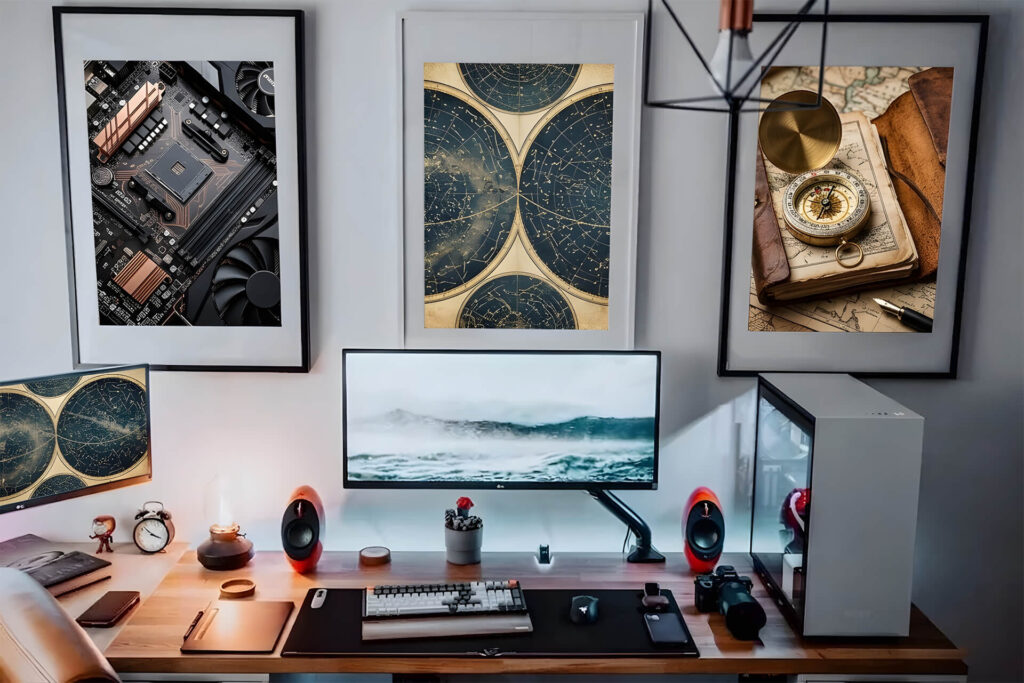
Who Should Build This PC?
This ₹1 lakh gaming PC build is perfect for:
- Gamers who want high FPS in modern games
- YouTubers who edit videos (1080p & 4K)
- Students & multitaskers
- Future-proof PC builders
👉 If you want a balanced PC for gaming + editing, this build is ideal.
Best Gaming PC Build Under ₹1 Lakh (2026)
Here’s the perfect combo based on performance, price, and future upgrades:
🛠️ Full PC Parts List
| Component | Recommendation |
| CPU | AMD Ryzen 5 7600 |
| GPU | NVIDIA RTX 5060 |
| Motherboard | B650 (DDR5 support) |
| RAM | 16GB DDR5 (8×2) |
| Storage | 1TB NVMe Gen4 SSD |
| PSU | 550W–650W 80+ Bronze |
| Cabinet | Good airflow case |
| Cooler | Stock cooler (upgrade later optional) |
Why This Combo?
- Ryzen 5 7600 = strong gaming + editing performance
- RTX 5060 = best price-to-performance GPU with DLSS 4
- DDR5 RAM = future-proof
- NVMe SSD = super fast load times
👉 This is a balanced build, not overkill, not underpowered.
Gaming Performance (Real Talk)
Let’s be real — performance matters more than specs.
🎮 Expected Gaming Performance:
- GTA V → 100+ FPS (Ultra settings)
- Warzone → 80–120 FPS
- Cyberpunk 2077 → 60+ FPS (High + DLSS)
- Valorant → 200+ FPS
👉 This PC is perfect for:
- 1080p Ultra Gaming
- 1440p High Gaming
🎬 Editing & Productivity Performance
This build is not just for gaming 👇
- 4K video editing → Smooth playback
- Adobe Premiere Pro → Fast rendering
- Multitasking → No lag
👉 For YouTube creators, it’s perfect
Upgrade Options (Future Proofing)
One of the biggest advantages of this build:
🔧 Easy upgrades later:
- Upgrade RAM → 32GB
- Upgrade GPU → RTX5070/AMD RX9070
- Add more SSD storage
👉 DDR5 platform = long-term support
FEW PERFECT COMBO IDEA
Budget Optimized Build
- i5 12400F
- RTX 3060 12GB
- 16GB DDR4
- 512GB NVMe
👉 Use case:
Max performance in tight budget
Gaming Focus Build (FPS Beast)
- Ryzen 5 7600X
- RTX 4060
- 16GB DDR5 high speed
👉 Use case:
High FPS gaming (Valorant, CS2)
Editing + Creator Build
- i5 13400F
- RTX 4060
- 32GB RAM
- 1TB NVMe
👉 Use case:
YouTube + Editing + multitasking
| Build | Best For | GPU | RAM |
| Balanced | All-round | RTX 4060 | 16GB |
| Budget | Saving money | RTX 3060 | 16GB |
| Gaming | FPS | RTX 4060 | 16GB |
| Creator | Editing | RTX 4060 | 32GB |
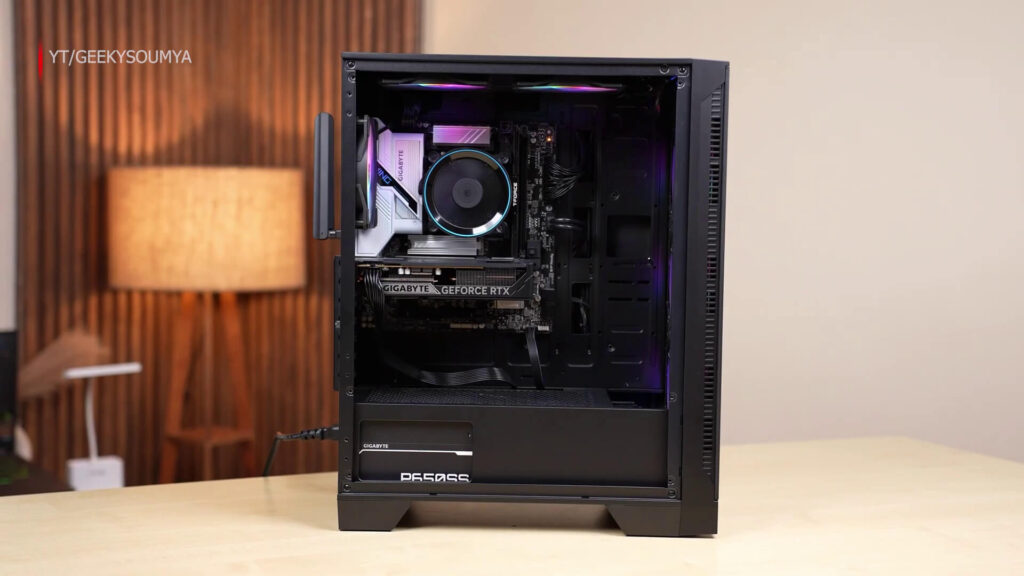
Biggest Mistakes to Avoid
Most beginners make these mistakes — don’t be one of them 👇
1. Cheap Power Supply (PSU)
A bad PSU can damage your entire PC.
👉 Always go for:
- 80+ Bronze or better
- Trusted brand
2. Choosing DDR4 Instead of DDR5
DDR4 may save money now, but limits future upgrades.
👉 DDR5 = better long-term investment
Also Read: DDR4 PC Builds Crush 2026: Beat DDR5 Price Madness & Save ₹20K+
3. Poor Airflow Cabinet
Good airflow = better cooling = better performance
👉 Choose:
- Mesh front cabinet
- At least 2–3 fans
4. Overspending on CPU, Underspending on GPU
Gaming = GPU dependent
👉 Always balance CPU + GPU
NVMe vs SATA – Why NVMe is Better Here?
In this build, NVMe SSD is highly recommended.
NVMe SSDs shine in modern PC gaming setups, especially with technologies like DirectStorage, which allow game assets to be streamed directly to the GPU for near-instant loading times. They also handle heavy tasks like 4K video editing and large file transfers smoothly.
Also Read: NVMe vs SATA SSD – Is NVMe Really Worth It in 2026?
On the other hand, SATA SSDs are still suitable for lighter use or as secondary storage. While both are much faster than HDDs, NVMe is the better choice for performance and future-proofing.
Final Verdict
If your budget is ₹1 lakh, this is one of the best gaming PC builds you can go for in 2026.
👉 You get:
- High FPS gaming
- Smooth editing performance
- Future upgrade options
This is a value-for-money + future-proof combo
FAQs
Q1. Is ₹1 lakh enough for a gaming PC in 2026?
A: Yes, ₹1 lakh is enough to build a powerful gaming PC that can handle modern games at high settings in 1080p and even 1440p.
Q2. Which GPU is best for a 1 lakh PC build?
A: RTX 4060 is one of the best choices as it offers excellent performance, DLSS support, and future-ready gaming.
Q3. Is DDR5 necessary for this build?
A: It is not mandatory, but DDR5 is recommended for better performance and future upgrades.
Q4. Can this PC handle video editing?
A: Yes, this build can easily handle 1080p and 4K video editing, making it perfect for YouTubers.
Q5. Can I upgrade this PC later?
A: Yes, you can upgrade RAM, GPU, and storage easily in the future.