
If you’ve been following new laptop or desktop launches recently, you’ve probably seen the term “Intel Core Ultra” and phrases like “AI PC” thrown around everywhere. It sounds fancy, but if you’re wondering, “What is this actually?” — let me break it down in simple, everyday language, the way I’d explain it to a friend who’s asking me for a buying suggestion.
Think of this as us chatting while you’re planning your next gaming or content‑creation machine.
Also Read: AMD CPU Names: Explained IN 2026
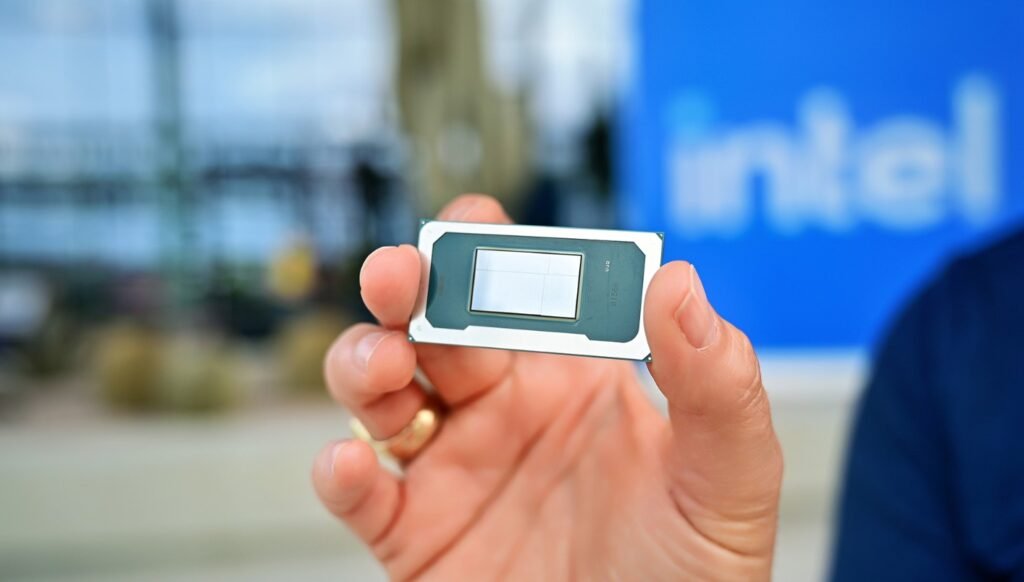
What Is Intel Core Ultra, Really?
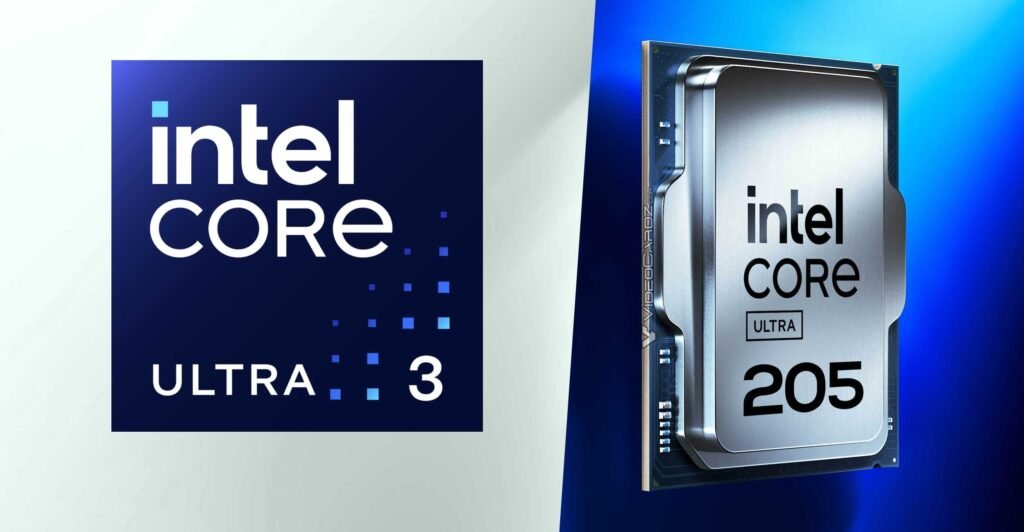
Let’s start with Intel Core Ultra. Earlier, Intel used branding like “Core i3/i5/i7/i9” for most of their processors. With Core Ultra, Intel is signaling a big shift in how modern CPUs are designed for laptops and desktops.
In simple terms, Intel Core Ultra is a newer generation of Intel processors built from the ground up for three big things:
- Better power efficiency
- Stronger built‑in graphics
- Dedicated hardware for AI workloads
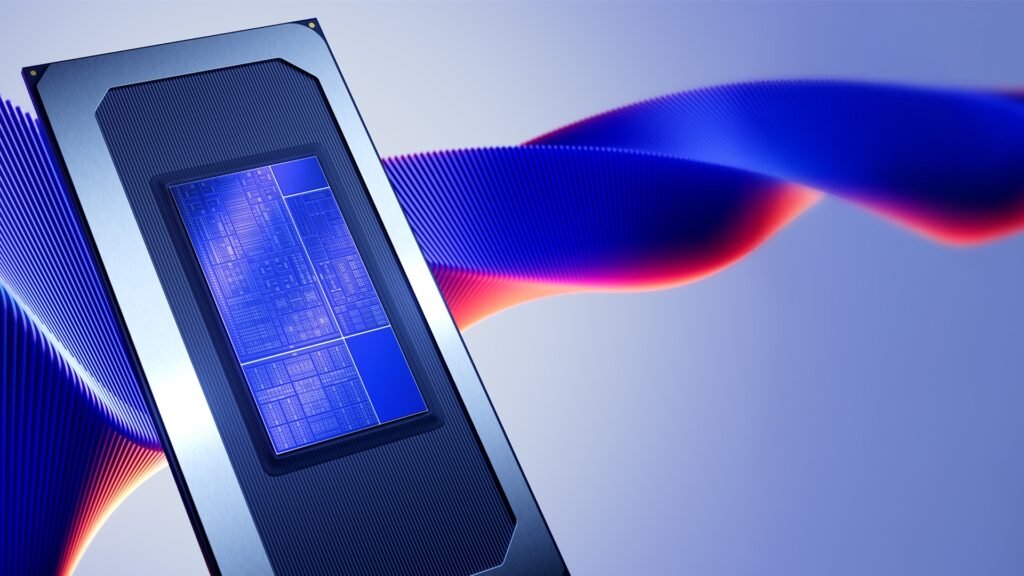
These CPUs are shaped around a more modular design, where different parts of the chip (CPU cores, GPU, and AI accelerator) are like separate “tiles” working together more smartly. The idea is not just “more speed,” but “smarter speed”: getting the right component to do the right job at the right time.
If we compare this to older Intel chips, the big difference is that Core Ultra is designed with AI and modern workloads in mind from the beginning, instead of just boosting clock speeds and throwing more cores at the problem.
The Three Big Brains Inside: CPU, GPU, and NPU
One of the easiest ways I’ve found to explain Core Ultra and AI CPUs is to think of the processor as a small team stuck inside your laptop:
- CPU (Central Processing Unit) – The classic brain that runs your main apps, OS tasks, game logic, browser, etc.
- GPU (Graphics Processing Unit) – The artist that draws frames, renders visuals, handles video effects, and accelerates many parallel tasks.
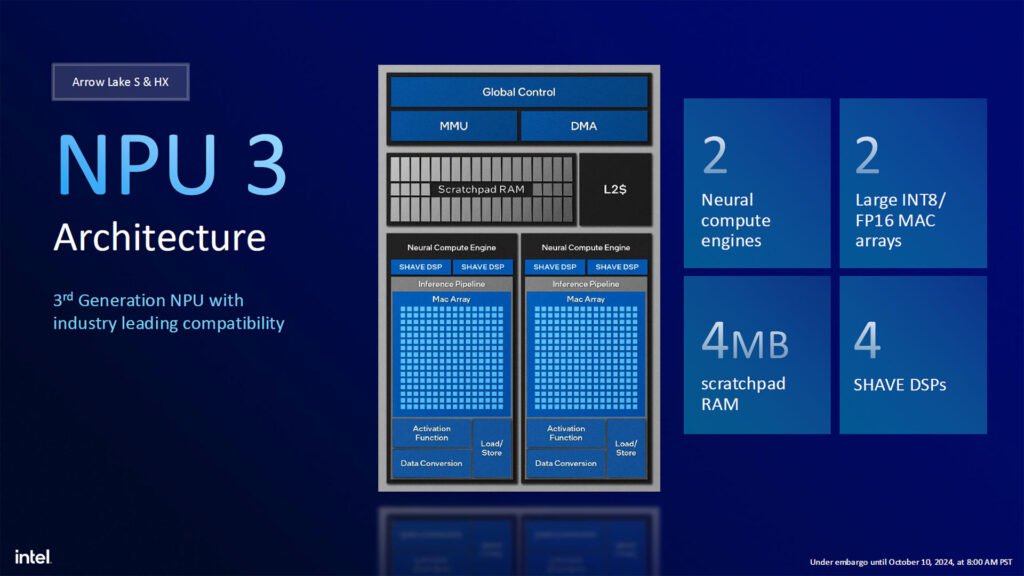
- NPU (Neural Processing Unit) – The new AI specialist that’s tuned specifically for machine‑learning and neural‑network operations.
Older systems mostly had CPU and GPU (and sometimes integrated graphics on the CPU). In Core Ultra and many new “AI CPUs,” you now have this third block: the NPU.
What Does the NPU Actually Do?
When companies say “AI CPU,” they usually mean a processor that has dedicated AI acceleration hardware baked into it — this is the NPU or similar AI engine.
Instead of your CPU doing everything, certain tasks are offloaded to the NPU. Examples:
- Background noise reduction and voice enhancement during calls
- Automatic background blur or frame enhancement in video conferencing
- AI‑powered photo and video editing like object removal, smart filters, and upscaling
- Running local AI assistants, transcription, translation, or small language models on your device
- Faster machine‑learning inference if you’re experimenting with AI tools, coding, or content workflows
The NPU is designed to handle these neural‑network‑style computations more efficiently, using fewer watts and producing less heat than the CPU or GPU would for the same AI workload. That means your laptop can do AI things more often, for longer, without killing battery life.
So when you read about Core Ultra or other AI CPUs bragging about “TOPS” (tera operations per second), they are often talking about how fast the combined CPU, GPU, and NPU can run AI workloads.
Why Intel Core Ultra Is Branded Around AI
Intel didn’t just rename their CPUs for fun. The Core Ultra branding is meant to highlight that these chips are:
- Optimized for AI features in Windows, creative apps, and productivity suites
- Designed with hybrid cores (performance cores + efficiency cores) to balance speed and battery life
- Bundled with improved integrated graphics (Intel Arc‑class iGPU on many models) aimed at casual gaming, video work, and GPU‑accelerated tasks
- Built with newer platforms that support fast DDR5 RAM, PCIe 5.0, modern connectivity like Thunderbolt, Wi‑Fi 6/7, etc.
So, from a user’s point of view: a Core Ultra laptop or desktop isn’t just “faster.” It’s more capable of handling modern workloads where you might be running a bunch of AI filters in Photoshop, doing background video processing, gaming, and streaming — all at once.
Don’t Miss: The Silent DRAM War: Why DDR4 & DDR5 Prices Are Rising Again in 2026
AI CPUs vs “Normal” CPUs: What’s the Difference?
Now let’s talk about “AI CPUs” in general, not just Intel Core Ultra.
You can think of AI CPUs as the next step in the evolution of processors:
- Old era: CPU + optional GPU, focusing mostly on raw performance and gaming.
- Transition era: Hybrid architecture (performance + efficiency cores), better scheduling, smarter boost behavior.
- AI era: CPU + GPU + NPU working together, with the OS and apps aware of where to send which kind of work.
The CPU still runs regular code. The GPU still handles heavy parallel tasks and graphics. But with AI‑focused chips:
- Certain AI features are hard‑wired into the silicon.
- There’s tight integration with AI frameworks (like ONNX, DirectML, OpenVINO, etc.).
- OS‑level schedulers try to pick the most efficient unit (CPU, GPU, or NPU) for each job.
If you’re a gamer and creator, this matters because:
- AI upscaling and frame generation in games can be handled more efficiently.
- AI tools in video and photo editing apps can run smoother and faster.
- Background AI assistants and system features don’t slow down your main workloads as much.
How This Helps in Real Life: Gaming and Content Creation
Let me explain this in a practical way, from a content‑creator/gamer perspective.
Imagine you’re on a Core Ultra or similar AI‑focused laptop:
- You’re recording a gameplay session.
- Your mic audio is being cleaned up with AI noise suppression.
- Your webcam feed has background blur and auto‑framing.
- Your editing software later uses AI tools to auto‑cut, stabilize, and color‑adjust the video.

Without dedicated AI hardware, many of these tasks would fight with your game and OS for CPU and GPU time. You’d see higher temps, fan noise, and possibly stutters.
With an NPU and smarter hybrid cores:
- The AI noise suppression and camera effects can be offloaded to the NPU.
- The CPU handles core game logic and OS tasks.
- The GPU handles rendering and maybe some AI upscaling in the game itself.
The end result: things feel smoother, and you get more “features” without such a big performance penalty.
Also Read: RTX 5060 Ti vs RX 9060 XT for GTA 6: Which GPU Should You Buy in 2026?
Does Everyone Need an AI CPU or Intel Core Ultra?
Now, the obvious question: “Do I really need Intel Core Ultra or an AI CPU?”
My honest answer: It depends on what you do and how long you plan to keep the machine.
You’ll benefit more if:
- You use AI‑heavy creative apps (video, photo, audio) on a regular basis.
- You join lots of online meetings and want the best camera/mic enhancements without lag.
- You’re interested in local AI tools, offline language models, or experimentation.
- You want a laptop that’s more future‑proof for the next 3–5 years as AI features become standard.
If your usage is mostly basic browsing, office work, and very light gaming, you don’t strictly “need” Core Ultra or an AI CPU, but having it may still help with battery life and future OS features.
For desktop gamers with powerful dedicated GPUs, AI CPUs can still matter in terms of efficiency and OS‑level AI features, but the impact may feel less dramatic than on laptops where power and thermals are tighter.
How to Read Intel Core Ultra Names Like a Human
Just like older Core i3/i5/i7/i9 naming, Core Ultra has tiers too (Core Ultra 5, 7, 9, and so on). To interpret them:
- Core Ultra 5 – Mainstream segment for everyday users and budget‑friendly ultrabooks.
- Core Ultra 7 – Higher performance for gamers, creators, and heavy multitaskers.
- Core Ultra 9 – Enthusiast level for power users, advanced creators, and high‑end laptops/desktops.
Within these, different model numbers and suffix letters can point to power levels (for thin‑and‑light laptops vs performance laptops), but from a normal user’s view, the rule of thumb remains:
- Ultra 5: Sweet spot for most people
- Ultra 7: Better for gaming and editing
- Ultra 9: Overkill for many, but great if you want the best
Pair this with your GPU, RAM and storage choices, and you can design a rig that takes full advantage of the AI‑centric design.
Final Thoughts: The “AI PC” Buzzword, Demystified
The term “AI PC” sounds like pure marketing, but underneath that buzzword, there’s a real shift: CPUs are no longer just about raw MHz and core counts. They’re becoming multi‑talented chips, where:
- Classic CPU cores handle logic.
- GPU cores handle graphics and parallel compute.
- NPU cores specialize in AI inference.
Intel Core Ultra is one of the first mainstream branding moves that puts this transformation front and center, and other companies are following similar paths with their own AI‑focused processors.
So when someone asks you, “Should I care about Intel Core Ultra or AI CPUs?”, you can tell them:
“If you want smoother AI features in apps, better battery efficiency, and a more future‑proof laptop or desktop, then yes — it’s worth paying attention. It’s not magic, but it’s the next logical step in what CPUs can do.”
This really cleared things up! I always thought “AI CPU” was just marketing hype, but the CPU/GPU/NPU breakdown made it click. Since I do a lot of video calls, a Core Ultra 7 sounds worth it for me and now I actually understand what I’m looking at. Thanks for the simple explanation!