
If you’re planning a new PC build or storage upgrade in late 2026, here’s the hard truth: for most users, a PCIe Gen5 SSD is still not worth the extra cost, heat, and hassle.
In this article, I’ll explain why chasing the fastest numbers on paper can actually hurt your real-world experience—and what you should buy instead.
Also Read: Why Gaming PCs Are Getting More Expensive in 2026

The Hype vs Reality of PCIe Gen5 SSDs
On paper, PCIe Gen5 NVMe drives look incredible: sequential read/write speeds of 10,000–14,500+ MB/s, almost double what top Gen4 drives offer.
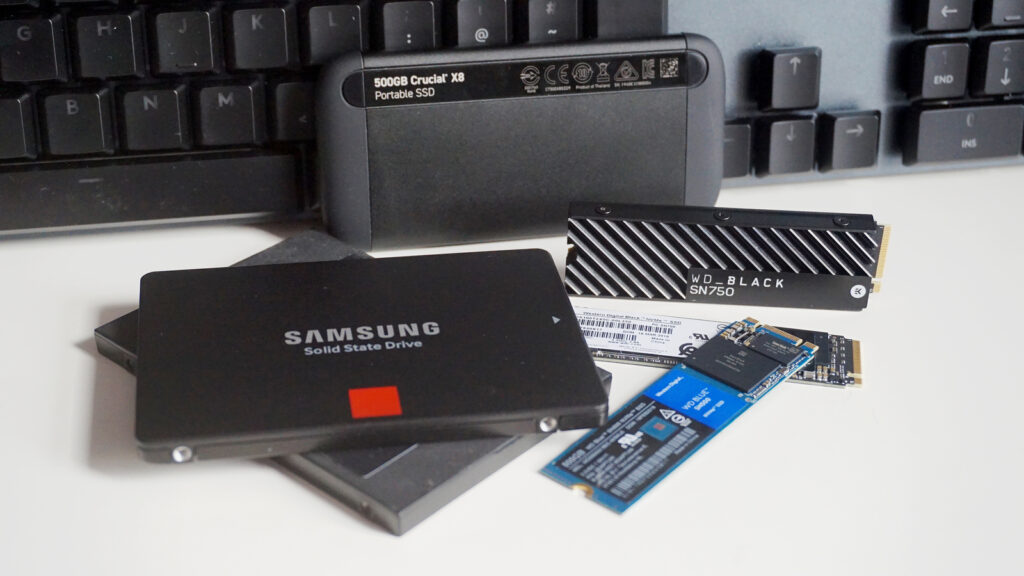
But in daily use—gaming, app loading, Windows boot, even large file copies—the difference is often just a few percent, sometimes under one second across multiple tests.
That’s because most workloads don’t saturate a good Gen4 drive in the first place. You’re paying a premium for bandwidth you rarely use.
Why Gen5 SSDs Are Still a Bad Value in 2026
1. Price Per TB Is Still Too High
Even with recent discounts, Gen5 SSDs cost significantly more per terabyte than mature Gen4 options.
- A reliable 2TB Gen4 drive (Samsung 990 Pro, WD SN850X, etc.) often lands around ₹13,000–₹16,000 in India.
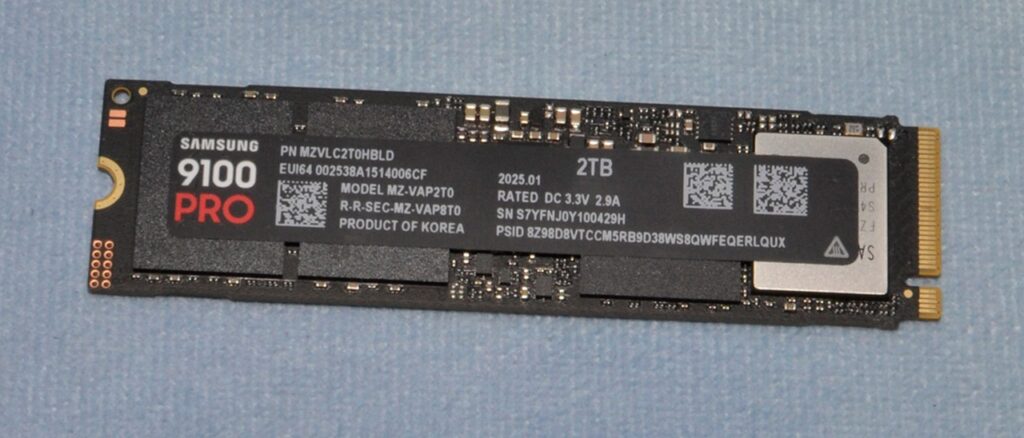
- Equivalent 2TB Gen5 models (Crucial T705, Samsung 9100 Pro, Corsair MP700 Pro) frequently sit ₹4,000–₹8,000 higher, sometimes more depending on stock.
For the same budget, you could:
- Buy a larger Gen4 drive (4TB instead of 2TB), or
- Put the extra money into a better GPU, CPU cooler, or more RAM—upgrades that actually move the needle in games and productivity.
Unless your workload consistently needs 10+ GB/s sequential throughput (8K video editing, AI model caching, heavy database work), that extra cost is wasted.
2. Heat and Throttling Are Real Problems
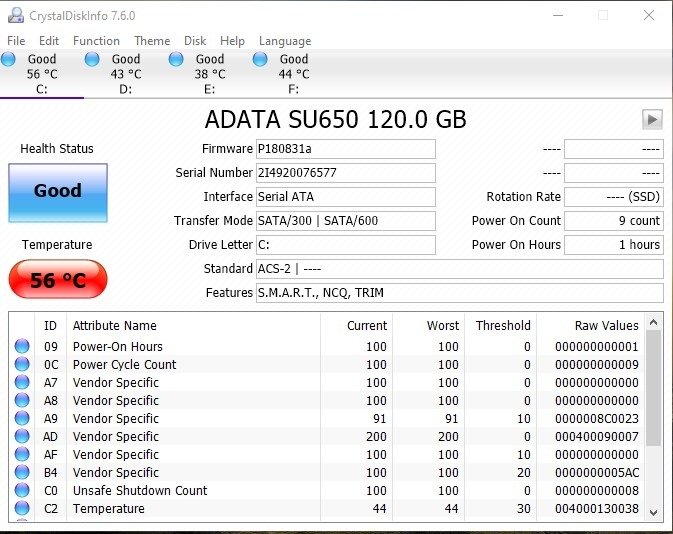
Gen5 controllers draw much more power—up to 12–14W under load—and can hit 82–85°C very quickly without proper cooling.
When that happens:
- The drive throttles its speed dramatically, sometimes dropping from 14,000 MB/s to under 2,000 MB/s to protect itself.
- In some tests, uncooled Gen5 drives collapsed to ~100 MB/s sustained writes until temps came down.
Yes, many motherboards now include M.2 heatsinks, and some Gen5 drives ship with their own. But:
- Not all boards have adequate cooling on all M.2 slots.
- Poor case airflow or compact builds can still cause issues.
- You may need to buy an additional aftermarket heatsink or even consider active cooling solutions.
Gen4 drives, by contrast, run cooler, throttle less aggressively, and are far more forgiving in typical mid-range builds.
3. Platform Compatibility Isn’t Universal
To actually run at Gen5 speeds, you need:
- A CPU and motherboard that fully support PCIe 5.0 x4 on at least one M.2 slot.
- Correct BIOS settings and sometimes specific slot usage (not all “Gen5-ready” boards enable full x4 lanes on every slot).
Many mid-range B650, B760, and even some Z790/X670 boards:
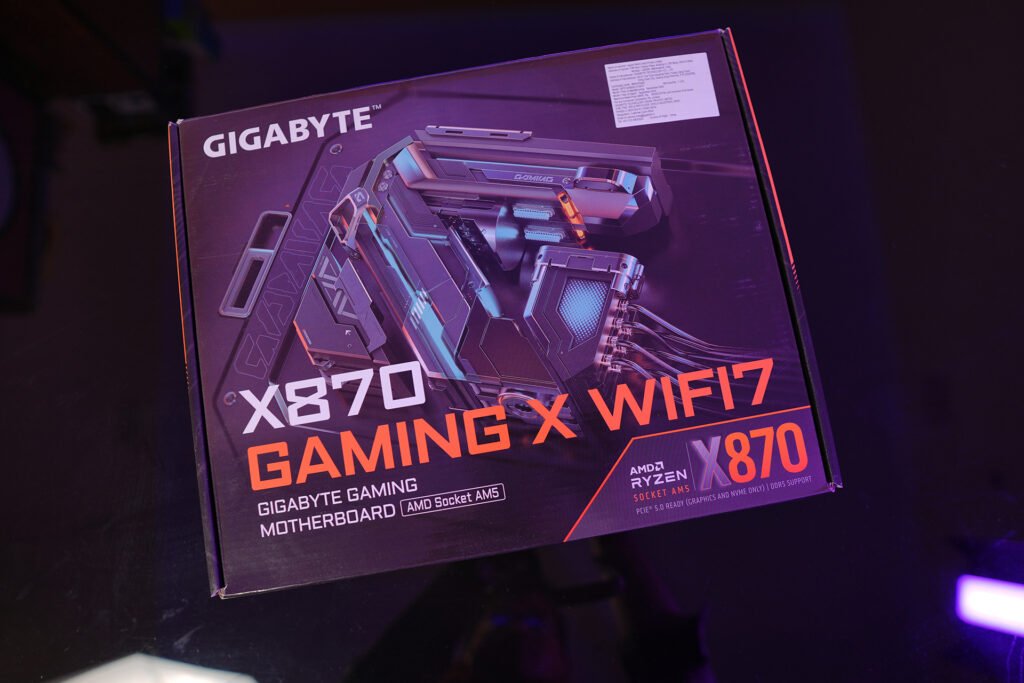
- Only support Gen5 on one slot,
- Share lanes with other devices,
- Or simply don’t expose full Gen5 performance in real-world configurations.
If you’re on an older Ryzen 5000, Intel 12th Gen, or a budget board, a Gen5 SSD will just run at Gen4 speeds—making it an expensive Gen4 drive by default.
4. Gaming Doesn’t Need Gen5 (Yet)
For gamers, this is the most important point: current and near-future games do not benefit meaningfully from Gen5 storage. Load time improvements between a good Gen4 and a Gen5 drive are usually:
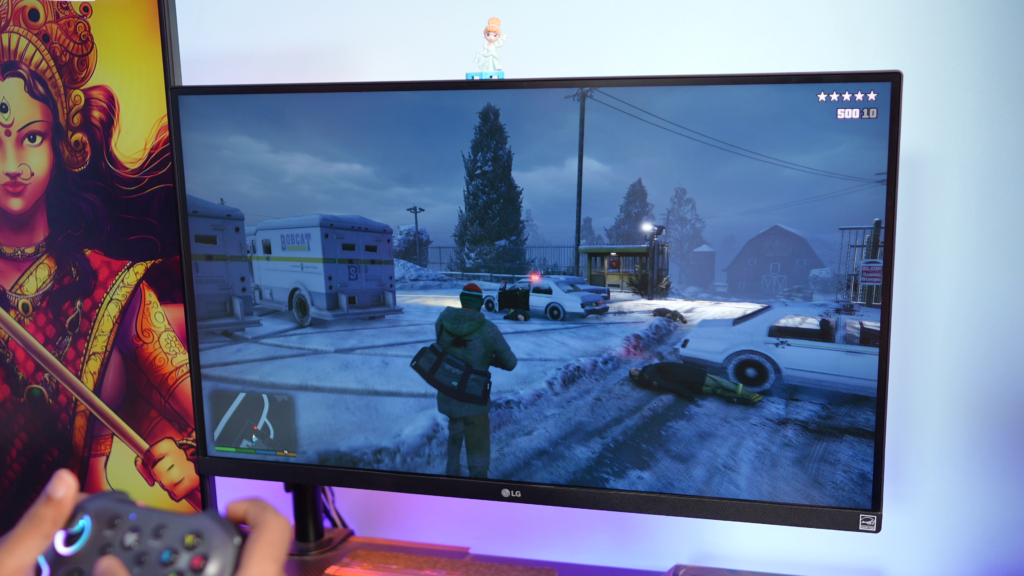
- Under 1 second in many titles,
- Often within the margin of error across multiple runs.
Games are still limited more by:
- CPU single-core performance,
- GPU power,
- Engine design and asset streaming logic,
than by whether your SSD does 7,000 MB/s or 14,000 MB/s.
Even next-gen titles expected through 2027–2028 are being designed around fast Gen4 as the “high end” baseline. Gen5 is future-proofing for a future that doesn’t exist yet in mainstream gaming.
When Gen5 SSDs Do Make Sense
To be fair, there are specific cases where PCIe Gen5 storage is justified:
- Professional 8K/12K video editing with multiple high-bitrate streams.
- AI/ML workloads that constantly load large models from disk.
- High-frequency trading, scientific computing, or specialized servers where every millisecond of I/O latency counts.
- Enthusiast benchmarking and “best of the best” builds where cost is secondary.
If you know you fall into one of these categories and your platform fully supports Gen5 with proper cooling, go ahead. For everyone else, it’s overkill.
What Should You Buy Instead?
For 95% of users in India right now, the smart move is:
Best Value: PCIe Gen4 NVMe SSDs
Look for drives like:
- Samsung 990 Pro / 990 EVO Plus
- WD Black SN850X
- Crucial P5 Plus / T500
- Kingston KC3000 / Fury Renegade (Gen4 variants)
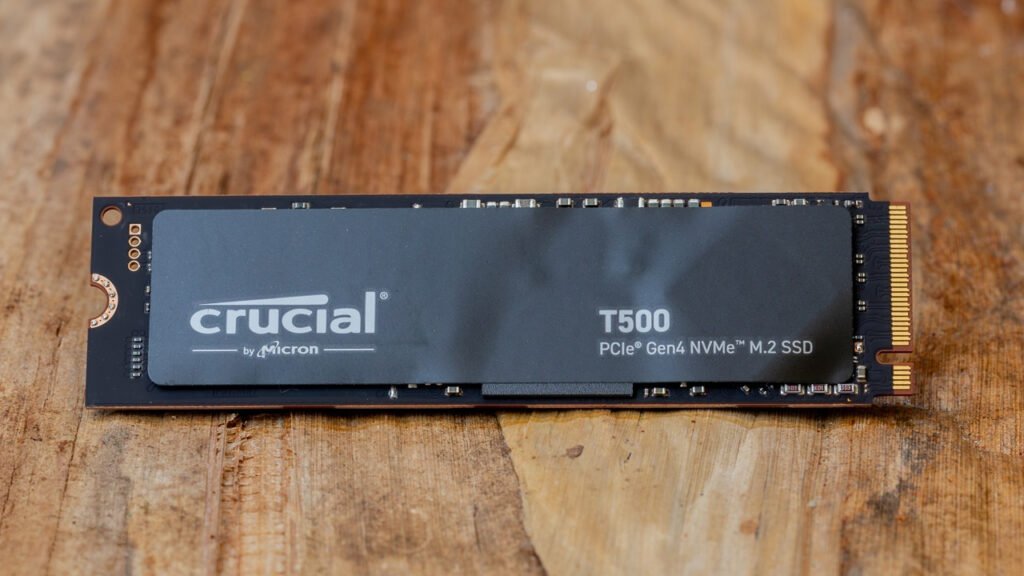
These offer:
- 7,000–7,450 MB/s sequential speeds,
- Excellent random I/O performance,
- Mature firmware and reliability,
- Much better price-per-TB.
In the Indian market, 1TB and 2TB Gen4 drives are widely available on Amazon, Flipkart, and local retailers at sane prices, with frequent discounts.
If You Really Want “Next-Gen” Without Gen5 Pain
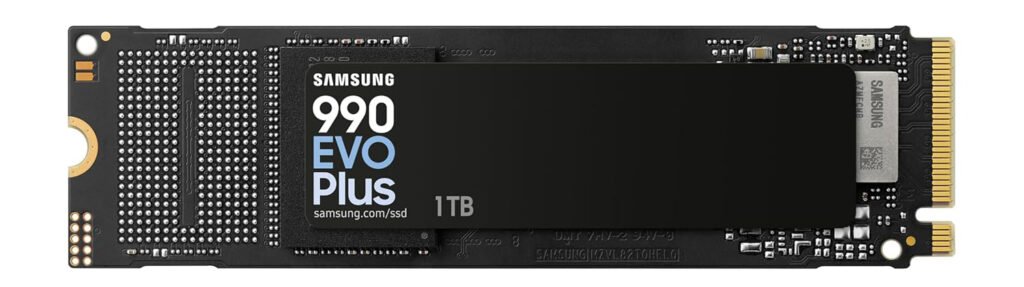
Consider hybrid or “Gen5-ready” Gen4 drives like the Samsung 990 EVO Plus, which can operate in Gen5 x2 or Gen4 x4 modes, giving some flexibility without the full Gen5 heat and cost penalty.
When Will Gen5 SSDs Be Worth It?
You should consider waiting for Gen5 if:
- Prices drop to within ~10–15% of equivalent Gen4 drives on a ₹/TB basis.
- Controllers and NAND become significantly more power-efficient.
- More games and applications are explicitly optimized to leverage that extra bandwidth.
- You’re buying a brand-new high-end platform (e.g., future AMD/Intel sockets) where Gen5 is standard and well-cooled.
Until then, Gen5 is an enthusiast toy, not a mainstream necessity.
Final Verdict
Don’t buy a PCIe Gen5 SSD right now unless you have a very specific, proven need for its extreme sequential speeds and you’ve already solved the cooling and compatibility puzzle. For gaming, content creation, programming, and general use in 2026, a good Gen4 NVMe drive gives you:
- 95%+ of the real-world performance,
- Far better value,
- Lower temperatures,
- Wider compatibility.
Save your money, invest in more storage capacity or a stronger GPU, and let Gen5 mature a bit more before you jump in.