
Remember when a new phone could easily survive a full day of heavy use? Two years later, the same device dies by evening even with “100%” showing on the screen. The problem isn’t just your usage—it’s smartphone battery degradation, a mix of chemistry, design choices, and modern features that quietly eat away at your battery’s real capacity.

Your battery is aging from day one
Most smartphones use lithium-ion (Li-ion) batteries, which are essentially tiny chemical factories. Every time you charge and discharge, lithium ions move between the anode and cathode. Over hundreds of cycles, this movement causes microscopic damage inside the cell.
Key processes behind degradation:
- SEI layer growth: A thin film (Solid Electrolyte Interphase) forms on the anode. It’s necessary at first but thickens over time, trapping lithium ions and reducing usable capacity.
- Lithium plating: During fast charging or in cold conditions, lithium can deposit as metal on the anode instead of storing properly. This permanently shrinks the battery’s working volume.
- Electrode stress: Repeated expansion and contraction during charging create tiny cracks in electrode materials, isolating parts of the active material so they can’t store energy anymore.
Manufacturers usually design Li-ion cells to retain about 80% capacity after ~500 full charge cycles. But “full cycle” doesn’t mean 100→0 every time; partial charges also add up. So daily top-ups slowly tick away your battery’s lifespan even if you never fully drain it.

Heat is silently killing your battery
Heat is the single biggest accelerator of battery wear. High temperatures speed up unwanted chemical reactions inside the cell, breaking down electrolytes and damaging electrode structures.
Common heat sources in real life:
- Gaming or recording video while charging
- Using navigation or camera in direct sunlight
- Leaving the phone on a car dashboard or near a window in summer
- Heavy multitasking with 5G and high refresh rate displays
Studies show that sustained temperatures above 38–45°C can significantly shorten battery life, sometimes cutting effective lifespan by 20–50% if chronic. Your phone might still show 100%, but internally it holds far less energy than before.
Bigger screens, brighter displays, higher refresh rates
The display is the largest power consumer in a smartphone, often responsible for 30–50% of total battery usage during active use. Modern phones have:
- Larger, higher-resolution panels
- Higher peak brightness for HDR and outdoor visibility
- 90Hz, 120Hz, or even 144Hz refresh rates
All of these improvements make phones look and feel amazing—but they also draw significantly more power than older 60Hz, lower-brightness screens. Even with bigger batteries, the net result is similar or worse endurance compared to phones from a few years ago.
5G, background apps, and always-on AI
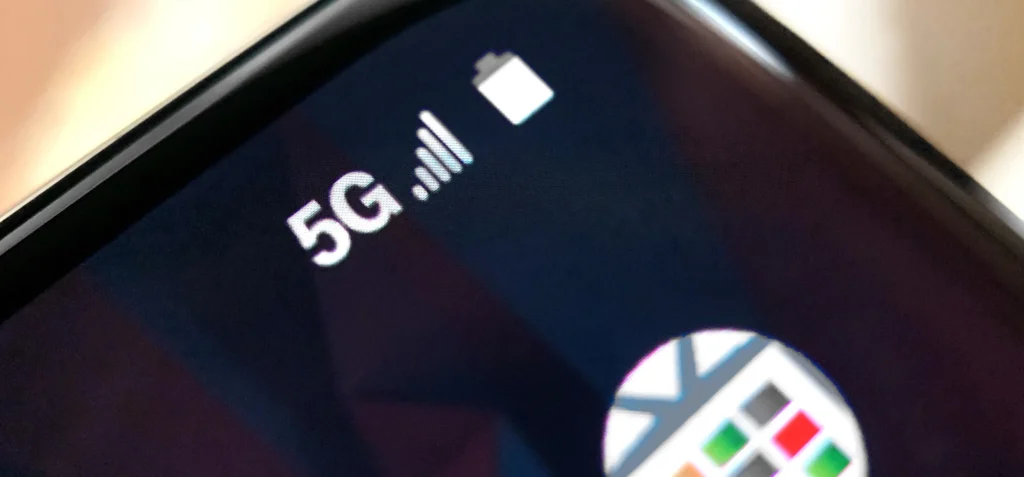
There’s a common myth that “5G alone destroys battery life.” In reality, modern 5G modems are much more efficient, and the average extra drain versus 4G is often in the 6–11% range during typical use. However, in weak-signal areas, the modem works harder to maintain connection, which can increase power draw noticeably.
What really adds up:
- Always-on connectivity: Background sync for email, social feeds, cloud photos, and location services.
- On-device AI features: Real-time photo processing, live translation, voice assistants, and generative tools running continuously in the background.
- High-performance modes: Gaming, AR, and camera features that push CPU, GPU, and NPU simultaneously.
These features didn’t exist (or were far lighter) on older phones. Now they run all day, pushing batteries harder even when you’re “just scrolling.”
Fast charging and charging habits
Fast charging is convenient but comes with trade-offs. Pushing high current into the battery generates more heat and increases stress on the internal chemistry. Over many sessions, this accelerates degradation compared to slower, gentler charging.

Common habits that worsen battery health:
- Regularly charging to 100% and keeping it plugged in for hours
- Frequently draining to 0% before charging
- Using cheap or very high-wattage chargers without proper thermal management
- Charging under a pillow, blanket, or in direct sunlight
Many experts recommend keeping the battery between 20–80% for daily use and avoiding extreme heat while charging to slow down degradation. Some phones now include “optimized charging” features that try to do this automatically.
Battery percentage is just an estimate
As batteries age, their voltage behavior becomes less predictable. The phone’s software estimates remaining charge based on voltage and usage patterns, but this estimate grows less accurate over time. That’s why you might see:
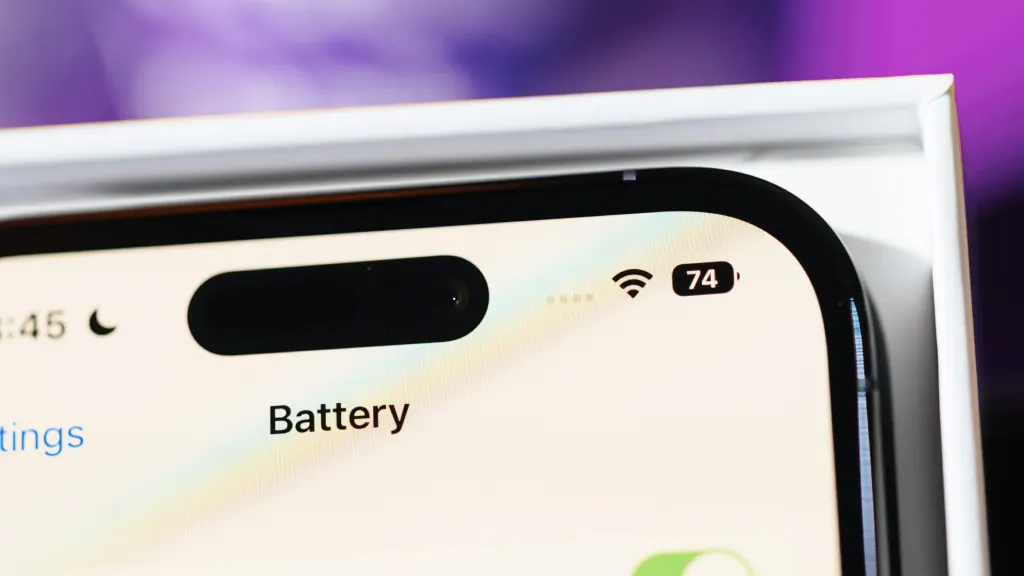
- Sudden drops from 30% to 10%
- Unexpected shutdowns even when 20–30% is shown
- “100%” that doesn’t last as long as it used to
This isn’t necessarily a bug; it’s a symptom of an aging cell whose internal resistance has increased and whose true capacity has shrunk.
So, do batteries actually last less long now?
In pure chemistry terms, Li-ion technology hasn’t radically changed in years. What has changed is how we use phones:
- More screen time, brighter and faster displays
- Constant connectivity with 5G and Wi‑Fi
- Background AI, cameras, and gaming-grade performance
- Faster charging and thinner designs with less room for cooling
Also Read: Check Battery Health On Android & Expand the Battery Longevity?

Battery capacities have grown, but not enough to fully offset these demands. Combine that with natural degradation, and it feels like “batteries don’t last long anymore,” even though the underlying tech is similar.
How to slow down smartphone battery degradation
You can’t stop aging, but you can slow it:
- Avoid prolonged heat: don’t game/record while charging; keep the phone out of direct sun.
- Use moderate charging: 20–80% range when possible; avoid staying at 100% for hours.
- Enable optimized/smart charging features if your phone has them.
- Reduce unnecessary background activity: limit auto-sync, location, and unused app refresh.
- Consider lower refresh rate or adaptive brightness if battery life matters more than smoothness.
When battery health drops below ~80% and daily endurance becomes painful, a battery replacement is often the most cost-effective way to make your phone feel new again.
FAQ: Smartphone Battery Degradation
Q1. How long should a smartphone battery last before it degrades noticeably?
Most lithium-ion batteries are designed to retain about 80% of their original capacity after roughly 500 full charge cycles, which typically translates to 2–3 years of regular daily use.
Q2. Does fast charging ruin battery health?
Fast charging increases heat and internal stress, which can accelerate degradation over time. Occasional fast charging is fine, but making it your only charging method and combining it with high temperatures will wear the battery faster than slower, cooler charging.
Q3. Is it better to keep my phone between 20% and 80%?
Yes. Avoiding frequent 0% and 100% extremes reduces chemical stress on the battery. Staying in the 20–80% range for daily use, and not leaving the phone plugged in at 100% for hours, can help slow down capacity loss.
Q4. Does 5G drain battery much faster than 4G?
On modern phones, 5G alone usually adds only a modest extra drain (often around 6–11% in typical use). The bigger issues are weak signal strength, constant network switching, and heavy apps running in the background, which all increase power consumption.
Q5. Why does my phone show 100% but still die quickly?
As the battery ages, its real capacity shrinks while the percentage indicator remains based on voltage estimates. The phone still shows “100%” of the remaining (reduced) capacity, so it fills quickly but empties faster than when the battery was new.
Q6. Can software updates improve battery life on an old phone?
Updates can optimize background processes, fix bugs, and improve power management, which may help a bit. However, they cannot restore lost physical capacity in a degraded battery; if health is very low, only a battery replacement will significantly improve endurance.