
Building a PC in 2026 can be expensive. Whether you’re a budget gamer in West Bengal looking to play GTA 5, Valorant, or the latest AAA titles, or a content creator trying to maximize your GPU and RAM investments without breaking the bank, buying second-hand PC parts can save you 20–50% on your total build cost. However, the used PC market is a minefield. Some components are completely safe to buy used, while others could destroy your entire system or fail within days.
Also Read: Best Used GPUs for GTA 6
After deep research into expert guides, PC building communities, and real-world testing experiences, this comprehensive guide will tell you exactly which parts to buy second-hand, which to avoid completely, and how to test them at a basic level before paying. This is especially relevant for Indian buyers using OLX, Facebook Marketplace, and local tech markets where face-to-face transactions are common.
SAFE TO BUY SECOND-HAND (With Strong Reasons)
1. CPU – The Safest Choice
Why You Should Buy Used:
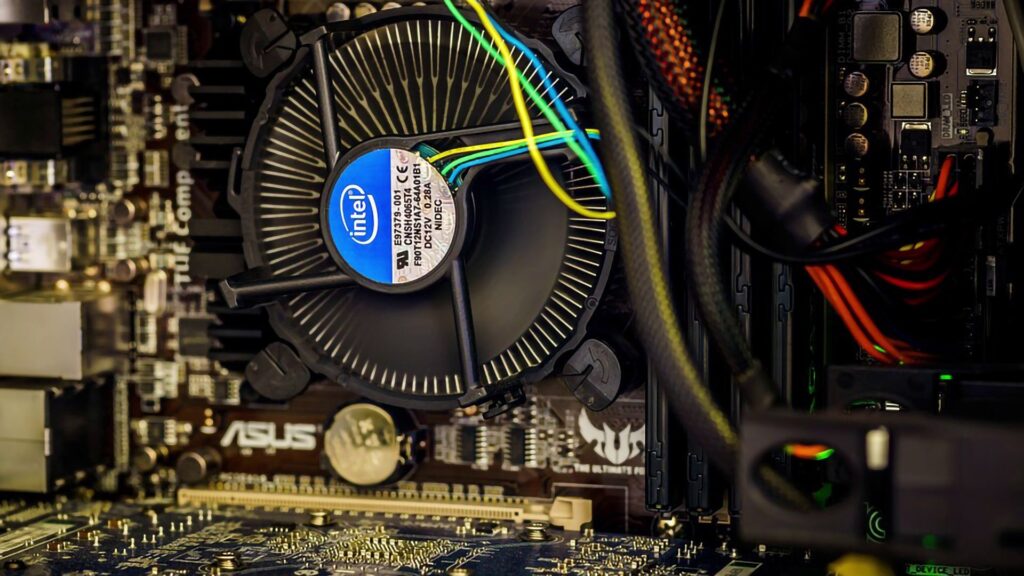
CPUs are arguably the safest PC component to buy second-hand. They have no mechanical moving parts, don’t degrade over time, and rarely fail under normal usage. A used CPU from 2–3 generations ago will perform identically to a new one of the same model. You can find excellent deals on high-end CPUs like the Intel i7-8700K or AMD Ryzen 7 5800X at 30–40% less than retail prices.
Why You Should Avoid:
The main risk is buying an overclocked CPU that was pushed beyond its limits, potentially reducing its lifespan. Also, Intel frequently changes socket types, so compatibility with your motherboard becomes critical. Always verify the socket type (LGA1700, AM4, AM5) matches your motherboard before purchasing.
How to Test (Basic Level):
- Boot into BIOS and verify the CPU model name, core count, and clock speed match the advertised specifications.
- Run Prime95 (Small FFTs test) for 20 minutes; temperature should stay below 85°C with no crashes.
- Check for physical damage on the CPU pins (AMD) or contact pads (Intel)
2. RAM (Random Access Memory) – Extremely Safe
Why You Should Buy Used:
RAM is one of the safest components to buy used because memory sticks rarely go bad under normal usage. Unlike storage drives, RAM has no write cycles that degrade over time. You can easily find DDR4 16GB kits at 25–35% savings compared to new prices. The only requirement is matching the type (DDR4/DDR5) to your motherboard.
Why You Should Avoid:
Avoid extremely old DDR2 or DDR3 RAM as it’s obsolete and won’t work with modern systems. Also, check if the RAM was overclocked or subjected to excessive heat, which could reduce stability.

How to Test (Basic Level):
- Download MemTest86 and create a bootable USB drive.
- Boot from the USB and run at least 4 passes (15–20 minutes total).
- PASS criteria: 0 errors detected. Any errors = defective RAM.
- Physically inspect for burnt components or corrosion on the contacts.
3. Graphics Card (GPU) – Safe with Caveats
Why You Should Buy Used:
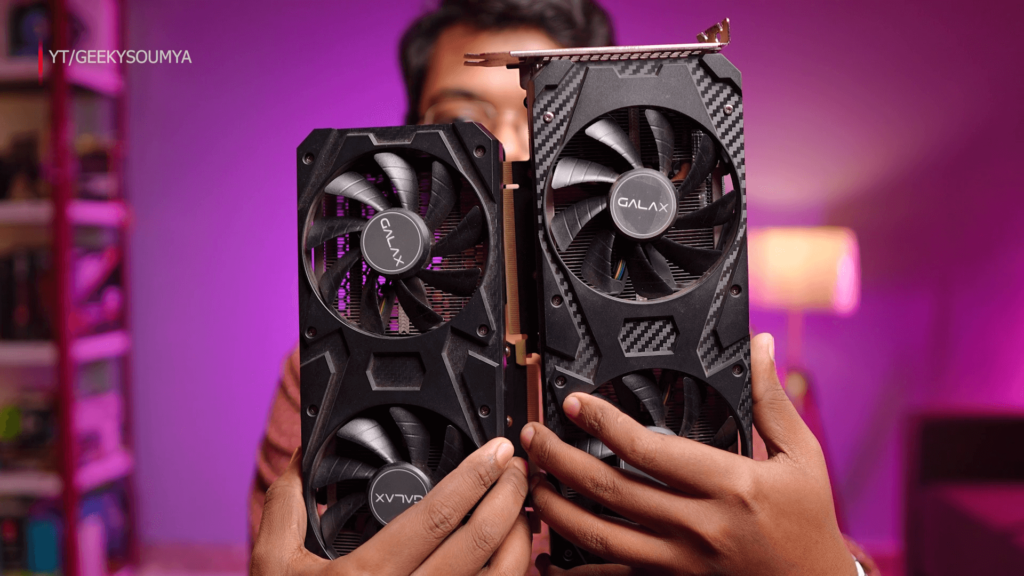
GPUs offer the best value in the used market, especially for gaming PCs. An RTX 3060 or RX 6700 XT from 2–3 years ago can still handle 1080p gaming at 60+ FPS with modern features like DLSS and ray tracing. You can save 30–45% compared to buying new, making budget gaming builds under ₹30,000–₹50,000 possible.
Why You Should Avoid (Critical Risks):
The biggest risk is crypto mining GPUs. Many used cards were mined 24/7 for years, which shortens lifespan significantly. Avoid GTX 1080 Ti or cards older than 7–10 years as they lack modern features like ray tracing, DLSS, mesh shaders, and Resizable BAR. Overclocked units also fail faster.
How to Test (Basic Level):
- Download and install FurMark.
- Run the 15–20 minute stress test at 1080p resolution.
- PASS criteria: GPU temperature stays below 82°C, no visual artifacts (strange colors/pixels), no crashes or driver timeouts.
- Listen for coil whine (high-pitched buzzing) which indicates electrical issues.
- Ask the seller what games they played and when they bought it.
For Indian buyers: Request photos showing temperatures and clock speeds via WhatsApp, then compare with online reviews to verify authenticity.
4. PC Case – 100% Safe
Why You Should Buy Used:
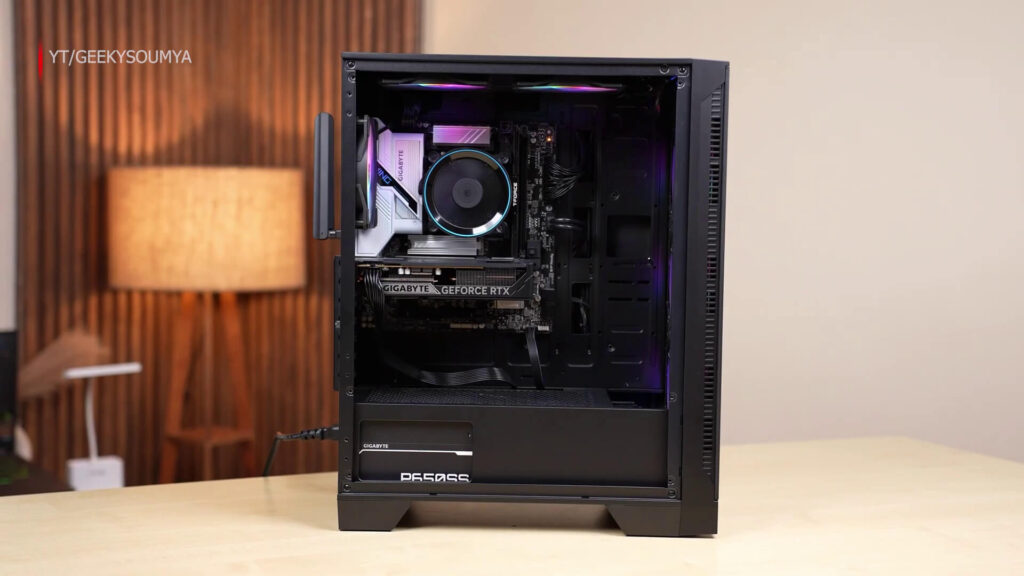
PC cases are the easiest component to justify buying used because they have no electronic components that degrade. A used case from a reputable brand like Ant Esports or CGR will function identically to a new one. You can save ₹500–₹1,500 on cabinet purchases.
Why You Should Avoid:
Check for damaged fan blades, bent mounting brackets, or liquid residue signs that could indicate previous water damage.
How to Test (Basic Level):
- Physical inspection: Check all mounting points, fan mounts, and cable management holes.
- Ensure included fans spin smoothly without unusual noise
- Look for any rust, corrosion, or physical damage
5. Air CPU Coolers – Safe
Why You Should Buy Used:
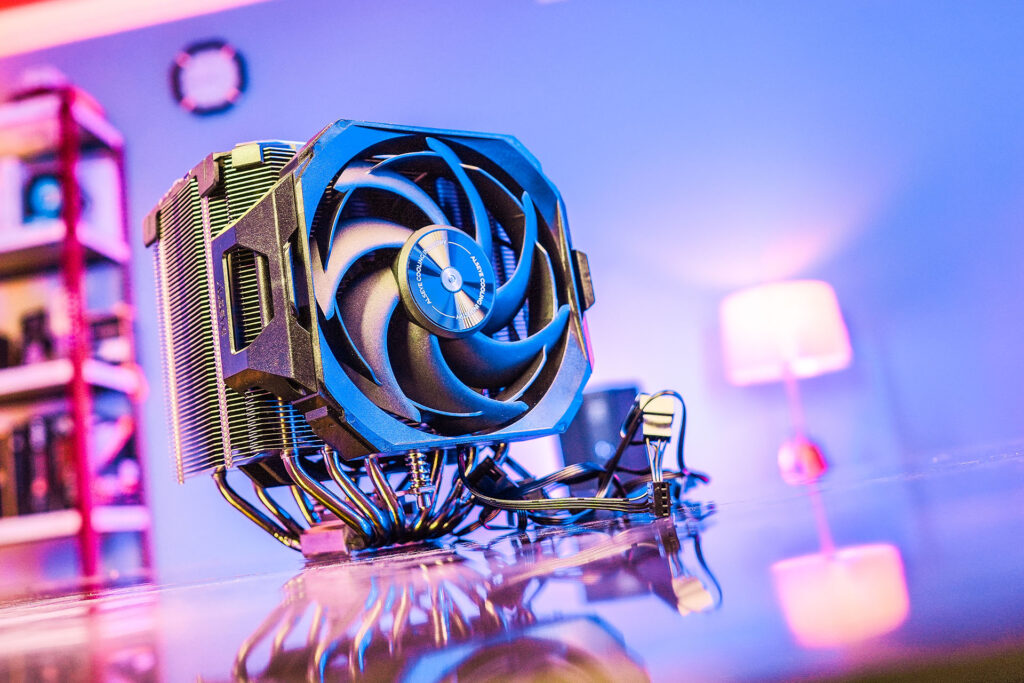
Air coolers have minimal failure points and don’t degrade over time. A used Cooler Master or Corsair air cooler will perform identically to new.
How to Test:
- Ensure the fan spins smoothly without wobbling
- Listen for unusual grinding or buzzing noises
- Check that the heatsink fins are not clogged with dust
NEVER BUY SECOND-HAND (Buy New Instead)
1. Power Supply Unit (PSU) – NEVER, UNDER ANY CIRCUMSTANCES
Why You Should NEVER Buy Used:
The PSU is the most dangerous component to buy used. Internal components degrade over time, reducing power capacity and stability. An unstable PSU can deliver incorrect voltage to your CPU, GPU, RAM, and storage, potentially destroying all your other components. Failed PSUs can also smoke or catch fire, creating a safety hazard.
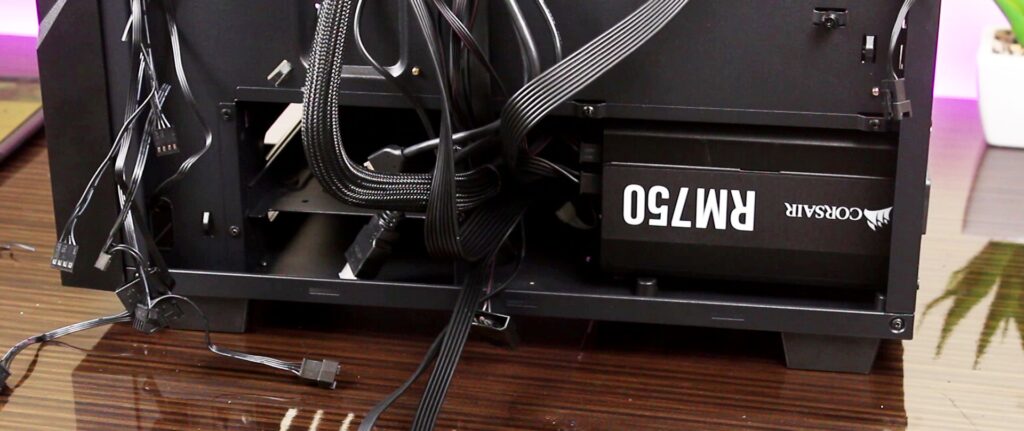
Experts consistently state: “The PSU is the one part you should never underspend on”. A quality 550W–650W PSU from Antec, Corsair, or EVGA costs ₹2,500–₹4,000 new – not worth risking ₹15,000+ in other components.
2. Storage Drives (SSD/HDD) – Avoid Unless No Important Data
Why You Should Avoid HDD:
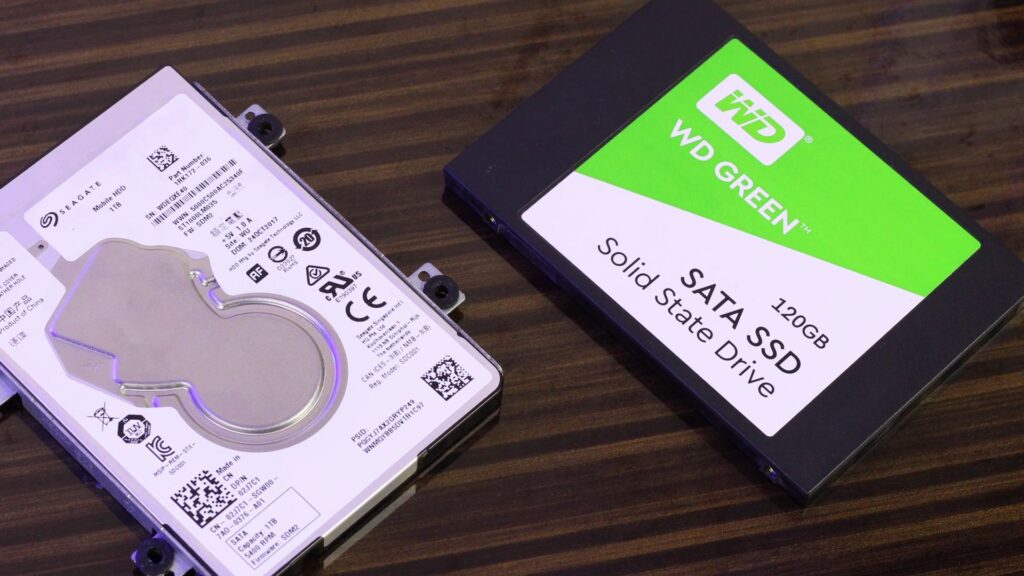
Hard disk drives have physical magnetic platters that wear down over time. Bad sectors and mechanical failures can occur unpredictably, causing data loss. HDDs from used systems often have 2–5 years of write cycles already completed.
Why You Should Avoid SSD:
SSDs have limited write cycles (TBW – Terabytes Written). A used SSD may be near its end of life without obvious symptoms. Unless it’s a secondary drive with no important data, avoid buying used SSDs.
When It’s Acceptable:
Only buy a used SSD if it’s NOT your primary drive and contains no important data. The savings aren’t worth the risk of system instability.
How to Test SSD (If You Must):
- Download CrystalDiskInfo (free tool)
- Check SMART health percentage; REJECT if below 80%
- CRITICAL: Uncorrectable errors must be 0. Any uncorrectable errors = immediately reject
- Run CrystalDiskMark benchmark to compare read/write speeds against manufacturer specs.
3. Motherboard – High Risk, Avoid Unless Necessary
Why You Should Avoid:
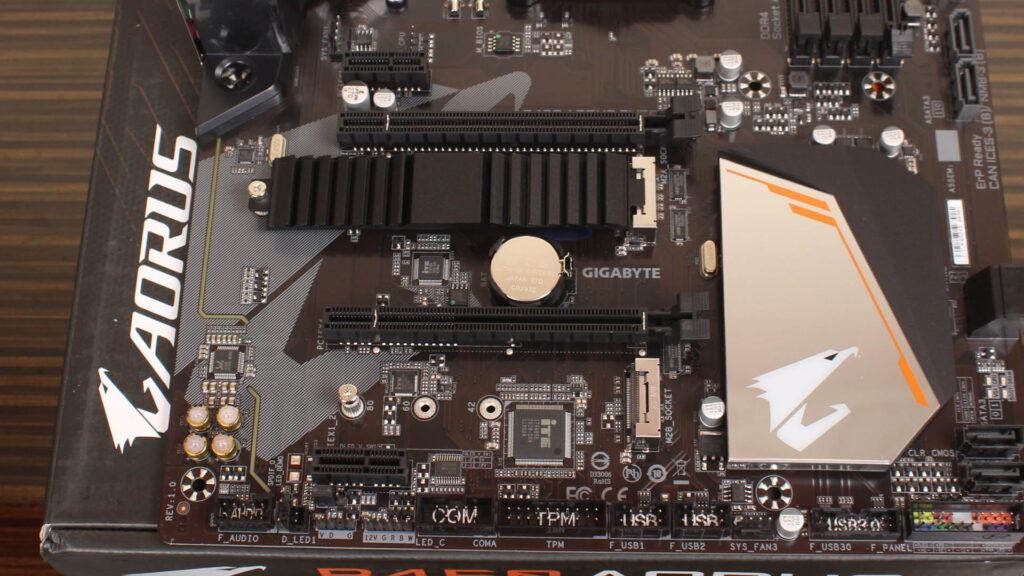
Motherboards contain dozens of failure points: capacitors, MOSFETs, chips, jumpers, and batteries that wear out unpredictably. A motherboard might work initially but fail months later with faulty fan headers, SATA ports, or PCIe slots. Diagnosing motherboard issues is extremely difficult.
When It’s Acceptable:
Only buy a used motherboard if you’re getting an older CPU with no new motherboard available. For example, pairing a used Ryzen 7 2700X with a used B450 motherboard might be necessary for a budget build.
How to Test (If You Must):
- Physically inspect capacitors for bulging, leaking, or discoloration
- Check for burn marks near PCIe slots, SATA ports, and CPU socket
- Boot into BIOS and verify all ports (SATA, USB, PCIe) are detected
- Run stress tests on CPU and GPU for 30 minutes to ensure stability
4. Liquid AIO Coolers – Avoid
Why You Should Avoid:
All-in-one liquid coolers have pumps that can fail silently, causing CPU overheating and damage. The underlying faults depend entirely on previous usage history, which is unknown.

5. Ancient/Obsolete Parts – Avoid Completely
Why You Should Avoid:
- GPUs older than 7–10 years (GTX 900 series, RX 400 series) lack ray tracing, DLSS, and modern features[h
- CPUs without Windows 11 support (pre-Intel 8th gen, pre-AMD Ryzen)
- Motherboards without M.2 SSD support or proper PCIe 4.0/5.0
- High power consumption and failure chance increase with age
Basic Testing Checklist Before Paying (Indian Market Guide)
| Component | Test Tool | Duration | Pass Criteria |
| GPU | FurMark | 15–20 mins | Temp <82°C, no artifacts/crashes |
| RAM | MemTest86 | 4 passes (15–20 mins) | 0 errors |
| CPU | Prime95 (Small FFTs) | 20 mins | Temp <85°C, no crashes |
| SSD | CrystalDiskInfo | Instant | Health >80%, 0 uncorrectable errors |
| Motherboard | BIOS + Physical | 10 mins | All ports detected, no capacitor damage |
For Indian Buyers (OLX, Facebook Marketplace, Local Markets):
- Establish communication via call or WhatsApp – Request photos showing temperatures and clock speeds
- Compare with online reviews– Verify temperatures and hotspot readings align with advertised clock speeds
- Negotiate respectfully – Show other GPU listings to encourage price reduction; if unwilling, move on
- Check seller reputation – Verify reviews on JustDial or Google Maps; avoid accounts with <5 transactions
- Minimum 6-month warranty – Avoid “30-day replacement only” offers
- Document everything – Save chat logs, video timestamps, and invoice details for dispute resolution
- Use PayPal or secure payment – Never wire money via Zelle; face-to-face OLX transactions are safer
- Ask usage history – Gaming = normal; 24/7 mining = risky
Smart Buying Strategy for Budget Builds
When to Buy Used vs. New:
| Budget Tier | Recommended Used Parts | Buy New |
| ₹15,000–₹30,000 | GPU (RTX 2060/3050), CPU (Ryzen 5 3600), RAM (16GB DDR4) | PSU, SSD (500GB NVMe), Motherboard |
| ₹30,000–₹50,000 | GPU (RTX 3060/6700 XT), CPU (Ryzen 7 5800X), Case | PSU (650W), SSD (1TB NVMe), RAM (if DDR5) |
| ₹50,000+ | GPU (RTX 3080/4070), CPU (i7-12700K) | PSU, SSD, Motherboard, RAM (DDR5) |
Key Rule: Only buy used if you’re saving 20–50% minimum vs. new price.
Best Used GPU Picks for 2026 (India):
| GPU | Approx Used Price (₹) | New Price (₹) | Savings | Best For |
| RTX 2060 | 8,000–10,000 | 18,000 | 45% | 1080p gaming, DLSS |
| RTX 3060 | 12,000–15,000 | 25,000 | 40% | 1080p 60 FPS, ray tracing |
| RX 6700 XT | 14,000–17,000 | 28,000 | 39% | 1080p/1440p gaming |
| RTX 3060 Ti | 16,000–19,000 | 32,000 | 38% | Best price-to-performance used card |
Don’t Miss: What Is TDP in a CPU? (And Why You Actually Care)
Final Recommendations for Your PC Build
As a content creator focused on GPU and RAM tech content, here’s my strategic advice:
- Buy Used: GPU (RTX 3060/6700 XT), RAM (16GB DDR4), CPU (Ryzen 5 5600/7 5800X), and PC case
- Buy New: PSU (650W 80+ Bronze), SSD (1TB NVMe for primary drive), Motherboard (B550/X570), and DDR5 RAM if budget allows
- Always Test: Never pay without FurMark/MemTest86/CrystalDiskInfo verification
- Prefer Individual Sellers: They’re more trustworthy than shops posing as individuals
- Clean and Repaste: After buying a used GPU, clean it and repaste the GPU chip for optimal thermal performance
By following this guide, you can build a powerful gaming PC under ₹30,000–₹50,000 while protecting your investment from catastrophic failures. The used market is your friend for GPUs, RAM, and CPUs – but never compromise on PSU and primary storage.
Know this topic in Hindi watch the video below it’s in Hindi
FAQ
Q1. Is it safe to buy used PC parts?
A: Yes, used PC parts can be a great value if you test them properly and buy from trusted sellers.
Q2. Which used PC parts are safest to buy?
A: CPUs, RAM, and graphics cards are generally the safest used components when properly tested.
Q3. Should I buy a used graphics card?
A: Yes, but always test temperatures, fan condition, and performance before purchasing.
Q4. Is it safe to buy a used SSD?
A: Only if you can check its health, power-on hours, and remaining lifespan using tools like CrystalDiskInfo.
Q5. Should I buy a used PSU?
A: In most cases, no. A faulty power supply can damage the entire PC and is often not worth the risk.
Q6. How do I test a used GPU before buying?
A: Use tools like GPU-Z, FurMark, and gaming benchmarks to verify performance and stability.
Q7. Are mining GPUs worth buying?
A: Some mining GPUs can still perform well, but buyers should carefully inspect temperatures, fan wear, and overall condition.