
If you’ve ever looked at a CPU spec sheet and seen something like “65W TDP” or “105W TDP”, you probably wondered:
What the heck is TDP, and why does it matter?
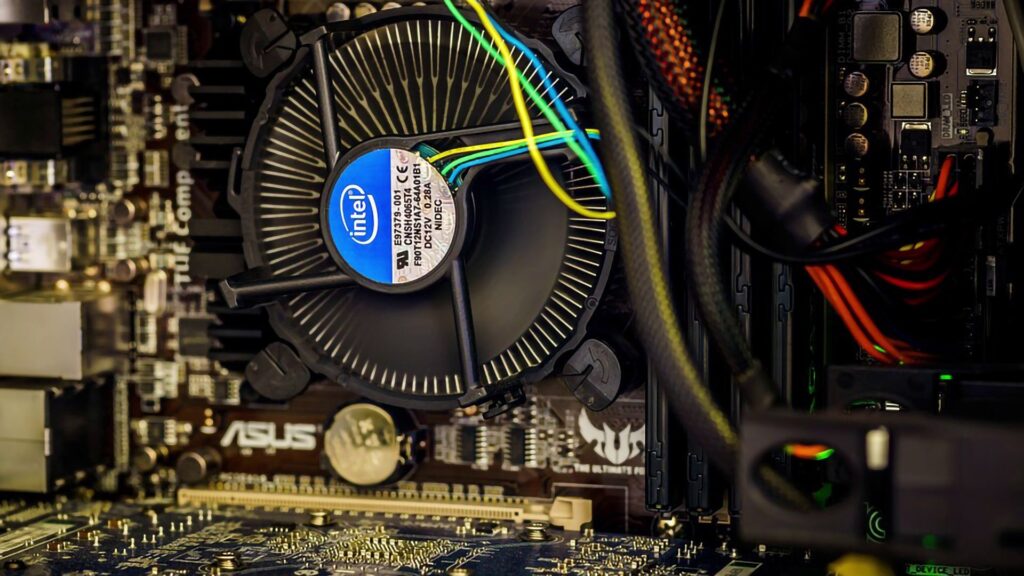
TDP is short for Thermal Design Power. In simple terms, it tells you roughly how much heat a CPU is expected to produce under normal heavy workloads. That number (in watts) is not your exact electricity bill, but it helps you decide how big a cooler you need, how hot your PC will get, and how much power your system will pull.
Think of TDP like a car’s top speed rating: the engine can go faster for short bursts, and normally it runs slower, but the rating still tells you how powerful the engine is and what kind of cooling system it needs.
Why Do People Google “What Is TDP CPU”?
Most people search for “TDP CPU” at exactly three moments:
- When they’re building a PC
They’re comparing CPUs and see different TDP values (65W vs 95W vs 125W). They want to know:- Can my cooler handle this CPU?
- Will it fit my small case?
- Will my 450W PSU be enough?
- When their PC is getting too hot or loud
They notice high temps and loud fans, and they start asking:- Is my CPU too hot because of its TDP?
- Did I buy a cooler that’s too weak for its TDP?
- When they see “TDP” in laptop specs
They want to understand:- Why some laptops are thinner and quieter?
- Why the same CPU can give different battery life on different models?
So yes, TDP is one of those “hidden” specs that suddenly becomes super important when you’re actually choosing parts or solving real‑world problems.
TDP Is Not Your Exact Power Bill
Here’s where confusion starts.
TDP ≠ exact power consumption.
Your CPU might use more than its TDP in short bursts (thanks to boost clocks), and much less when browsing or working lightly.
What TDP does is answer this question:
“If this CPU runs at full load for a long time, how much heat should I be prepared to remove?”
That’s why cooler manufacturers say things like:
“Cools CPUs up to 125W TDP.”

They’re promising: “This cooler can handle the heat output of a 125W‑TDP CPU, assuming you’re not overclocking it to infinity.”
Why TDP Matters in Real Life
1. Cooler choice and noise
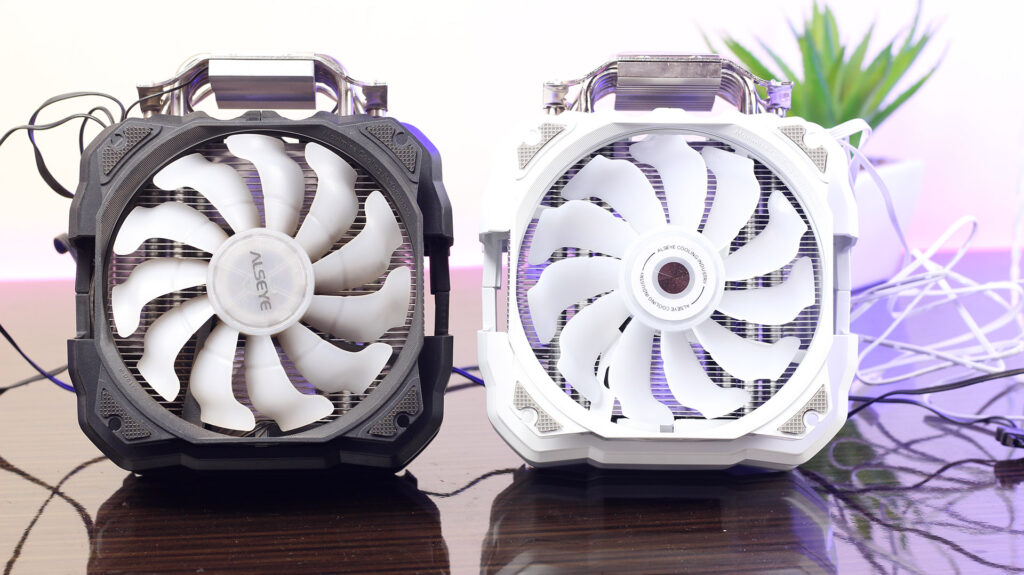
- A 65W TDP CPU (like many mid‑range desktop parts) can usually be cooled with a decent air cooler.
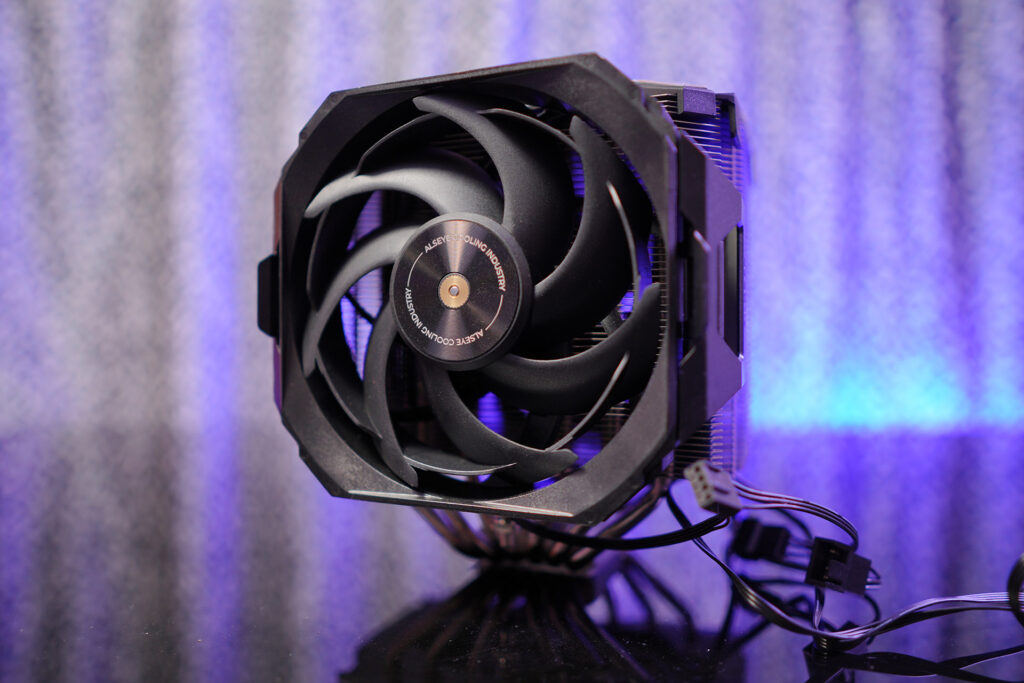
- A 95‑125W TDP CPU (like some high‑end gaming or workstation chips) often needs a bigger tower cooler or liquid cooler.
If you pick a tiny cooler for a high‑TDP CPU, your fans will spin like jet engines and your PC will run hot and loud
2. Case airflow and thermals
High TDP means more heat dumped into your case.
That’s why you need:
- Good intake fans at the front
- An exhaust fan at the back
- Enough space for airflow around the CPU cooler
If airflow is bad, even a good cooler can’t do its job, and your CPU will throttle (slow down) to protect itself.
3. PSU and power budget
TDP gives you a rough idea of how power‑hungry your CPU is.
You can add:
- GPU power
- RAM, SSD, motherboard
…to estimate your total power draw and choose a PSU with some headroom.
For example:
- Light‑gaming / office build: 65W CPU + 150‑200W GPU → maybe 450‑550W PSU
- High‑end gaming: 105W+ CPU + 300W+ GPU → 650‑750W PSU or more
So when someone searches “TDP CPU”, they’re often secretly asking:
“Will this CPU kill my power supply or my tiny case?”
Laptops: TDP Is Even More Important
On laptops, TDP is a big trade‑off between:
- Performance
- Battery life
- Heat and noise
Manufacturers often configure the same CPU at different TDP levels:
- Low TDP (e.g., 15–28W):
Lower performance, quieter, cooler, better battery life. - High TDP (e.g., 45W+):
Faster performance, hotter, louder, worse battery life.
So when you compare two laptops that use the same CPU model, but one is lighter and quieter, and the other is bulky and noisy, TDP is often the hidden reason.
How to Use TDP When Buying or Building
Here’s how you can actually use TDP in your next build or upgrade:
- Match TDP with your cooler
- Check your CPU’s TDP.
- Pick a cooler rated for equal or higher TDP.
- If you’re overclocking, add a safety margin.
- Think about your case
- High‑TDP CPU + small ITX case → risky.
- High‑TDP CPU + big ATX case with good airflow → fine.
- Don’t judge pure performance by TDP
A 65W CPU can be faster than a 95W one if it’s a newer generation or better architecture.
Use TDP more for cooling and power planning, not just “more watts = better”. - For laptops: check reviews for thermals
Look for phrases like:- “15W CPU configuration, very cool and quiet”
- “45W TDP, runs hot under load”
The Bottom Line
TDP (Thermal Design Power) is not magic, but it’s a very practical number that answers one simple question:
“How much heat must my cooling system be ready to handle from this CPU?”
People search for “TDP CPU” because they want to:
- Build a quiet, stable, and not‑overheating PC.
- Choose a compatible cooler and case.
- Understand why some laptops are thin and cool, others are loud and hot.
So next time you see “65W TDP” or “105W TDP” on a CPU, remember: it’s not just a boring spec – it’s your thermal roadmap for a smooth, cool, and long‑lasting build.
FAQ
Q1. What does TDP mean in CPU?
A: TDP stands for Thermal Design Power, which indicates how much heat a CPU generates under load.
Q2. Is higher TDP better?
A: Not always. Higher TDP usually means more performance but also more heat and power consumption.
Q3. TDP vs power consumption – what’s the difference?
A: TDP is heat output estimation, while power consumption is the actual electricity used.
Q4. Does TDP affect performance?
A: Yes, CPUs with higher TDP often have better performance but need better cooling.