
Samsung’s Galaxy S series has long been one of the most desirable smartphone lines in India. Premium design, excellent cameras, strong performance, and a polished software experience have made models such as the Galaxy S23 and S24 popular choices among users who want a flagship phone without moving to an ultra-premium price bracket.
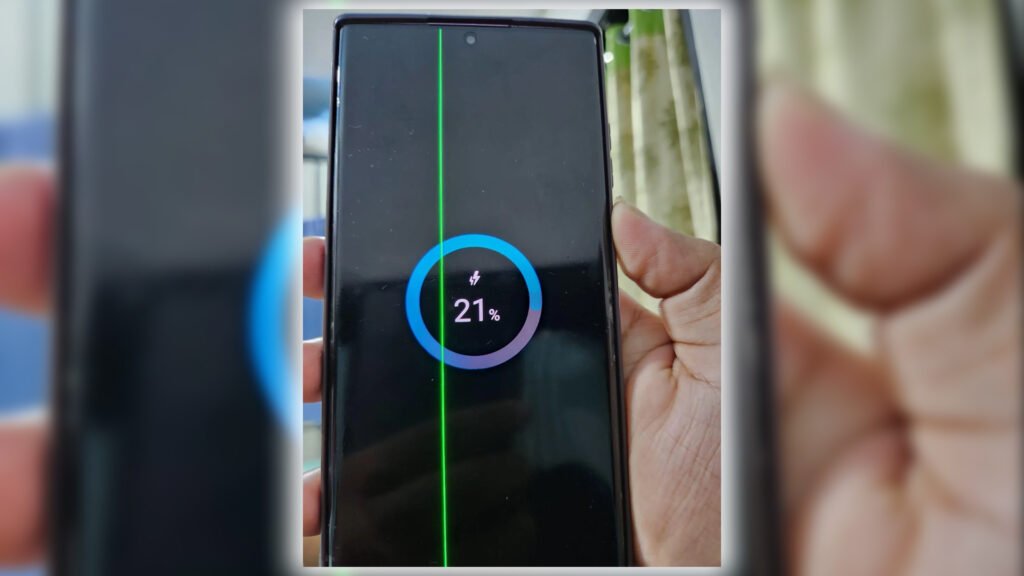
However, one concern continues to follow Samsung phones across online forums, social media groups, and service-centre discussions: the green line issue. With the Samsung Galaxy S27 expected to arrive as the next major flagship, many buyers are naturally asking whether the upcoming phone could face the same problem.
The honest answer is that no one can guarantee the Galaxy S27 will never develop a green line. But buyers can take sensible steps to reduce the risk, protect their investment, and understand what Samsung’s current policy may mean for them.
What Is the Green Line Issue?
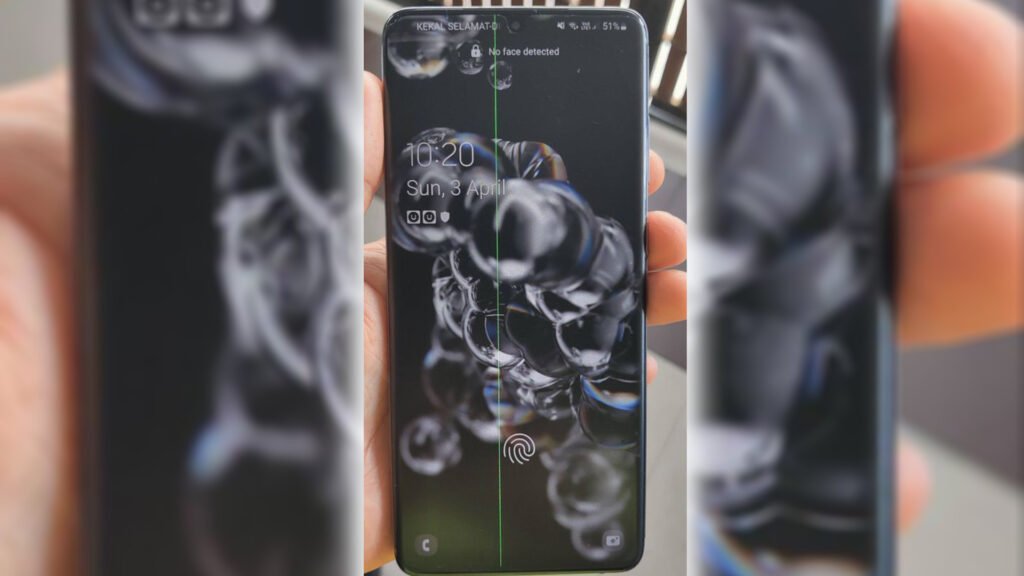
The green line issue usually appears as a thin vertical green line running from the top to the bottom of an OLED display. In some cases, users may also notice pink, purple, or other coloured lines. The line often becomes visible suddenly, sometimes after a software update, prolonged heat exposure, or without any obvious trigger.
This is not simply a software glitch that can be removed by restarting the phone or clearing the cache. In most reported cases, it is linked to the OLED panel, its internal connections, or stress affecting the display hardware. Software updates may expose or trigger the issue, but they are not usually the root cause.
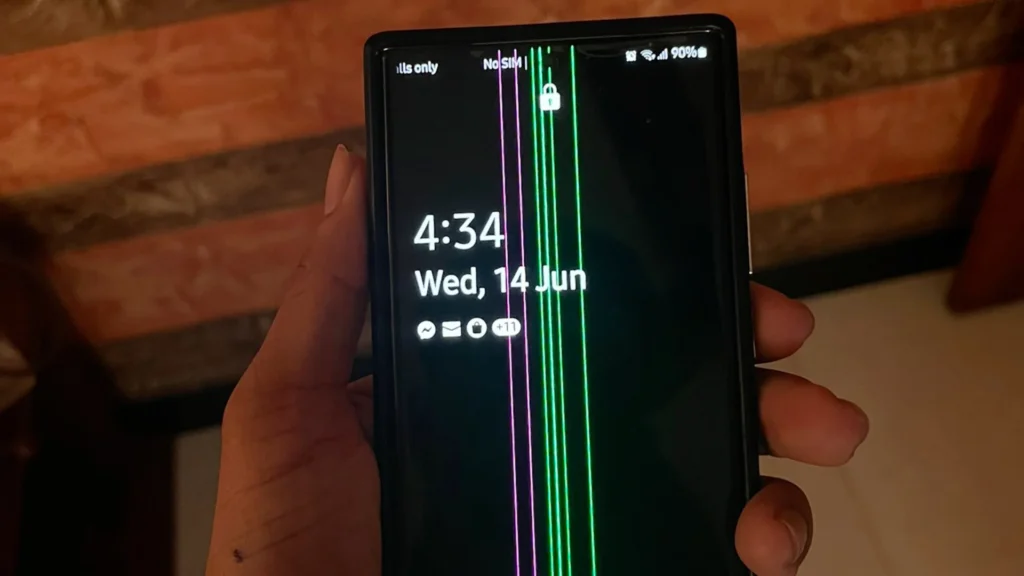
Samsung has faced criticism because the problem has appeared on several generations of Galaxy phones, including some S21, S22, and S23 models. That history is why buyers are cautious about newer Galaxy flagships, especially in hot climates such as India.
Why Buyers Are Worried About the S27
India’s weather can be demanding for smartphones. High summer temperatures, direct sunlight, humidity, and frequent outdoor use can put additional stress on electronic components. OLED displays are particularly sensitive to heat, and many users believe that overheating plays a role in the appearance of green lines.
The concern is understandable. A flagship phone costs a significant amount of money, and nobody wants to spend that much only to see a coloured line appear on the screen after a few months or years.
At the same time, it would be unfair to assume that every Galaxy S27 will develop the issue. Samsung has faced repeated complaints and has had reason to improve display quality, thermal management, and quality control. Newer models may use improved OLED panels and updated manufacturing processes. Still, until the S27 has been in the market for several months, buyers will not have enough real-world evidence to say whether the problem has been fully resolved.
Can You Prevent the Green Line Completely?
The short answer is no. Because the green line is primarily a hardware-related issue, no setting, app, or precaution can guarantee that a phone will never develop it.
However, users can reduce the chances of heat-related stress and protect the phone’s display in practical ways.
Keep the Phone Cool
Heat is the biggest enemy of any smartphone display. Avoid leaving the Galaxy S27 on a car dashboard, near a window in direct sunlight, or under a pillow while charging. If the phone becomes unusually hot during gaming, navigation, camera use, or charging, stop using it for a while and allow it to cool naturally.
Do not put a hot phone in a refrigerator or use ice to cool it suddenly. Rapid temperature changes can create condensation and may cause other problems. Let the phone cool at room temperature instead.
Avoid Charging in Hot Conditions
Use an original or certified charger and cable. Avoid charging the phone while it is exposed to sunlight or while running heavy applications. If the device becomes hot while charging, disconnect the charger and let it rest.

A breathable case can also help. Thick cases may trap heat, especially during long gaming sessions or fast charging. Removing the case temporarily during charging or intensive use can help the phone release heat more easily.
Use Adaptive Brightness
Keeping the screen at maximum brightness for long periods increases power consumption and heat. Adaptive brightness allows the phone to adjust the display according to surrounding light. This is better for battery life, eye comfort, and thermal management.
Avoid using the phone at full brightness outdoors for extended periods unless it is necessary. If you must use it in bright sunlight, take breaks and keep the phone out of direct heat.
Be Careful During Major Updates
Many users report seeing green lines after major One UI updates. While this does not prove that updates cause the issue, it is wise to update the phone carefully.
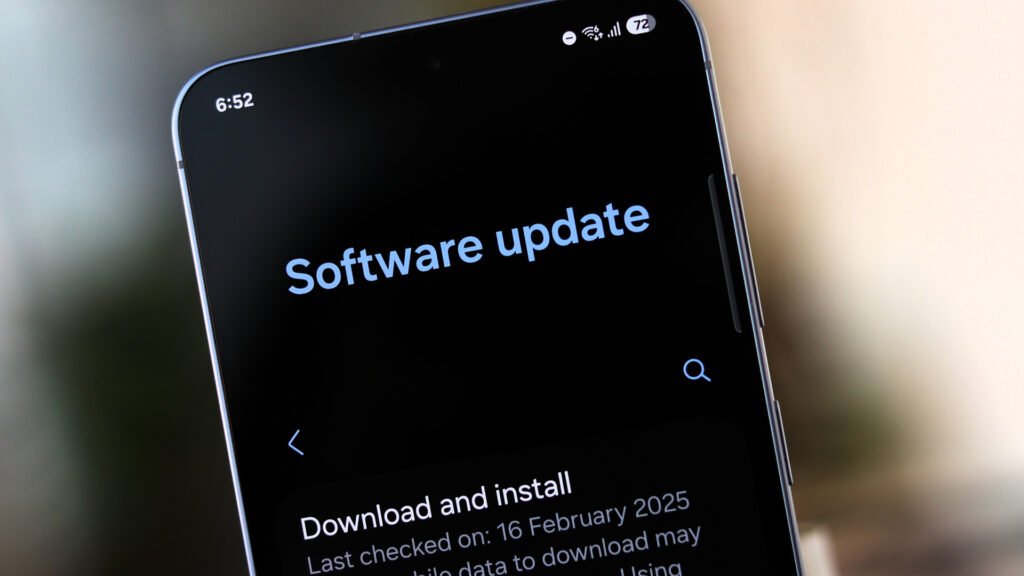
Before installing a major update, restart the phone, ensure it has enough battery, and avoid updating while the device is hot. Do not play games, record long videos, or use navigation immediately before or during the update. Once the update is installed, give the phone time to settle before using it heavily. and a Pro tip: If u think the update Samsung is pushing is unnecessary for you, then don’t update your phone.
Avoid Physical and Liquid Damage
A green line may be covered under Samsung’s special replacement policy only if the phone has no physical or liquid damage. A small dent, cracked screen, or water exposure can give the service centre a reason to classify the issue as user damage.
Also Read: IP Rating Explained (IP54 vs IP68) – Is Your Phone Really Waterproof?
Use a good-quality case and tempered glass protector. Avoid taking the phone into humid bathrooms, near pools, or into heavy rain without proper protection. Even if a phone has an IP rating, long-term exposure to moisture can still create risks.
Samsung’s Current Green Line Policy
In India, Samsung has previously offered free display replacement for certain Galaxy models affected by the green line issue. The policy has generally been separate from the standard one-year warranty and has been reported to cover eligible devices for up to three years from the original purchase date.
To qualify, users typically need to show that the phone has no physical or liquid damage and provide proof of purchase, such as the original invoice. The service centre inspects the device before approving a free display replacement. If the phone has a dent, cracked glass, water damage, or missing purchase proof, Samsung may treat the repair as chargeable.
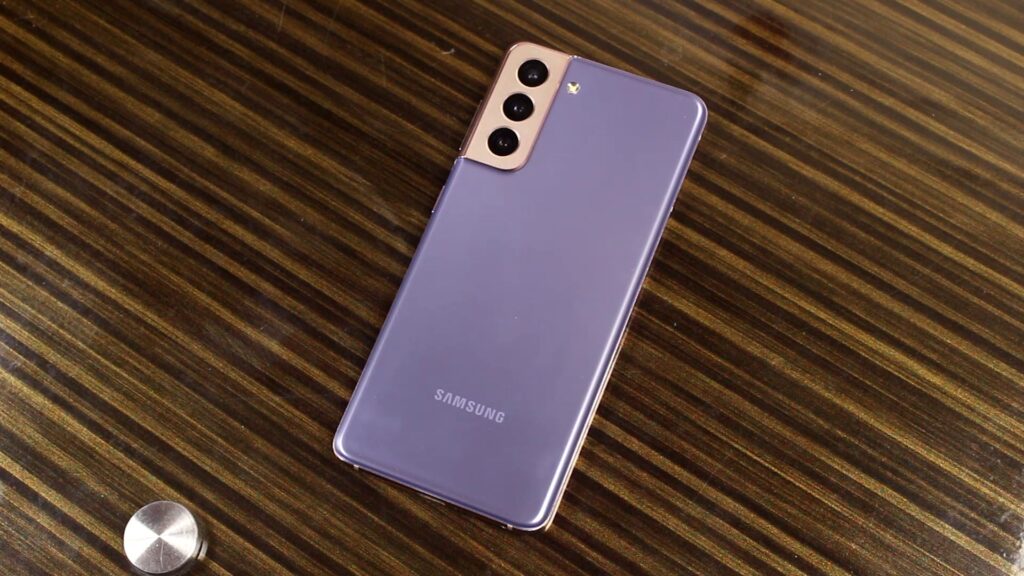
This policy is important, but buyers should not assume it automatically applies to every future model. Samsung may update the terms, eligibility period, or list of covered devices. For the Galaxy S27, the safest approach is to confirm the policy with an authorized Samsung service centre after launch.
What to Do If a Green Line Appears
If a green line appears on your Galaxy S27, do not panic and do not keep waiting for it to disappear. Take clear photos or a short video of the issue, especially in different brightness levels and backgrounds.
Then visit an authorized Samsung service centre with your invoice, box, and phone. Ask them to inspect the device and clearly state whether it is eligible for a free display replacement under the green-line policy. Do not accept a repair charge until they explain the exact reason for the charge.
Avoid third-party repair shops for this issue. An unauthorized repair may affect warranty eligibility and may not use original Samsung display parts.
Should You Avoid the Galaxy S27?
No. The green line issue is a genuine concern, but it should not automatically stop someone from buying the Galaxy S27. Samsung flagships still offer excellent displays, cameras, performance, and long-term software support.
The smarter approach is to buy carefully. Purchase from an authorized retailer, keep the invoice safe, register the device, and consider extended protection if available. Wait for early user feedback if you are especially cautious, and inspect the display carefully during the first few days.
The Galaxy S27 may be a great phone, but like any premium smartphone, it deserves a little protection and awareness from its owner. Heat management, careful charging, proper documentation, and timely service-centre action can make a real difference if the issue ever appears.