
Choosing a graphics card in 2026 is not just about picking the GPU with the highest benchmark score. You also need to consider VRAM, ray tracing, upscaling technology, power consumption, software compatibility and, most importantly, the price you actually pay.
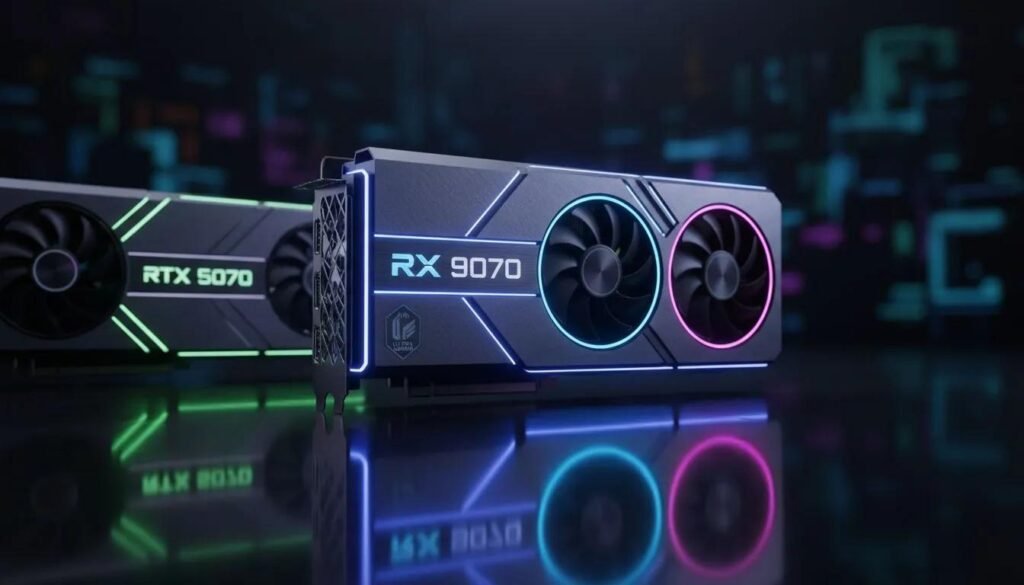
Two graphics cards worth comparing are the NVIDIA GeForce RTX 5070 and the AMD Radeon RX 9070. Both target demanding PC gaming, particularly at 1440p. However, they take different approaches: NVIDIA offers its Blackwell architecture, DLSS 4 and dedicated AI hardware, while AMD brings 16GB of VRAM and its RDNA 4 architecture. So which one offers better value?
Let’s compare them.
RTX 5070 vs RX 9070: Specifications
| Specification | NVIDIA RTX 5070 | AMD Radeon RX 9070 |
|---|---|---|
| Architecture | NVIDIA Blackwell | AMD RDNA 4 |
| VRAM | 12GB GDDR7 | 16GB GDDR6 |
| Memory interface | 192-bit | 256-bit |
| Target resolution | 1440p | 1440p |
| Upscaling | DLSS 4 | FSR |
| Ray tracing | Supported | Supported |
| AI/frame-generation features | NVIDIA DLSS features | AMD FSR and driver features |
| Main advantage | DLSS ecosystem and NVIDIA software support | Larger VRAM capacity |
Specifications are based on the manufacturers’ product information. Actual performance varies by graphics card model, game, driver and settings.
1. Gaming Performance: Which GPU Is Faster?
For traditional rasterized gaming, the RX 9070 is a strong competitor to the RTX 5070. However, there is no single performance winner across every game.
The result depends on the game engine, resolution, graphics settings, driver version and whether the game favours NVIDIA or AMD hardware.
Some titles may favour the RX 9070, while others can run particularly well on the RTX 5070. You should compare benchmarks for the specific games you play rather than relying on one overall score.
What about 1080p gaming?
Both cards are powerful options for 1080p gaming. At this resolution, performance can sometimes be limited by the CPU rather than the GPU, particularly when targeting very high frame rates.
If you already own a capable gaming processor and want high-refresh-rate gaming, either card may be more than sufficient for many titles.
What about 1440p gaming?
This is where the comparison becomes more interesting. At 1440p, the graphics card has a greater workload, and VRAM capacity can become more relevant in demanding games with high-resolution textures.
The RX 9070’s 16GB memory capacity provides more headroom than the RTX 5070’s 12GB.
That does not guarantee higher FPS in every game, but it can be useful when playing memory-intensive titles or keeping a graphics card for several years.
What about 4K gaming?
Both cards can run many games at 4K with suitable settings, but neither should automatically be treated as a guaranteed 4K Ultra card for every demanding modern game.
You may need to reduce settings or use upscaling to achieve your target frame rate. For demanding 4K gaming with heavy ray tracing, a higher-tier GPU may make more sense, depending on your budget.
2. VRAM: 12GB vs 16GB
This is one of the biggest differences between these graphics cards. The RTX 5070 has 12GB of GDDR7 memory, while the RX 9070 has 16GB of GDDR6 memory. That gives AMD a 4GB capacity advantage. Why does VRAM matter?
Your GPU uses video memory to store textures, frame buffers and other graphical data. High-resolution textures, complex scenes, ray tracing and some creator workloads can consume substantial amounts of VRAM. With 16GB, the RX 9070 offers more room for demanding workloads.
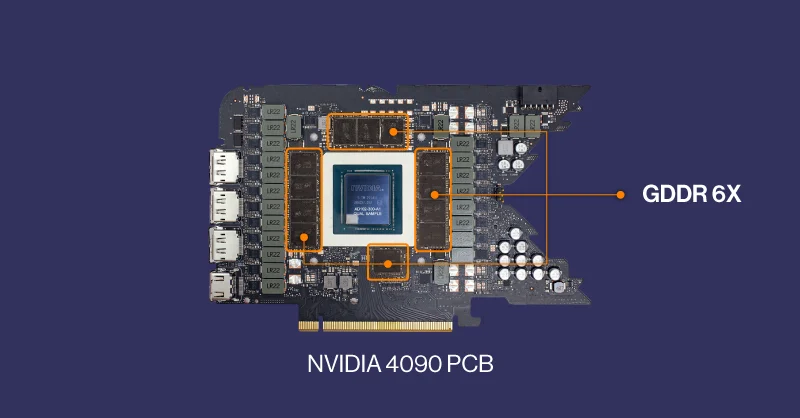
However, remember that VRAM capacity is not the same as GPU performance. A card with more memory is not automatically faster in every game.
The RTX 5070’s GDDR7 memory and NVIDIA’s software features also contribute to its overall capabilities.
3. Ray Tracing: NVIDIA vs AMD
Ray tracing simulates how light interacts with objects, producing effects such as realistic reflections, shadows and global illumination. Both graphics cards support hardware-accelerated ray tracing.
The RTX 5070 benefits from NVIDIA’s dedicated ray-tracing hardware and its broader ecosystem of ray-tracing technologies.
The RX 9070 also supports modern ray-tracing workloads and can deliver strong results in compatible games.
But the performance difference depends heavily on the game and the quality of the ray-tracing implementation. If ray tracing is one of your highest priorities, look for independent benchmarks that compare both cards using the same game, resolution and settings.
Do not compare an NVIDIA result with DLSS enabled against an AMD result running at native resolution and assume that the numbers are directly equivalent.
4. DLSS 4 vs AMD FSR
Upscaling technology can improve gaming performance by rendering a game at a lower internal resolution and reconstructing the image at the target resolution.
NVIDIA’s RTX 5070 supports DLSS 4 features, including supported frame-generation technologies.
AMD’s RX 9070 supports the FSR ecosystem, with feature availability depending on the game, driver and specific implementation.
These technologies can make demanding games more playable, but they do not work identically.
Consider three things when comparing them:
- Image quality: Look at fine details, motion and ghosting.
- Latency: Generated frames do not provide the same responsiveness as rendering every frame normally.
- Game support: Not every game supports every feature.
Frame generation can increase the displayed frame rate, but it does not replace the responsiveness of genuinely higher native rendering performance.
If you play games that make extensive use of NVIDIA’s DLSS ecosystem, the RTX 5070 may be particularly attractive.
If you prefer the RX 9070’s price-to-performance balance and 16GB VRAM, AMD remains a compelling option.
5. Power Consumption and PSU Requirements
Power consumption matters because it affects heat, noise and the type of power supply you need. AMD lists a typical board power of approximately 220W for the reference RX 9070 and recommends a 650W system power supply.
NVIDIA lists the RTX 5070 at approximately 250W total graphics power and recommends a 650W system power supply for its reference configuration.
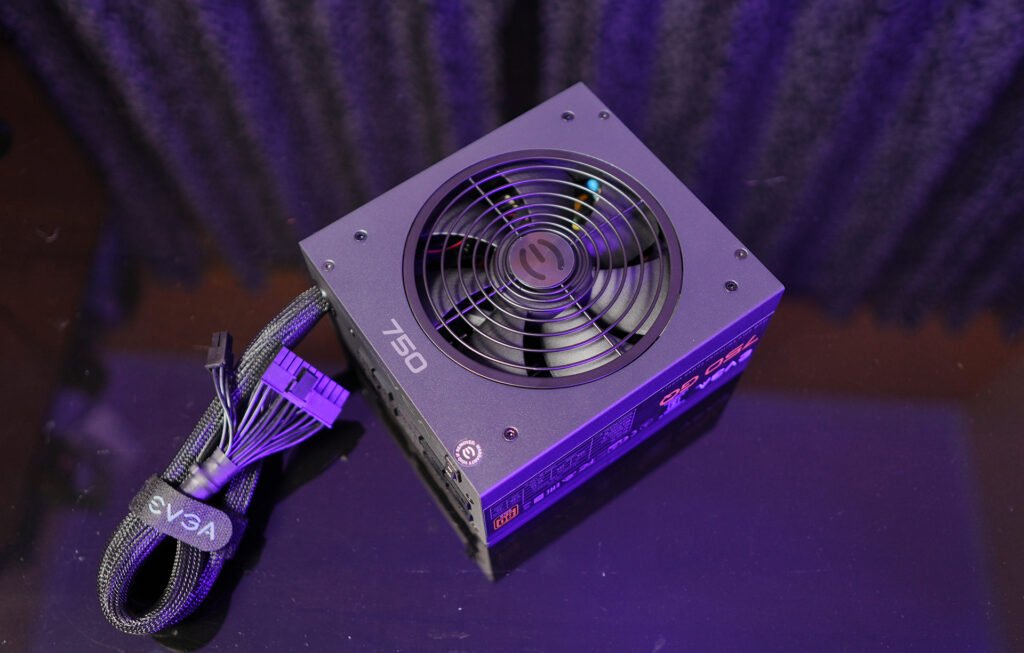
Exact requirements can vary between custom graphics card models, so check the manufacturer’s specifications for the exact card you plan to buy. Also consider your CPU, number of drives, cooling hardware and PSU quality.
Also Read: PC Turns On But No Display? Fix It in 5 Minutes!
A reliable power supply is more important than choosing one based solely on its advertised wattage.
6. Price in India: Which One Offers Better Value?
This is where your buying decision can change dramatically.
A dated Indian retailer comparison checked on October 1, 2026, listed an RX 9070 model at ₹77,499 and an RTX 5070 model at ₹91,998. These were individual retailer listings, not guaranteed nationwide lowest prices, and they may have changed since then. Check Price of RTX 5070 at Amazon & check price of RX 9070 at Amazon.
At those listed prices, the RX 9070 was ₹14,499 cheaper while offering 16GB instead of 12GB of VRAM.
That is a meaningful difference. However, do not assume these prices are still available. Check current listings, shipping, stock, warranty and the exact model before purchasing.
When the RX 9070 is the better buy
Choose the RX 9070 if:
- It is significantly cheaper than the RTX 5070.
- You want 16GB of VRAM.
- Traditional rasterized gaming performance is your priority.
- You want additional memory headroom for demanding games.
- The games you play perform well on AMD hardware.
When the RTX 5070 is the better buy
Choose the RTX 5070 if:
- The price difference is small.
- You value DLSS features and supported NVIDIA frame-generation technologies.
- You use applications that benefit from NVIDIA’s CUDA ecosystem.
- Your creative or AI software has specific NVIDIA hardware requirements.
- Your favourite games perform particularly well on NVIDIA GPUs.
7. Which GPU Is Better for Content Creators?
If you only play games, price, performance and VRAM may dominate your decision. But if you also edit videos, render 3D projects or run GPU-accelerated software, your choice can be different.
NVIDIA’s CUDA ecosystem is widely supported by many professional applications and AI tools. That can make the RTX 5070 a convenient choice for some workflows.
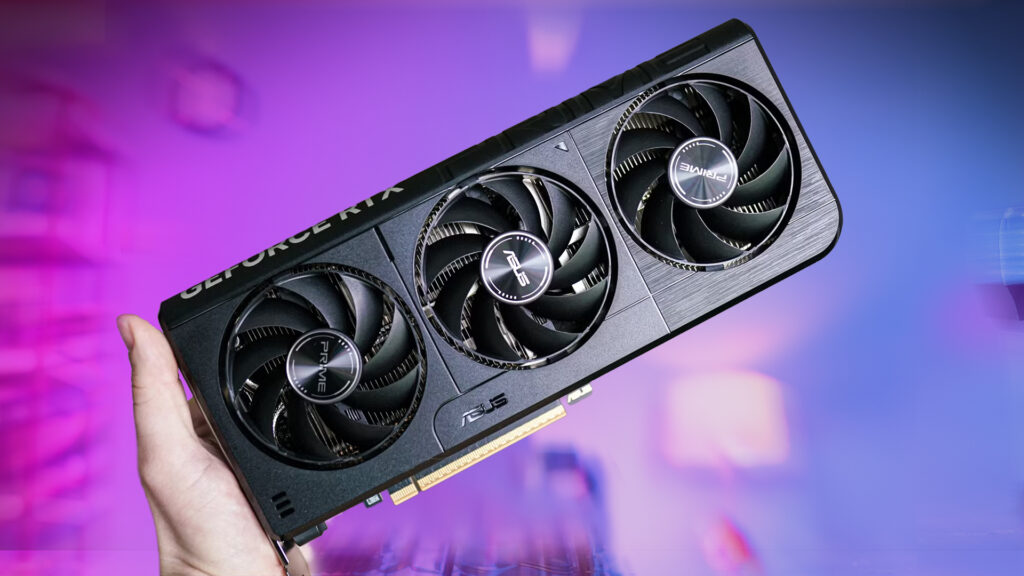
AMD hardware can also be suitable for video editing and other creative tasks, but you should check the software and specific effects you use.
For example, compare actual export times in your video editor rather than assuming that a higher gaming benchmark means faster video rendering.
Final Verdict: RTX 5070 or RX 9070?
For a gaming-focused buyer, the AMD Radeon RX 9070 is particularly attractive when it costs substantially less than the RTX 5070.
Its 16GB of VRAM is a useful advantage, and its performance makes it a serious contender for 1440p gaming.
The RTX 5070 remains attractive for buyers who value NVIDIA’s DLSS ecosystem, ray-tracing performance in their preferred games and CUDA-dependent software.
My advice is simple:
Don’t pay extra for a brand name alone. Compare the actual price, independent game benchmarks, VRAM requirements and the features you will really use.
If the RX 9070 is significantly cheaper, it can be the stronger value choice. If the RTX 5070 is similarly priced and its software advantages matter to you, NVIDIA may be worth considering.
The best GPU is not necessarily the one with the most impressive specification sheet. It is the one that gives you the best experience for your budget.
Frequently Asked Questions
Is the RTX 5070 better than the RX 9070?
It depends on the game, price and workload. The RX 9070 has 16GB of VRAM, while the RTX 5070 has 12GB and supports NVIDIA’s DLSS ecosystem.
Is 12GB VRAM enough for gaming in 2026?
12GB can be sufficient for many 1080p and 1440p gaming scenarios. However, memory requirements vary by game, resolution, texture settings and ray-tracing features.
Is the RX 9070 good for 1440p gaming?
Yes. It is designed for demanding gaming workloads and is a strong option for 1440p, although performance varies by title and settings.
Which GPU is better for ray tracing?
There is no universal winner across every game and setting. Compare independent ray-tracing benchmarks and check the upscaling features supported by your preferred titles.
Which GPU is better for video editing?
The answer depends on your editing software, codecs and effects. NVIDIA’s CUDA support can be advantageous in some workflows, but check benchmarks for your specific applications.
Which graphics card should I buy in India?
Compare current prices for exact models, Indian warranty, cooler design and stock availability. A substantial price difference can make the RX 9070 better value, while NVIDIA’s software features may justify a premium for some buyers.