
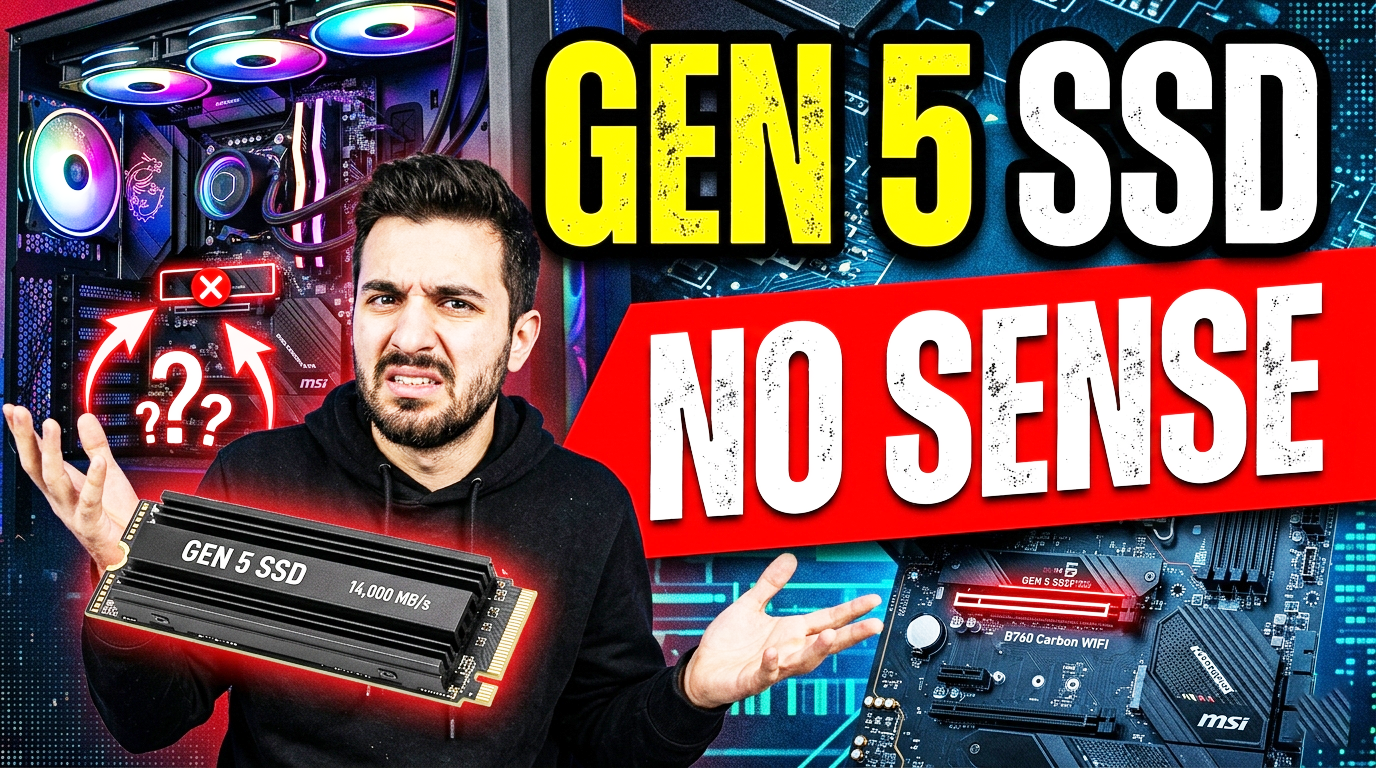
Gen 5 SSDs are mostly wasted money for gamers and typical PC users because most real-world desktop tasks do not need that much sequential bandwidth, and game load times usually improve little or not at all compared with good Gen 4 drives. The speed advantage is real on paper, but in normal use the bottleneck is usually the CPU, game engine, asset decompression, or just the fact that games are not designed to continuously stream data fast enough to saturate Gen 5.
Why gamers usually gain little
For gaming, the jump from Gen 4 to Gen 5 rarely changes FPS, and load-time differences are often tiny enough to be hard to notice [9][10]. Even sources focused on Gen 5 SSDs note that in most games the difference is around a fraction of a second to about a second in some cases, which does not justify the price premium for most players. If your goal is smoother gameplay, a better GPU, CPU, more RAM, or simply a fast Gen 4 NVMe SSD usually gives more value.
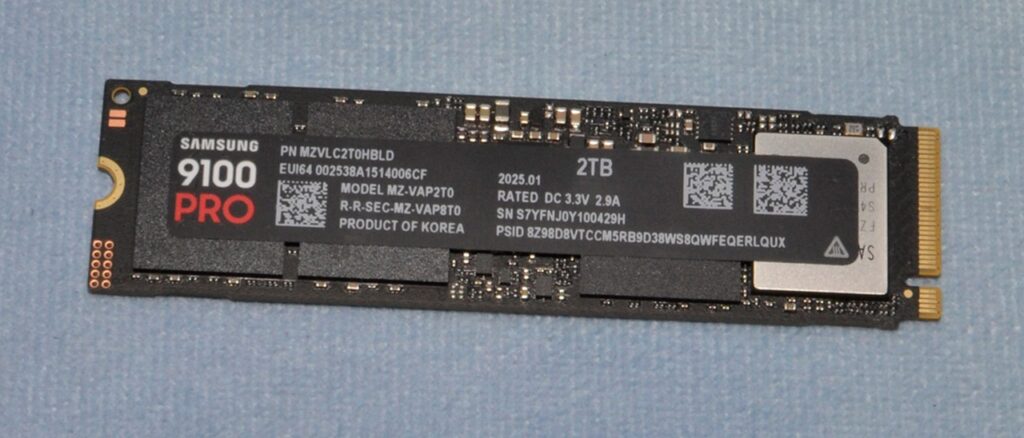
Who actually benefits
Gen 5 SSDs make sense for people who move or process very large data all the time, such as 6K/8K video editors, heavy content creators, workstation users, developers working with huge builds or virtual machines, and some data-heavy professional workflows [5][10]. These users can see faster file transfers, quicker cache handling, and shorter wait times when working with giant projects [5]. In those cases, the extra bandwidth can translate into real productivity gains rather than just higher benchmark numbers [5][10].
What makes them less attractive
They are also more expensive and can run hotter, which often means bigger heatsinks or more careful motherboard/airflow planning [3][10]. That matters because many users pay a lot more for performance they will almost never feel in daily use [10]. So for a normal gaming PC, Gen 5 is often a “nice to have” rather than a smart upgrade.
Practical verdict
If you are building for gaming, browsing, office work, or general multitasking, a good Gen 4 SSD is the rational choice. If you routinely work with massive files and your time is money, Gen 5 can be worth it. In short: gamers don’t need Gen 5, creators and workstation users sometimes do.
Simple rule
- Buy Gen 5 if you regularly edit huge videos, transfer huge files, or run storage-heavy professional workloads.
- Skip Gen 5 if you mainly game, browse, watch media, or do everyday PC tasks.
- If you want the best value today, a strong Gen 4 SSD is usually the sweet spot.
Make Sure Your Motherboard Supports PCIe Gen 5
Buying a PCIe Gen 5 SSD alone isn’t enough. Your motherboard also needs to support PCIe Gen 5 storage. Otherwise, you won’t be able to take advantage of the SSD’s full performance.
For example, if you install a Gen 5 SSD into a motherboard that only supports PCIe Gen 4 or PCIe Gen 3, the SSD will simply operate at the highest speed supported by the motherboard. In other words, a Gen 5 SSD installed in a Gen 4 slot will perform like a Gen 4 SSD.
Your Source Drive Can Become the Bottleneck
Another important factor that many buyers overlook is the speed of the drive you’re transferring data from.
Imagine you regularly copy hundreds of gigabytes of files to your new Gen 5 SSD. You might expect transfer speeds close to 14 GB/s, but that’s only possible if the source drive is capable of reading data at a similar speed.
If the drive you’re copying from is slower, your transfer speed will be limited by that drive—not by your new Gen 5 SSD.
Example
Suppose you’re transferring files from a PCIe Gen 4 SSD to a PCIe Gen 5 SSD.
A typical Gen 4 SSD delivers sequential read speeds of around 7–8 GB/s. Since the source drive can only read data at that speed, your file transfer will also be limited to roughly 7 GB/s, even though your Gen 5 SSD is capable of much higher write speeds.
This means you won’t see the advertised 14 GB/s transfer speeds unless both the source drive and the destination drive are fast enough to sustain those speeds.
Simply put, the slowest component in the transfer process determines the maximum transfer speed.