
It’s tempting to assume that a CPU with more cores is automatically faster. After all, if one core can do work, sixteen should do sixteen times as much, right? In reality, it rarely works that way. Core count matters, but it is only one part of the story—and sometimes not even the most important part.
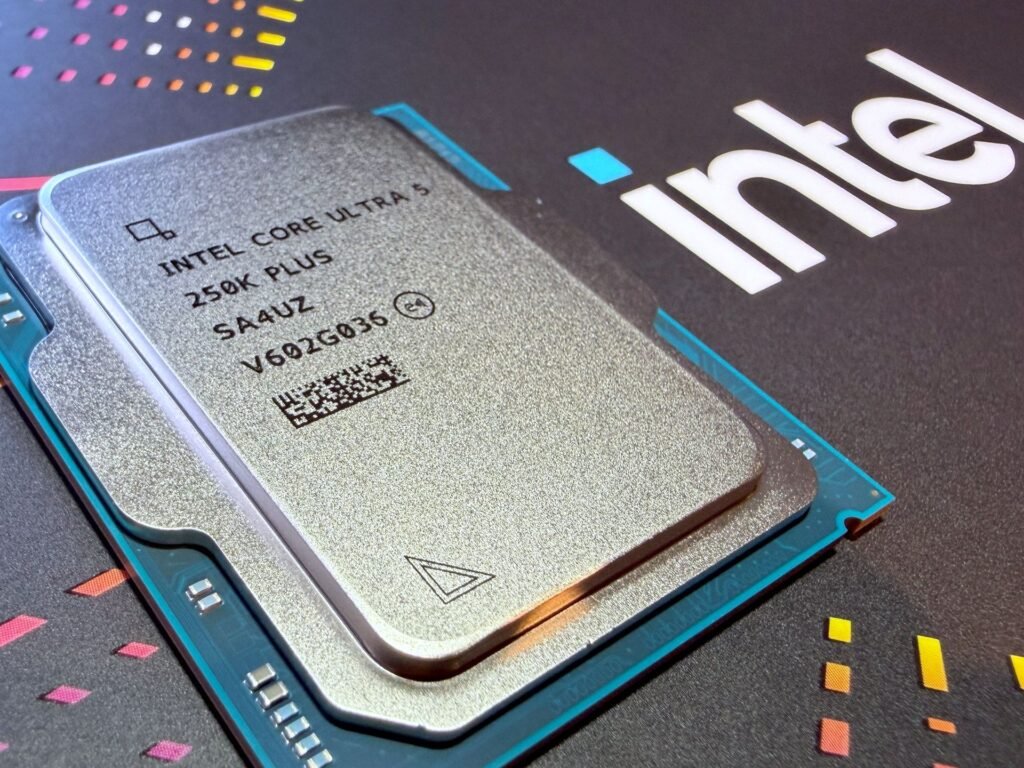
A CPU core is essentially a processing unit that can execute instructions. More cores can run more independent tasks at the same time, which is useful when software is designed to spread its work across them. But many everyday tasks cannot be neatly divided. Some steps depend on the step before them, and no amount of extra hardware can make those steps happen simultaneously.
The Problem With Sequential Work
Think about following a recipe. You cannot bake a cake before mixing the ingredients, and you cannot frost it before it comes out of the oven. Some steps have to happen in a particular order.
Software often works the same way. A program may need to load a file, check its contents, make a calculation, and then save the result. If each step depends on the previous one, the CPU has to wait for one task to finish before starting the next. A single core can handle that sequence just as well as sixteen cores, because only one core can work at a time.

This is where Amdahl’s Law comes in. In simple terms, it says that the speedup you get from adding cores is limited by the portion of a program that cannot be parallelized. Even if 95% of a workload can run in parallel, the remaining 5% becomes a bottleneck once everything else is finished.
So if an application is mostly sequential, a CPU with eight strong cores may feel just as fast as one with 32 cores. The extra cores sit there, largely unused, while the program waits for the next dependent step.
Software Has to Use the Cores
A CPU cannot decide on its own how to divide a program’s work. Developers have to write software that can split tasks into separate threads and coordinate them properly. That is called parallelization, and it is harder than it sounds.
Some workloads are naturally suited to it. Video editing, 3D rendering, compiling large codebases, scientific simulations, and running many virtual machines can often use a lot of cores effectively. These tasks involve many independent pieces of work: rendering different frames, processing different files, or handling separate user requests.
Other workloads are not. Many older applications, some games, and plenty of ordinary desktop programs were written with one or a few main threads in mind. They may use a couple of cores heavily while leaving the rest mostly idle. In that situation, a processor with fewer but faster cores can outperform a chip with a much higher core count.
This is why two CPUs with the same number of cores can behave very differently. One may have newer architecture, better instructions per clock, more efficient cache, and stronger single-core performance. The other may simply have more cores on paper.
Clock Speed Still Matters
Core count is not the only number worth looking at. Clock speed—the rate at which a core executes cycles—still plays a major role, especially for tasks that cannot be parallelized.
A CPU with six fast cores can beat a CPU with twelve slower cores in applications that rely heavily on one or two threads. Gaming is a common example. Many games depend strongly on single-threaded performance, although modern titles increasingly use multiple threads for assets, physics, audio, and background processes. Even then, the main game thread often matters more than having a huge number of cores.
That does not mean clock speed alone tells the whole story either. A modern core may accomplish more work per clock cycle than an older one, even at the same frequency. Architecture, cache design, memory support, and instruction sets all affect real-world performance.
More Cores Create More Bottlenecks
Adding cores does not magically give each one unlimited access to memory, cache, or power. Cores still need data, and they often have to share the same resources.
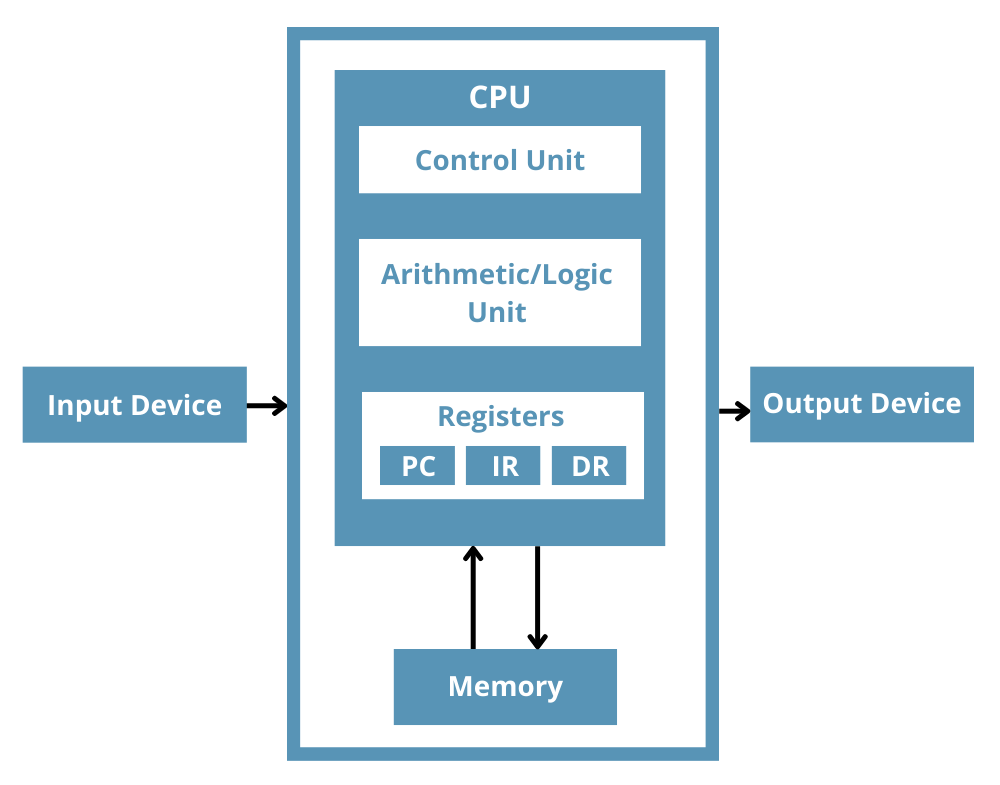
If the memory system cannot feed the cores quickly enough, they end up waiting. A core may be technically available, but if it is sitting idle while waiting for data from RAM, it is not contributing much. Memory bandwidth, cache behavior, and how efficiently a program accesses data can become bigger limits than core count itself.
There is also coordination overhead. When work is split across cores, the system has to distribute tasks, combine results, manage shared data, and sometimes wait for one thread to finish before another can continue. All of that takes time. A program that scales well from 4 to 8 cores may gain much less when moving from 16 to 32 cores, because the overhead and resource contention grow too.
Heat and Power Change the Trade-Off
More cores usually mean more transistors, more power draw, and more heat. Chipmakers have to balance all of this within a limited thermal envelope.
A high-core-count CPU may run at lower clock speeds than a chip with fewer cores. That is not necessarily a flaw—it is a design choice. Server processors with dozens of cores are built to handle lots of lighter, parallel workloads efficiently, such as web hosting, cloud services, and virtualization. They are not always intended to win at tasks that depend on a few very fast cores.
If a CPU gets too hot, it may reduce its clock speed to protect itself. This is called thermal throttling. When that happens, performance drops, even though the processor still has plenty of cores. Cooling, power delivery, and workload duration all influence whether a CPU can sustain its advertised performance.
What Actually Makes a CPU Feel Fast
For most people, the question is not “How many cores should I buy?” It is “What kind of work will I actually do?”
- Web browsing, office work, and everyday multitasking: A modern CPU with 4 to 8 capable cores is usually more than enough. Responsiveness often depends more on single-core performance, storage speed, and available memory than on having 16 or 24 cores.
- Gaming: Look beyond core count. Strong single-core performance, good cache, adequate RAM, and a capable GPU usually matter more than a very high core count.
- Video editing, rendering, and 3D work: More cores can help a lot, provided the software supports multithreading well.
- Programming and compiling: Larger projects can benefit from more cores, especially when compiling many files in parallel.
- Running servers, virtual machines, or many background services: Higher core counts can make sense because there are many independent tasks to distribute.
- AI, data analysis, and simulations: It depends on the workload. Some scale well across CPU cores; others rely more on GPU acceleration, memory capacity, or specialized hardware.
A Simple Way to Think About It
A CPU is like a team of workers. Having more workers can help if the job can be divided into separate tasks. If you need twenty reports edited, twenty workers can each handle one.
But if the job is to write one report where every paragraph depends on the one before it, adding more workers will not finish it much sooner. One person still has to do the work in order.
That is essentially how software and CPUs interact. More cores help when there is enough independent work to go around. They do not help much when the task is inherently sequential, poorly optimized, or limited by memory, heat, or power.
The Practical Takeaway
More CPU cores can mean more performance, but only under the right conditions. The software needs to be able to use them, the workload needs enough parallel tasks, and the rest of the system needs to keep up.
For everyday use, a well-balanced modern CPU with solid single-core performance is often the better choice than chasing the highest core count. For heavy creative, development, or server workloads, more cores can be valuable—but only if your applications actually take advantage of them.
Before buying based on a spec sheet, check how the software you use performs in real benchmarks. Look at reviews that test your actual workload, not just synthetic scores. The best CPU is not necessarily the one with the most cores. It is the one that matches the way your programs actually work.