
For a brand-new PC in 2027, buy AM5. For an existing AM4 owner, a Ryzen 7 5800X3D drop-in upgrade can still be excellent value—but do not build a new AM4 system unless the total platform cost is dramatically lower. AM5 is AMD’s current socket, supports DDR5 and PCIe 5.0, and AMD has committed to new AM5 CPUs through 2029.

The short answer
| Your situation | Best choice | Why |
|---|---|---|
| New gaming PC | AM5 | Better upgrade path, DDR5, PCIe 5.0, access to current X3D CPUs. |
| Existing AM4 board + DDR4 | AM4 CPU upgrade | A Ryzen 7 5800X3D can match a Ryzen 5 9600X in gaming, without buying a new motherboard and RAM. |
| Very tight budget, new build | AM4 only if the savings are large | AM4 is mature and DDR4 is cheaper, but it is a dead-end platform for future CPU upgrades. |
| Productivity, streaming, AI, long-term ownership | AM5 | Higher memory bandwidth, newer I/O, more cores available, and a longer upgrade runway. |
| Already own good DDR5 | AM5 | You avoid the main historical cost penalty of moving to AM5. |
Platform differences
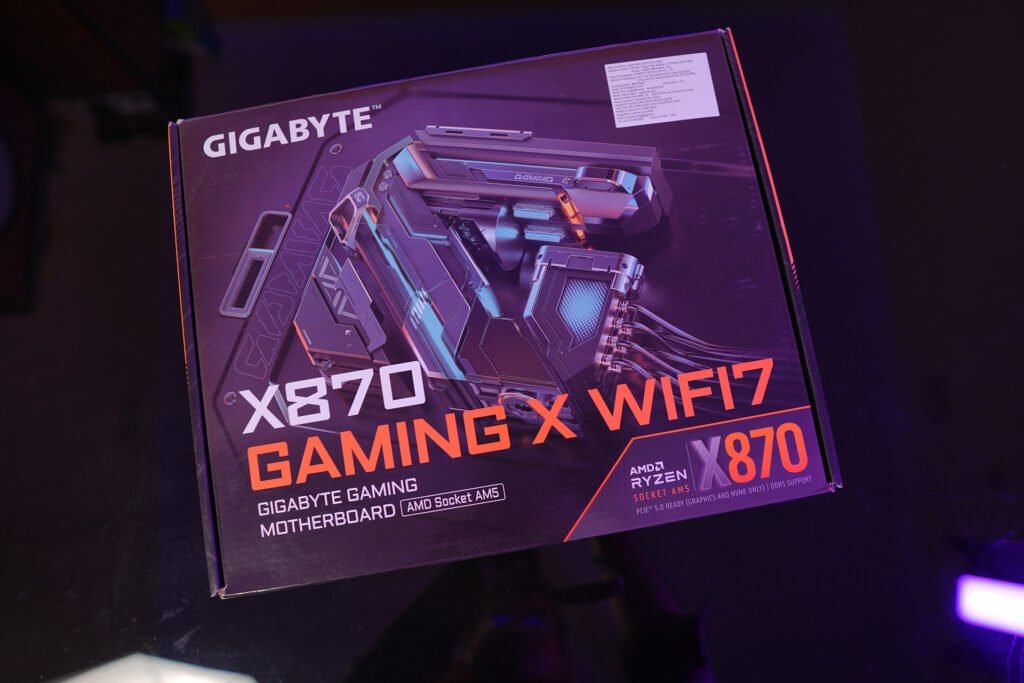
AM4 launched in 2016 and remains DDR4-only; AM5 launched with Ryzen 7000 and uses DDR5-only memory. The two memory standards are physically and electrically incompatible, so DDR4 cannot be reused on an AM5 motherboard.
| Feature | AM4 | AM5 |
|---|---|---|
| CPU generations | Ryzen 1000–5000 series | Ryzen 7000, 8000, 9000 and future AM5 CPUs through 2029. |
| Memory | DDR4 only | DDR5 only. |
| Memory overclocking | XMP | XMP and AMD EXPO. |
| PCIe support | Mainly PCIe 3.0/4.0, board-dependent | PCIe 5.0 on select boards and chipsets. |
| Upgrade path | Essentially closed | Confirmed through 2029. |
| Best role in 2027 | Low-cost upgrade of an existing system | New builds and long-term systems. |
Gaming benchmarks
The key comparison is Ryzen 7 5800X3D on AM4/DDR4 versus Ryzen 5 9600X on AM5/DDR5. In TechSpot’s 13-game 1080p test using an RTX 5090, the 5800X3D—running DDR4-3600 CL14—matched the Ryzen 5 9600X and was only 4–5% behind Intel’s Core Ultra 5 250K Plus.
| Benchmark / test | Ryzen 7 5800X3D, AM4 + DDR4 | Ryzen 5 9600X, AM5 + DDR5 | Result |
|---|---|---|---|
| TechSpot 13-game average, 1080p, RTX 5090 | Matched 9600X | Matched 5800X3D | Essentially tied. |
| MaxMyBuild gaming index, 1080p | 67.6 | 72.6 | 9600X about 7% faster. |
| HowManyFPS aggregate, 100+ games | 64/100 | 70/100 | 9600X about 9% faster. |
| Cinebench R23 single-core | 1,453 | 2,154 | 9600X +48%. |
| Cinebench R23 multi-core | 14,804 | 17,447 | 9600X +18%. |
| Geekbench 5 single-core | 2,113 | 3,334 | 9600X +58%. |
| Geekbench 5 multi-core | 15,031 | 15,031? — see note | Use Cinebench for the clearer multi-core picture. |
Important: the 5800X3D remains remarkably competitive in games because of its large 3D V-Cache, but the 9600X is much stronger in single-threaded workloads and has a future upgrade path.
For a more powerful AM5 choice, the Ryzen 7 9800X3D is the clear gaming-focused upgrade: Gamers Nexus found it led the AM5 Ryzen 7 7800X3D by roughly 16% in Starfield and Dragon’s Dogma 2, and 26.9% in Baldur’s Gate 3, though the gain was only 3.4% in an already CPU-saturated Rainbow Six Siege test.
DDR4 vs DDR5: what the numbers mean
DDR5 is not automatically “twice as fast” in games. Its real advantages are higher bandwidth, greater capacity potential, lower operating voltage, and support for newer platforms.[8]
| Memory detail | DDR4 | DDR5 |
|---|---|---|
| Typical speed range | 2133–5333+ MT/s | 4800–9200+ MT/s. |
| Standard voltage | 1.2V | 1.1V. |
| Practical AM4 target | DDR4-3600, tight timings | Not applicable. |
| Practical AM5 target | Not applicable | DDR5-6000 CL30, 2x16GB, EXPO. |
| Maximum module capacity | 32GB | 64GB+. |
| Maximum system capacity | 128GB | 256GB. |
| Reusable on the other platform | No | No. |
For AM5, 32GB as two 16GB DDR5-6000 CL30 EXPO modules is the sensible default. A faster DDR5-6400 kit is not automatically better: loose timings, higher price, and memory-controller stability can make a well-tuned DDR5-6000 kit the better real-world choice.
For AM4, 32GB as two 16GB DDR4-3600 modules with reasonably tight timings is the practical sweet spot. If you already own stable DDR4, it has real value—but it cannot move to AM5 later.
Where the performance gap shows up
The DDR4-versus-DDR5 difference is most visible in CPU-limited scenarios: high-refresh 1080p gaming, simulation-heavy games, competitive esports, and workloads that benefit from memory bandwidth. At 1440p or 4K with a typical mid-range GPU, the graphics card usually becomes the bottleneck, so CPU-platform differences shrink substantially.
MSI reports that DDR5’s higher bandwidth can improve 1% lows and that its internal DDR5-7200 “Memory Extension Mode” testing showed gaming gains of up to 21% in favorable conditions; DDR5-7600 with High-Efficiency Mode improved average FPS by 6–12%. Treat those as vendor-optimized, configuration-specific results—not a universal DDR4-to-DDR5 upgrade gain.
What to buy in 2027
Best new-build recommendation: AM5
Choose AM5 if you are buying a motherboard and RAM from scratch.
- Value gaming build: Ryzen 5 9600X, B850 motherboard, 32GB DDR5-6000 CL30 EXPO.
- High-end gaming build: Ryzen 7 9800X3D, B850/X870 motherboard, 32GB DDR5-6000 CL30 EXPO.
- Creator, streaming, heavy multitasking: Ryzen 7/9 non-X3D or X3D depending on workload, 64GB DDR5-6000 if your applications benefit from capacity.
- Storage: PCIe 4.0 NVMe is enough for most people; PCIe 5.0 is worthwhile only if you need extreme sequential transfer speeds or specific DirectStorage-oriented workflows.
AM5’s biggest advantage is not necessarily today’s benchmark difference—it is that you can replace the CPU later without replacing the motherboard and DDR5 memory. AMD has explicitly extended AM5 support through 2029.
Best AM4 recommendation: upgrade, don’t rebuild
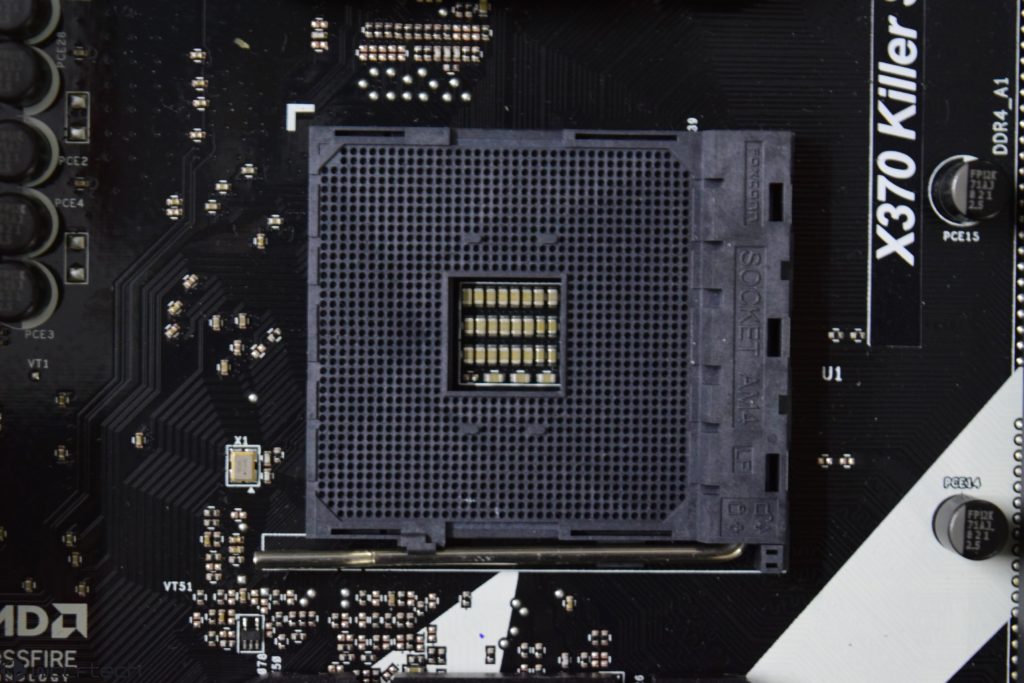
If you already have an AM4 motherboard and DDR4, the best value move is usually a Ryzen 7 5800X3D—provided your motherboard has an appropriate BIOS update and adequate cooling.
- It delivers near-AM5 gaming performance in CPU-limited tests.
- It avoids buying a new motherboard and DDR5 kit.
- It is still limited to AM4’s older platform features and has no meaningful future CPU upgrade path beyond it.
Avoid buying a new AM4 motherboard plus new DDR4 in 2027 unless the complete AM4 package is substantially cheaper than AM5. The money saved on DDR4 can disappear once you factor in the loss of upgradeability.
Buying checklist
- Buy AM5 for any new build unless budget constraints are extreme.
- Buy 32GB (2x16GB) rather than 16GB for a modern gaming/work PC.
- For AM5, target DDR5-6000 CL30 EXPO, not merely the highest advertised MT/s.
- For AM4, target DDR4-3600, preferably a matched two-module kit.
- Check the exact motherboard’s CPU support list and BIOS version before buying an AM4 upgrade.
- Spend the money saved on AM4 where it matters most: GPU, SSD capacity, power supply quality, and cooling.
- Do not buy DDR4 for AM5 or DDR5 for AM4; they are not interchangeable.
Final verdict
In 2027, AM5 is the right platform for most new PCs. It costs more upfront because of DDR5, but it gives you PCIe 5.0 options, higher memory capacity potential, and CPU upgrades through 2029.
AM4 is still worth buying only as an upgrade. If you already own an AM4 board and DDR4, a Ryzen 7 5800X3D can deliver gaming performance close to a Ryzen 5 9600X; TechSpot found the two effectively tied across 13 games at 1080p with an RTX 5090. For a fresh build, however, AM5 is the smarter long-term investment.